These custom printed paper products are sized for the place they will be read or handled. Compare pieces that stand on a table, fit a holder, carry documents or pass across a counter.
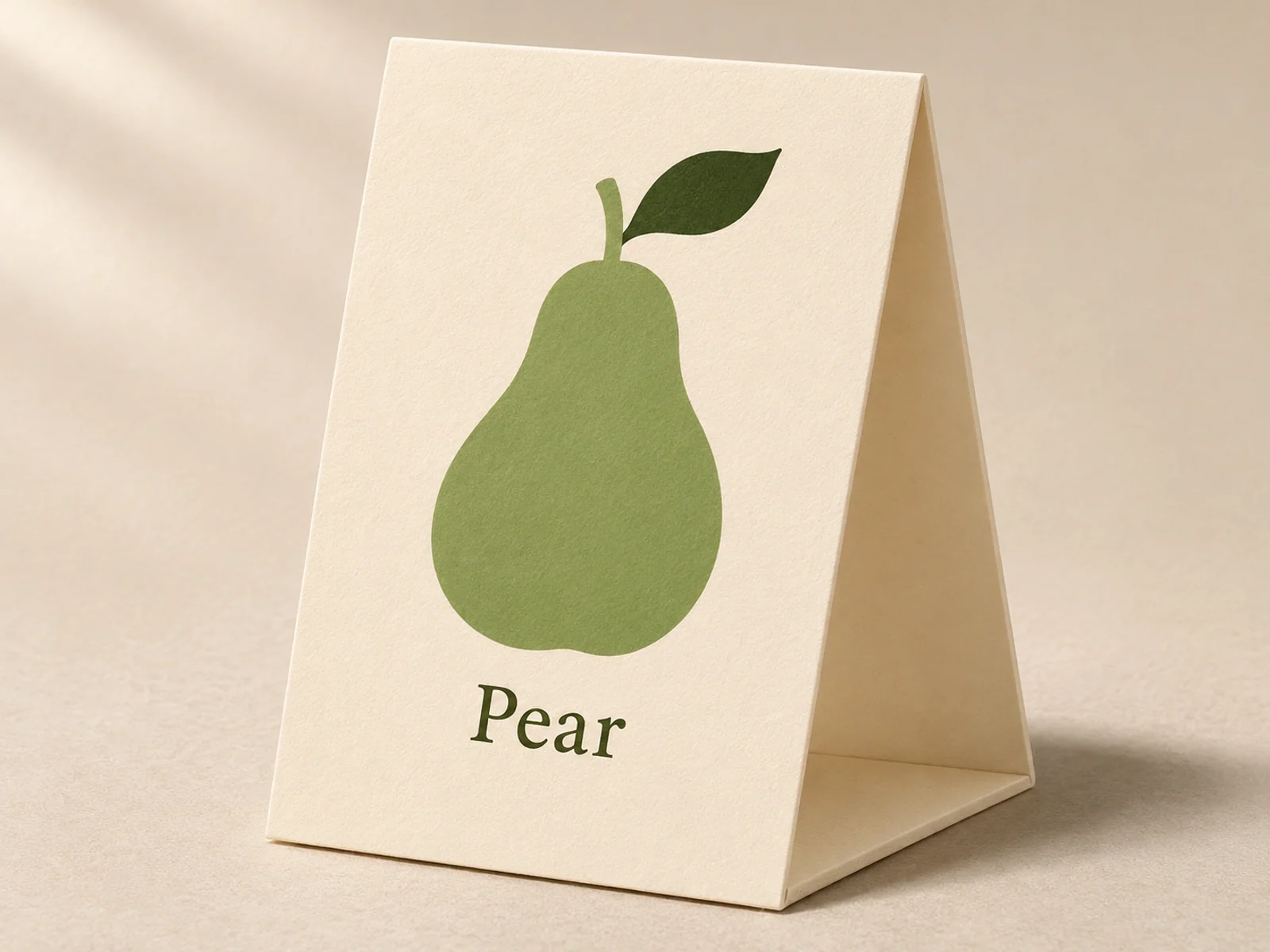
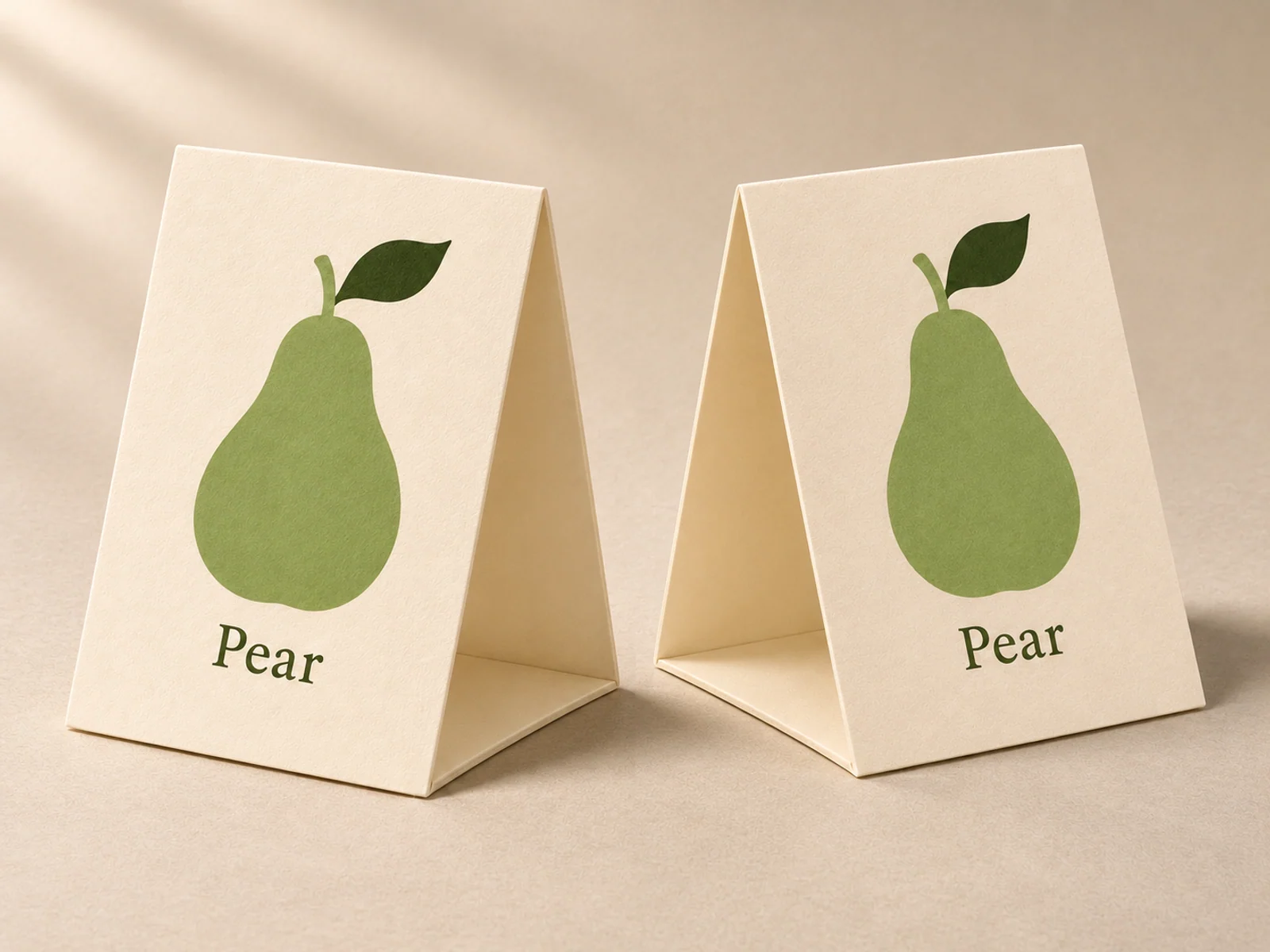
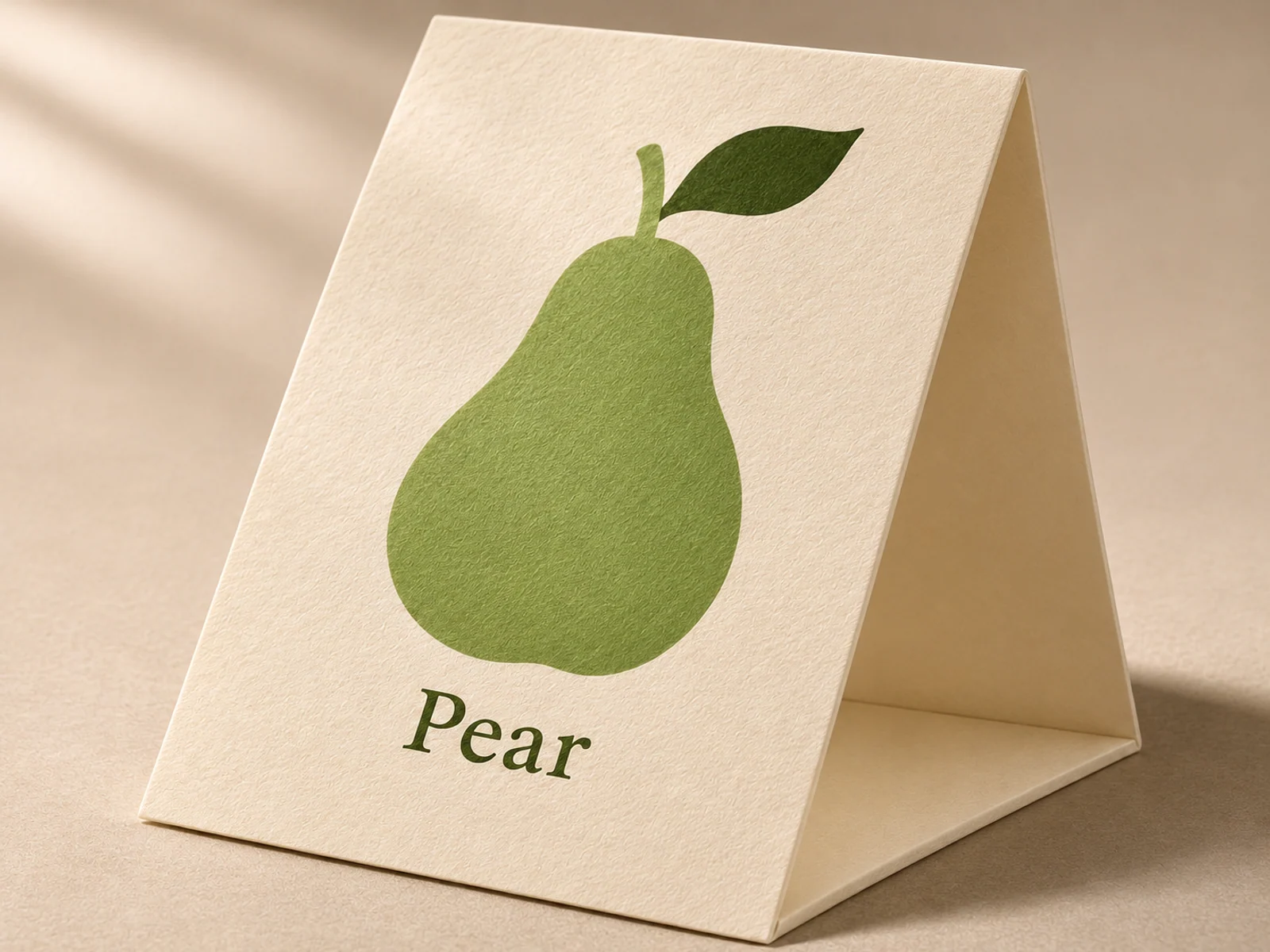
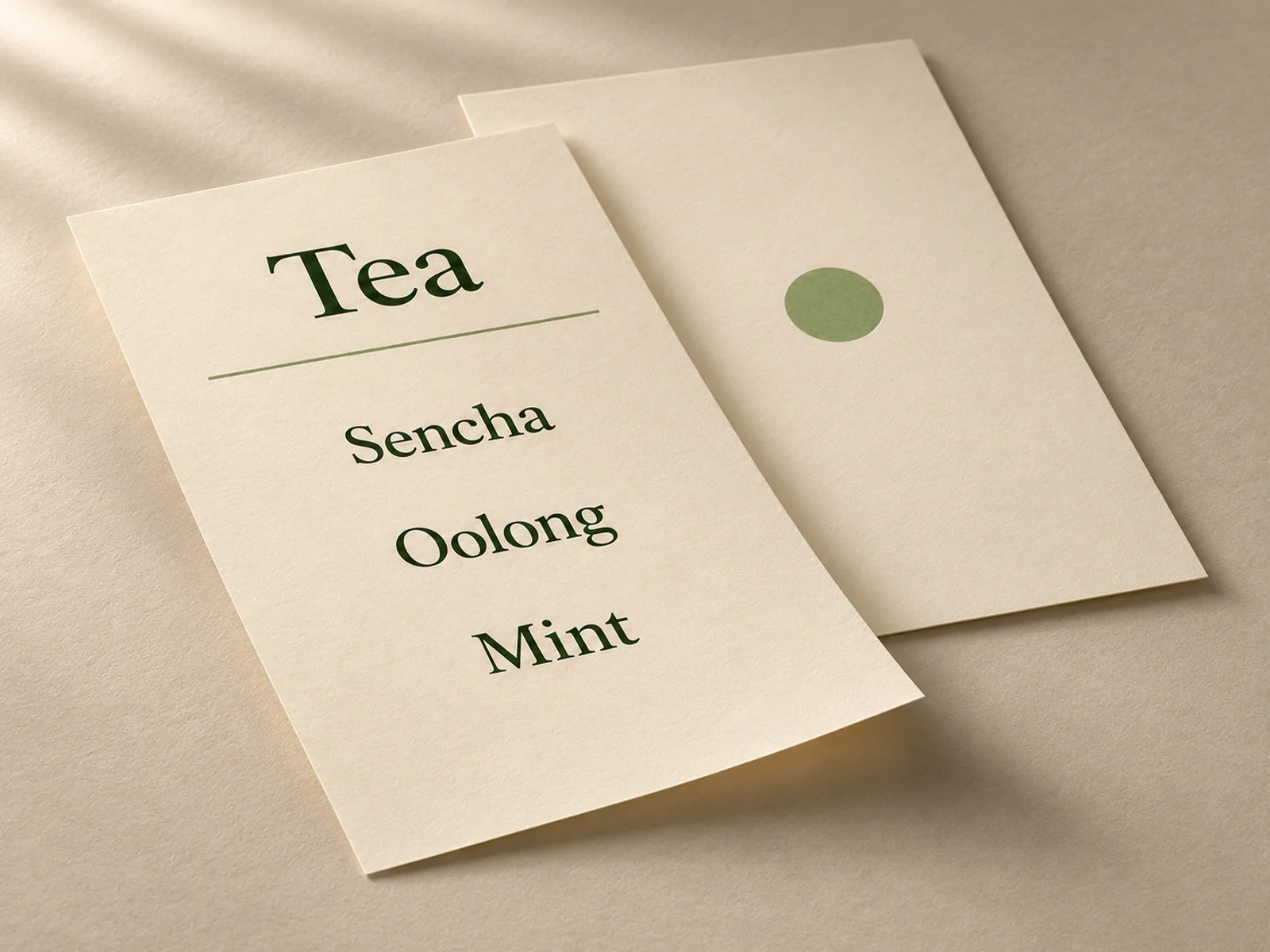
Custom table tent cards stand on a counter or dining table with a different message on each face if needed. The base footprint and folded height determine what customers can read without picking the card up.
Construction
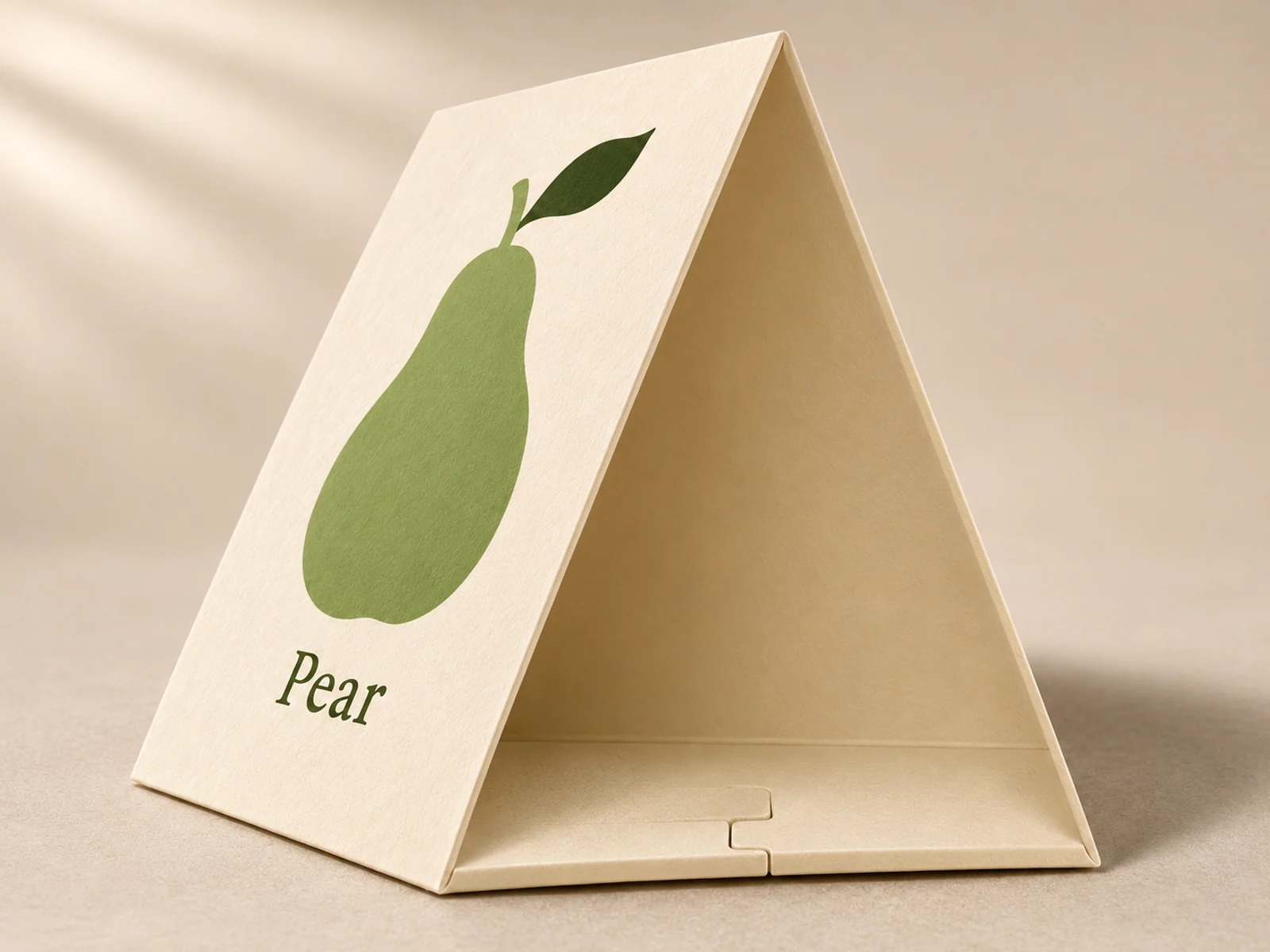
Scored panels folded into a standing A-frame.
Standing proof
Fold a blank at the intended height. Check that the two faces stay upright and that neither message is upside down after folding.
A menu insert replaces a single wine list, seasonal selection or price sheet inside an existing menu. Give the holder opening as well as the visible area so prices and descriptions clear the retaining edges.
Construction
Loose leaf or folded insert fitted inside a menu holder.
Changeovers
Slip a sample of the proposed paper in and out of the holder. Check whether the printed face rubs and how much space is lost behind the frame.
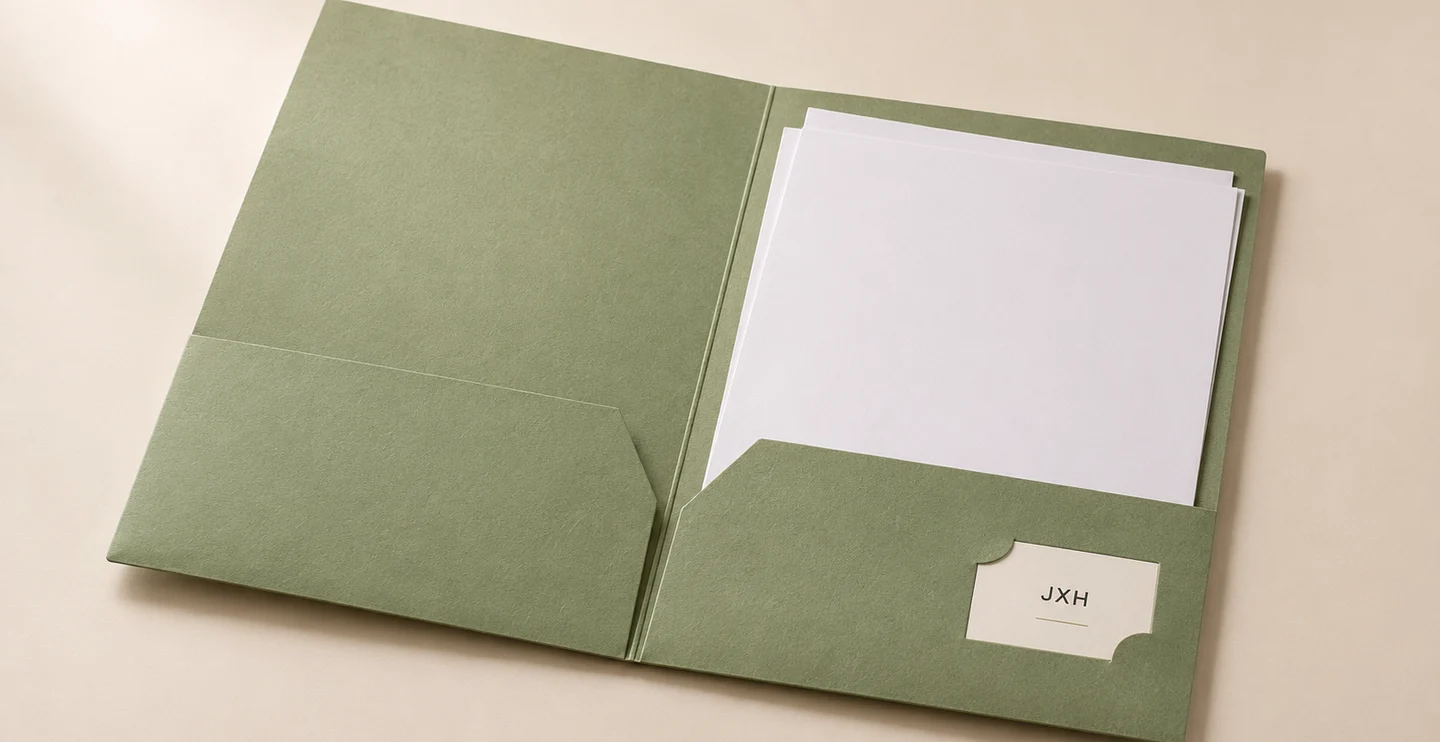
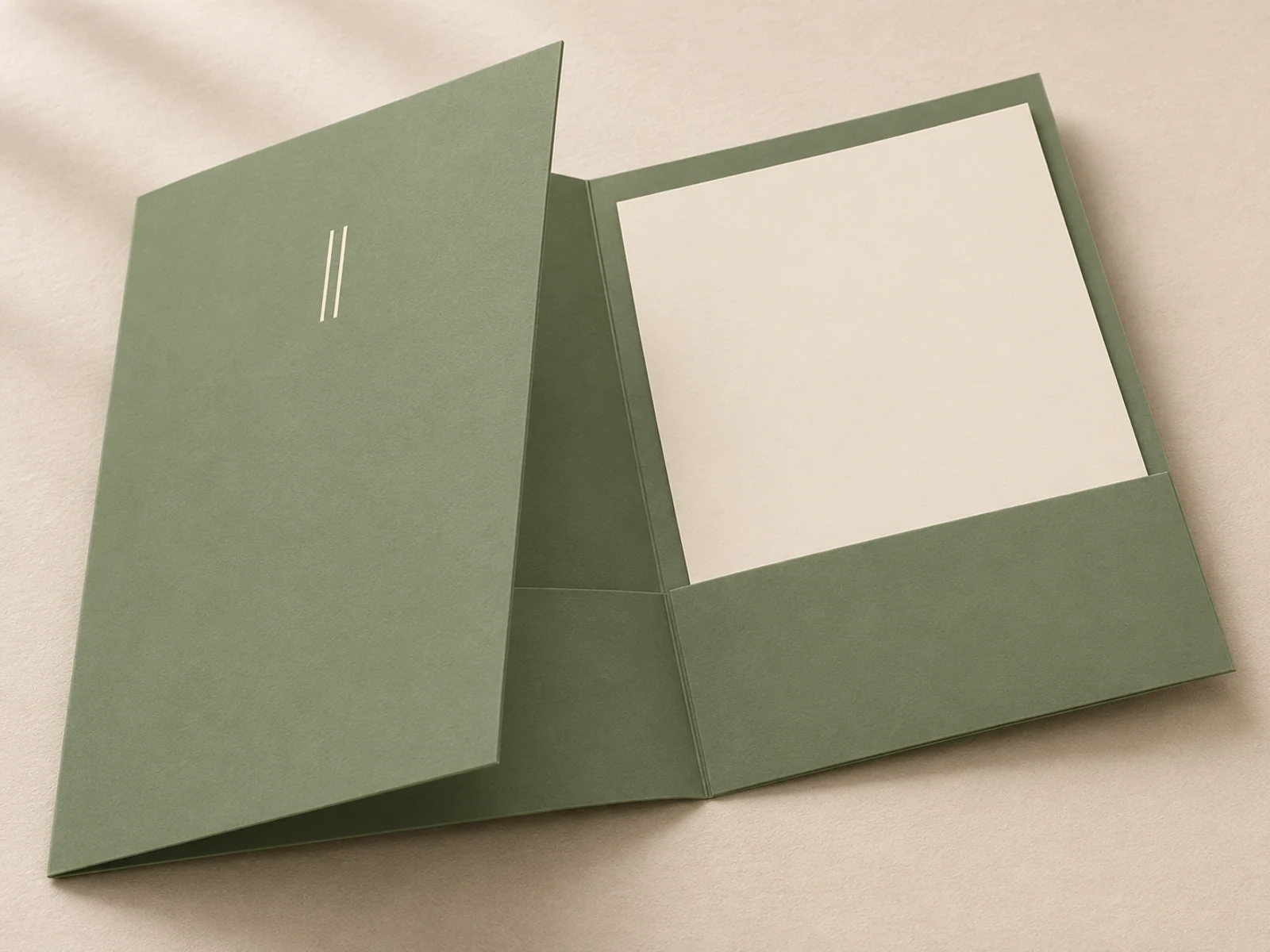
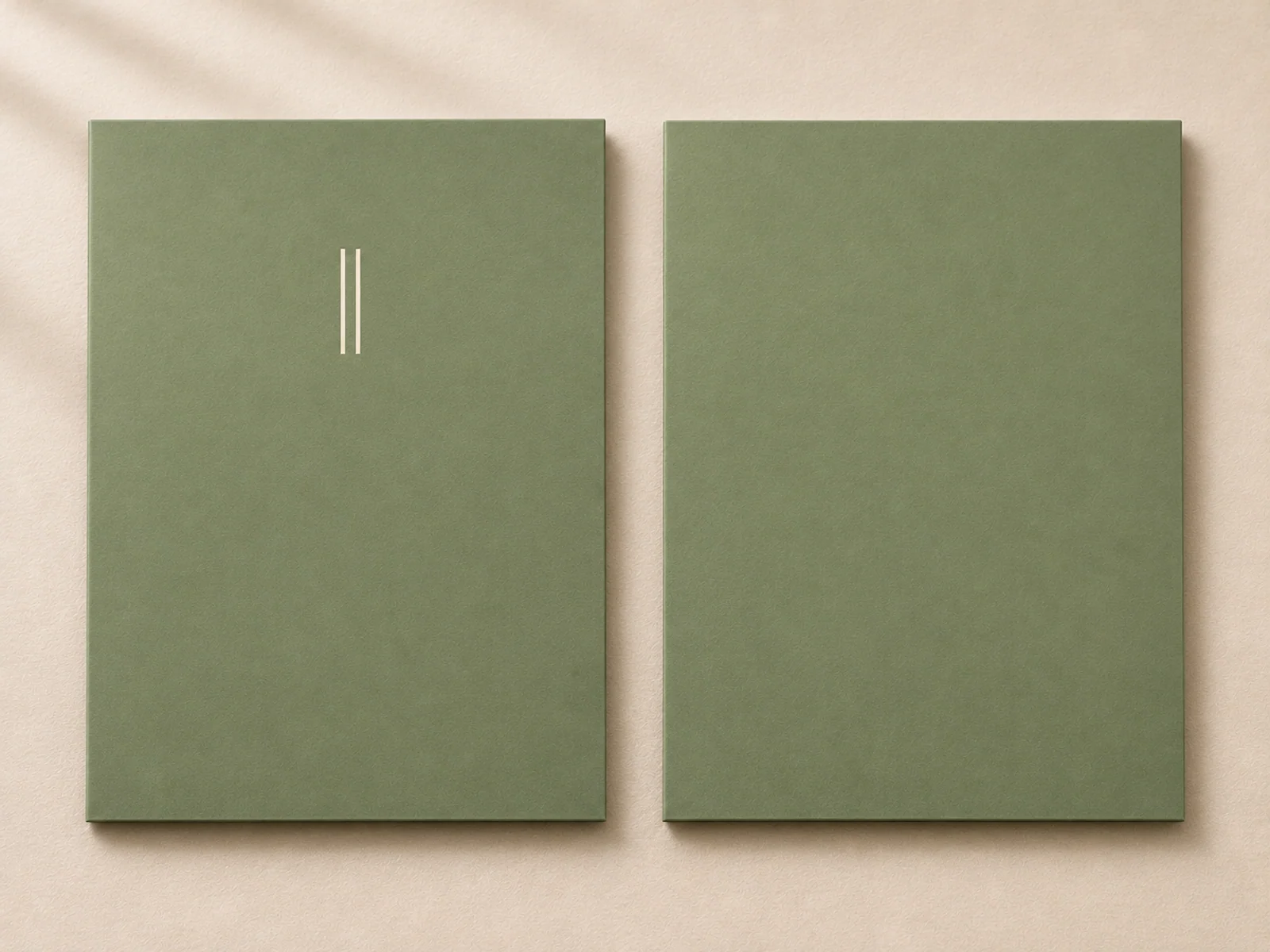
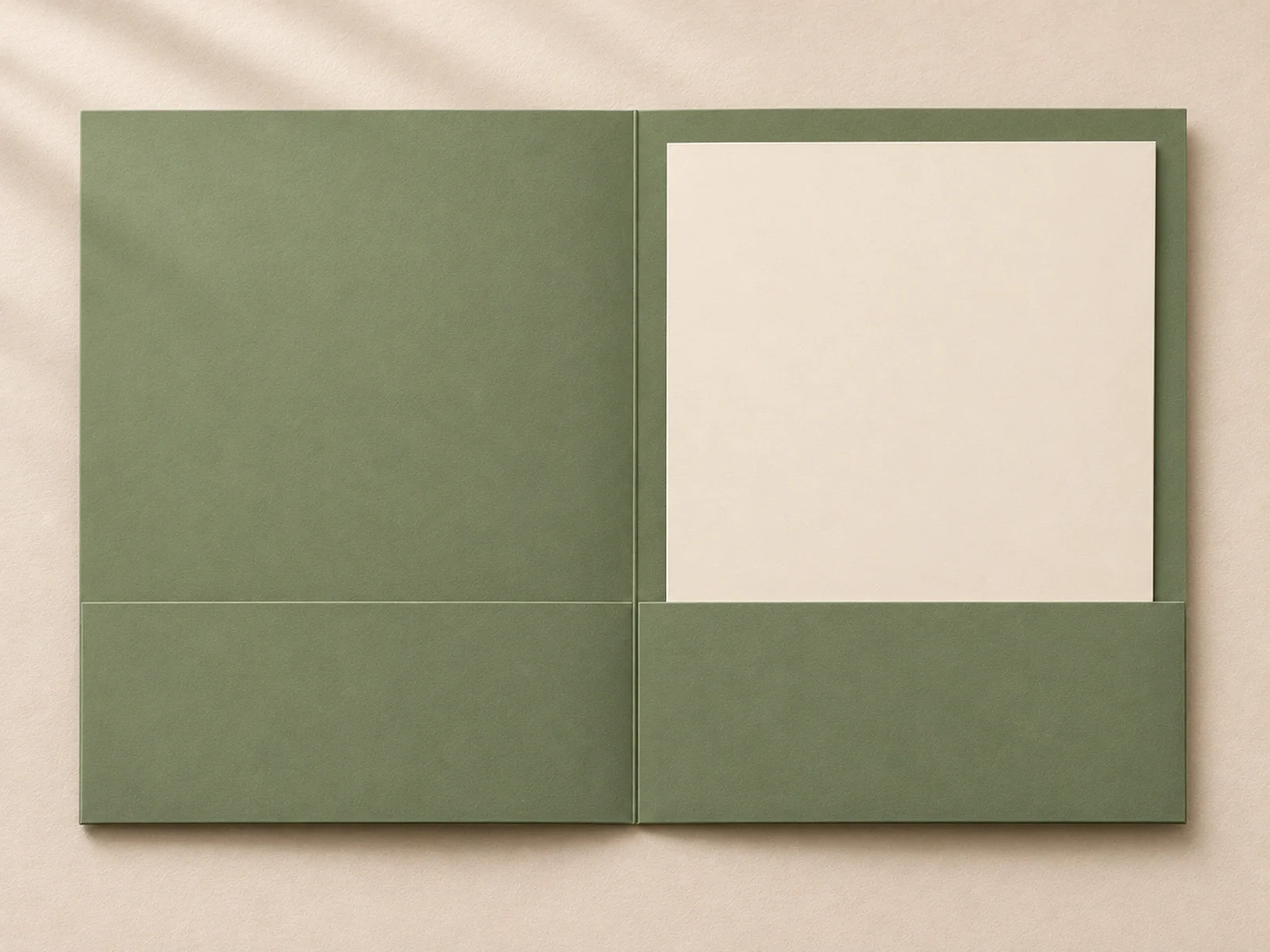
A presentation folder holds sales sheets or a proposal in interior pockets. For pocket folders with a logo, lay out the closed front and the visible pocket faces around the documents that will go inside.
Construction
Folded cover with interior pockets for loose documents.
Filled capacity
Measure the full document stack. Test that the top sheet is easy to remove and that the filled folder closes without bowing.
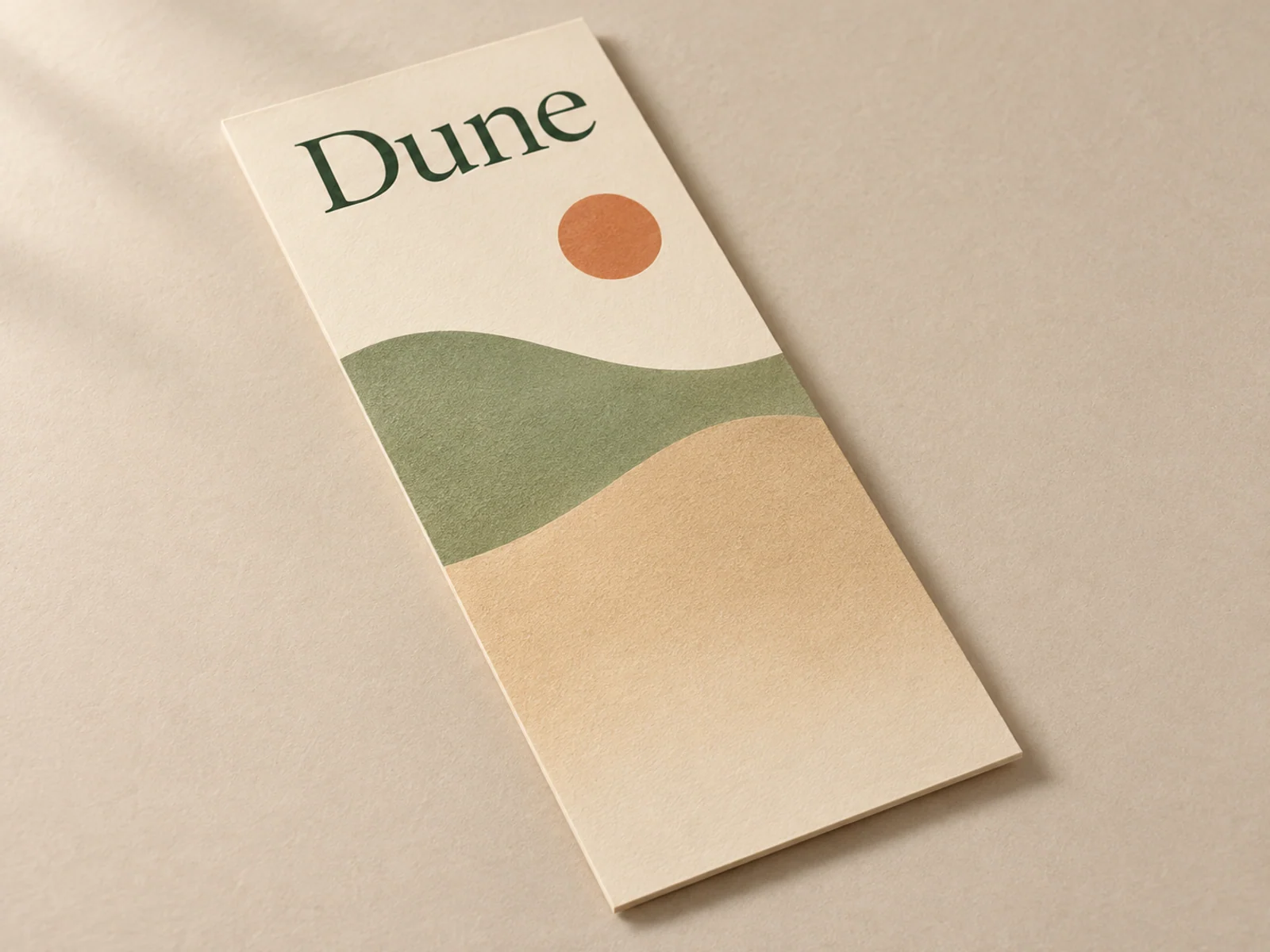
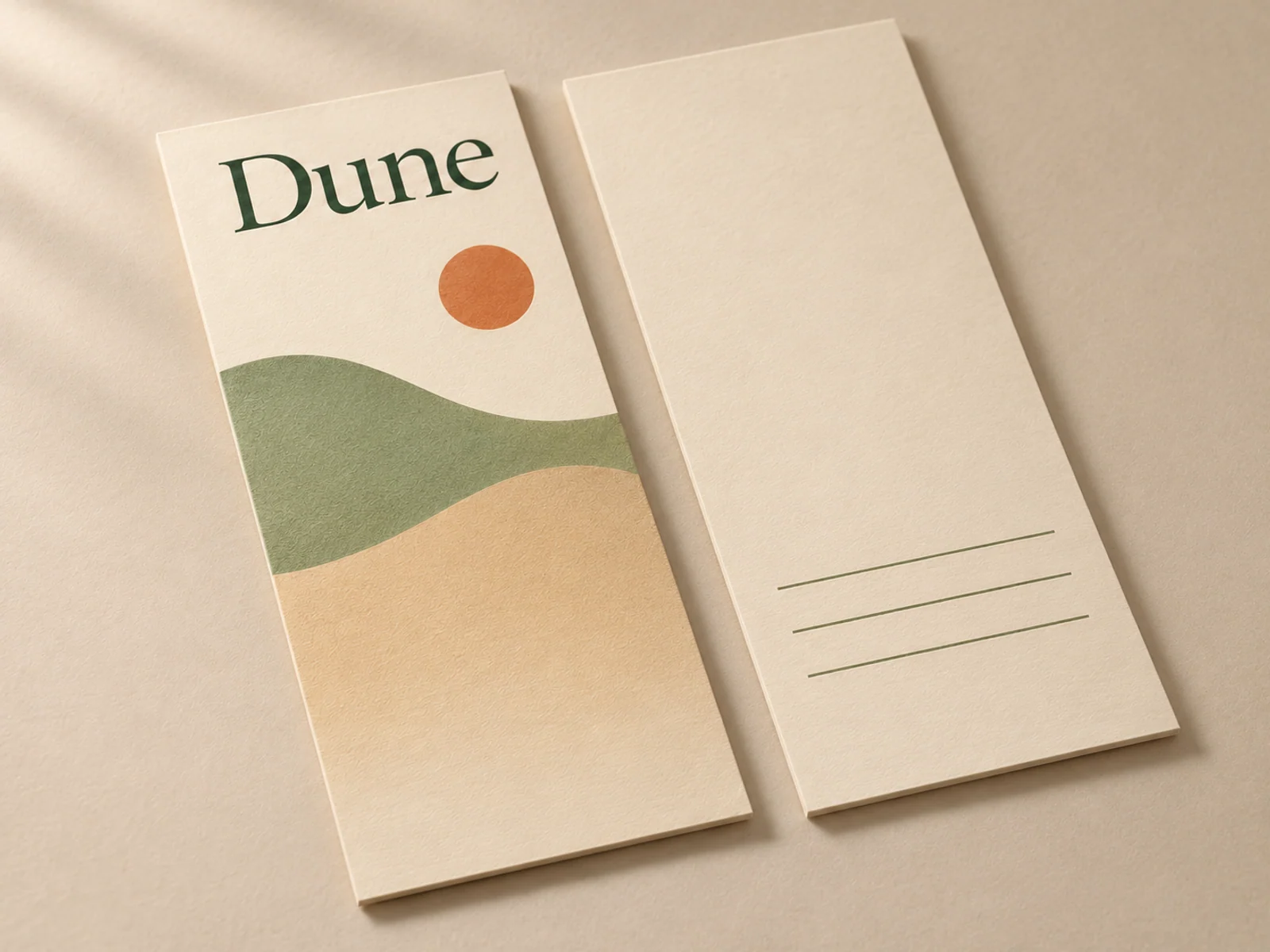
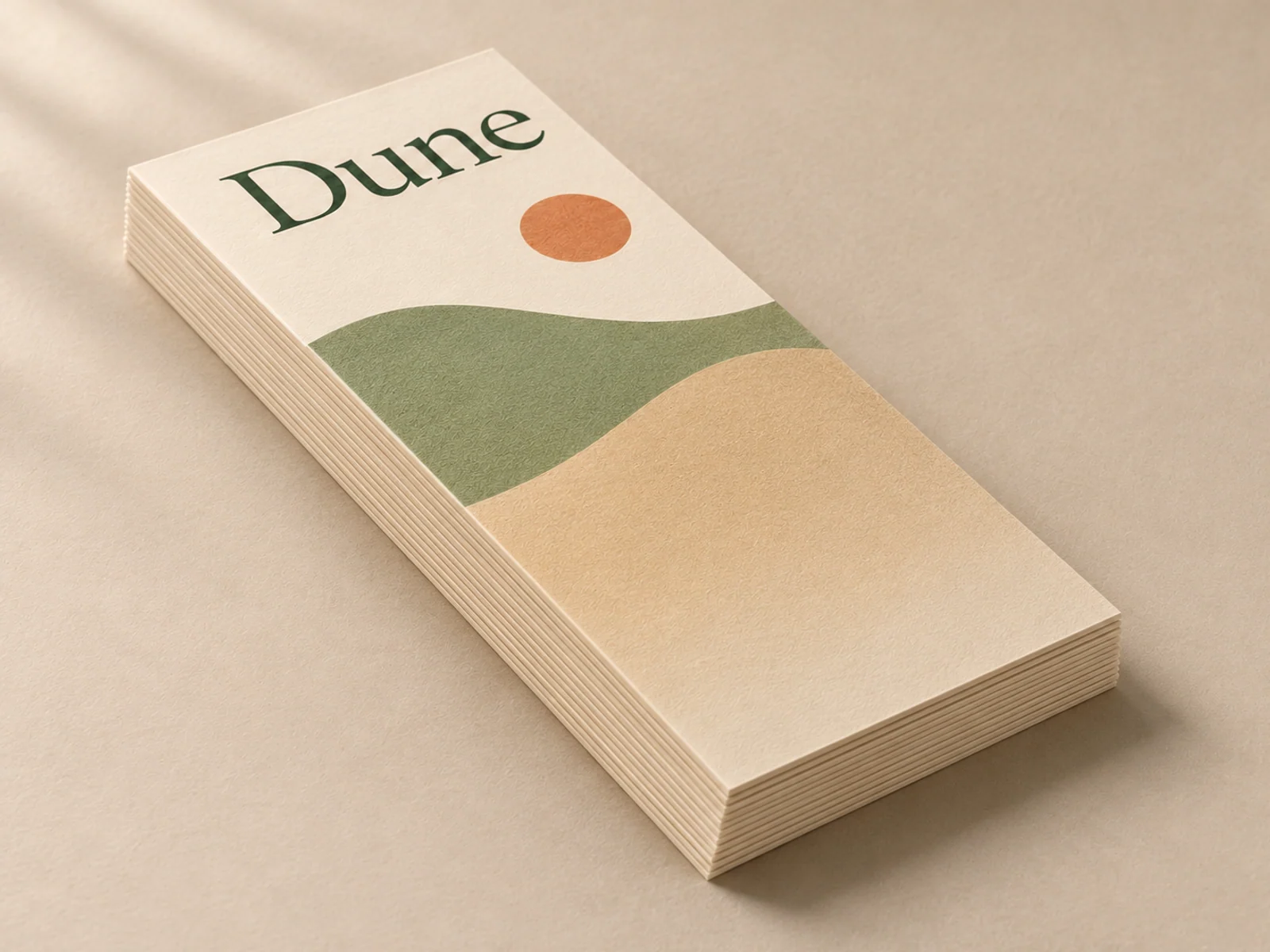
Custom rack cards sit upright in a display pocket until a shopper takes one. Place the strongest headline above the rack lip, then use the lower face or reverse for directions, hours or an offer.
Construction
Flat portrait card sized to slide into a display pocket.
Pocket overlap
Photograph the actual rack with a blank card in place. Mark the area hidden by the front lip or by cards in the row ahead.
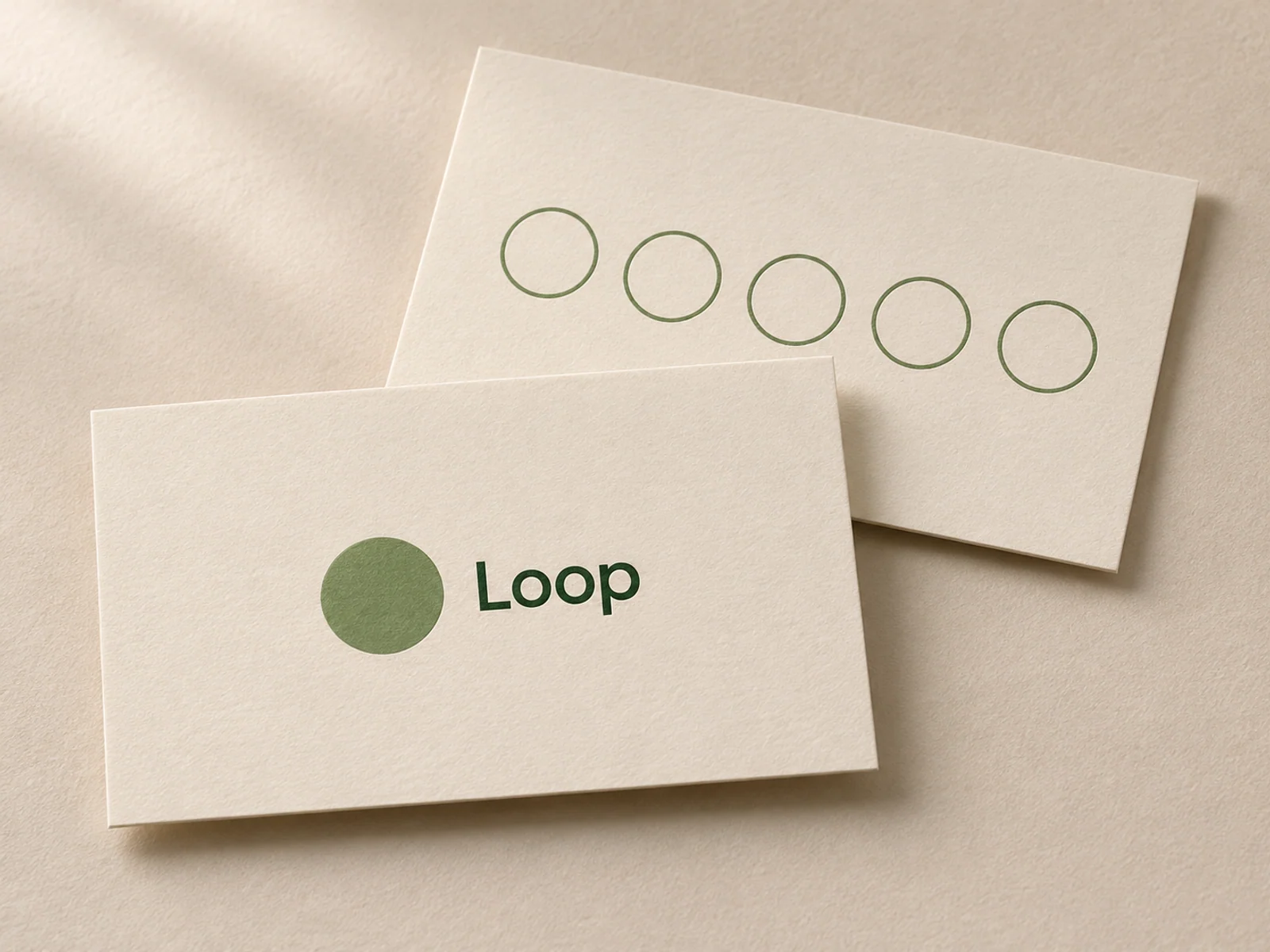
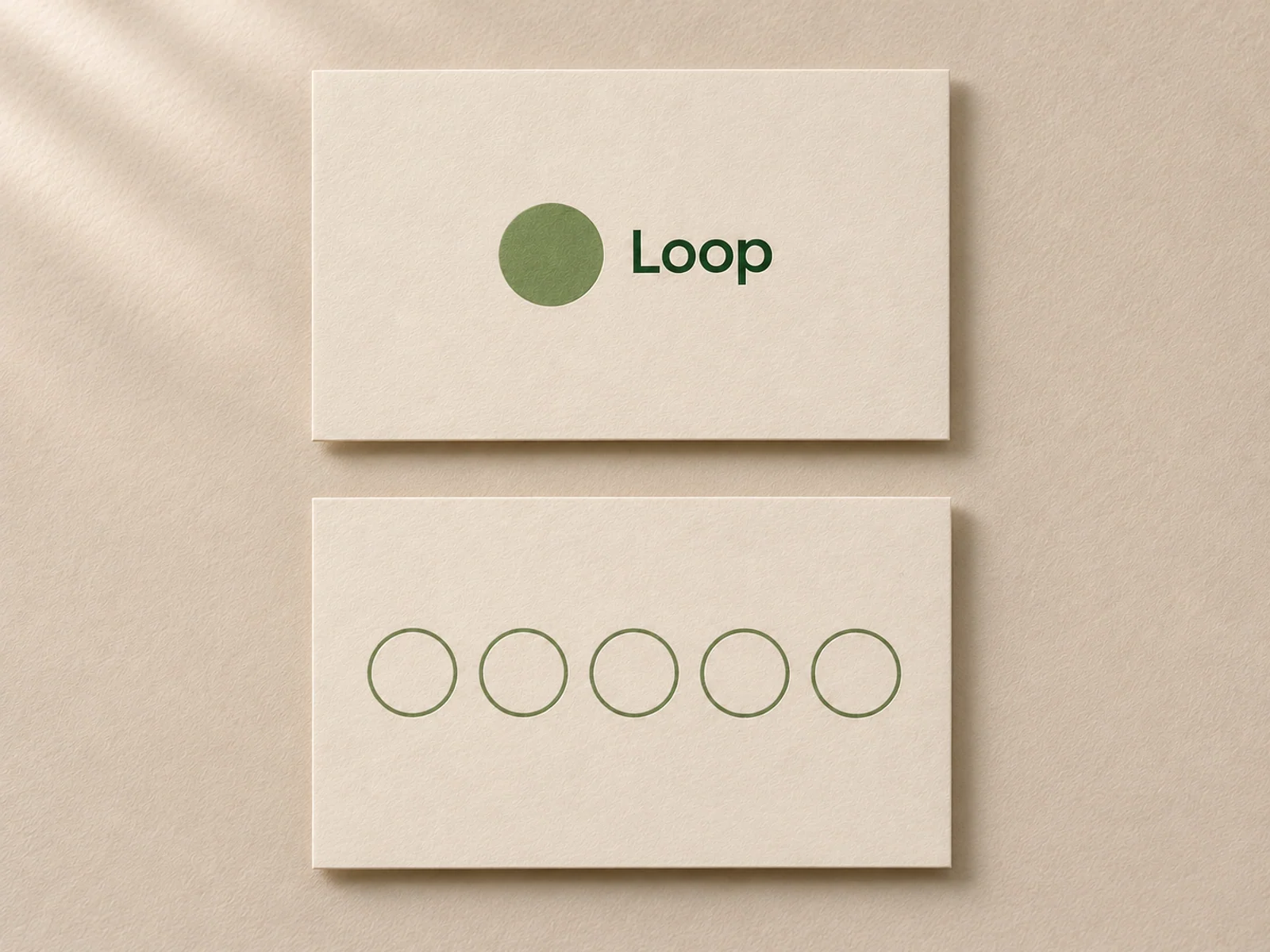
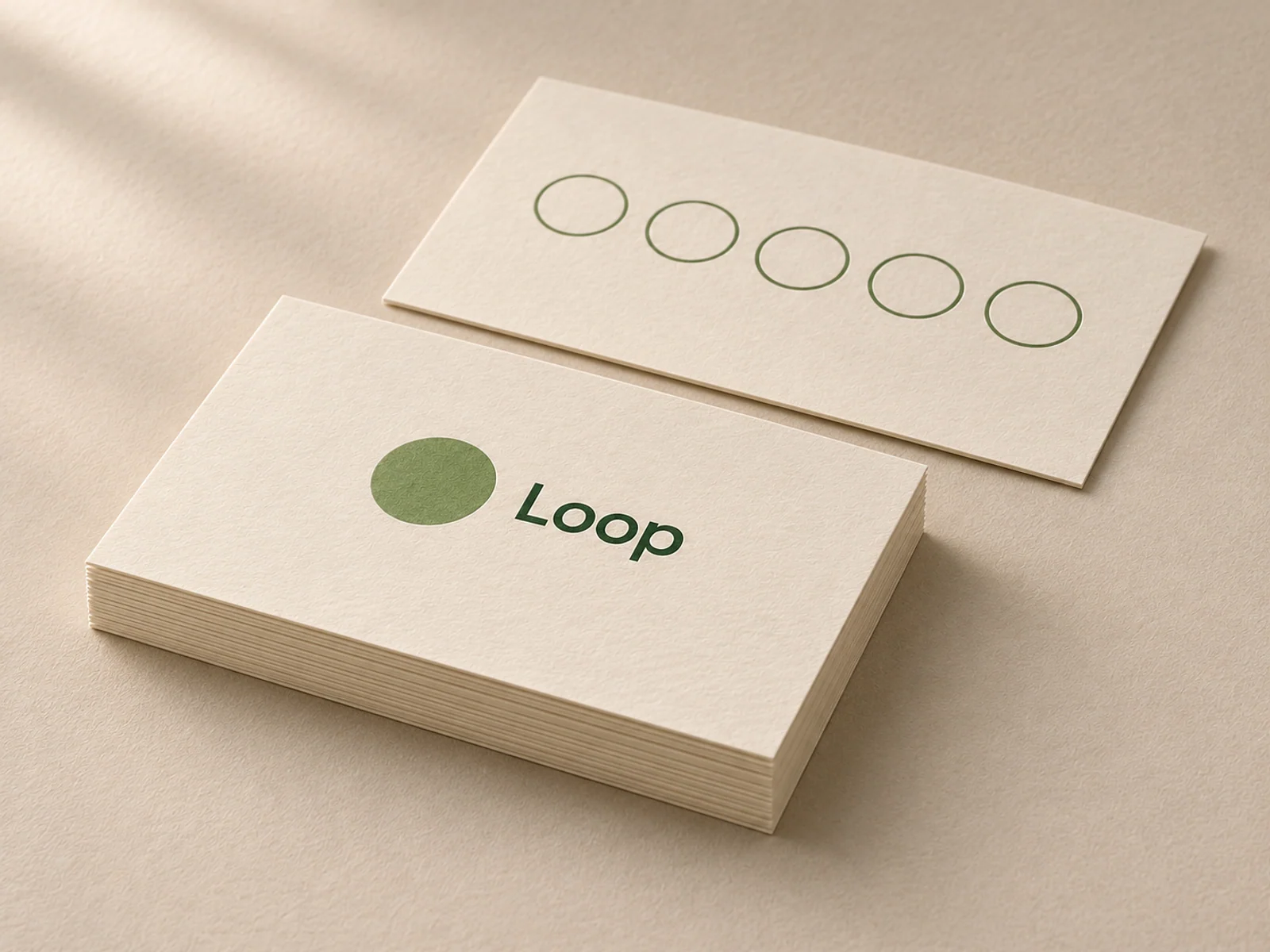
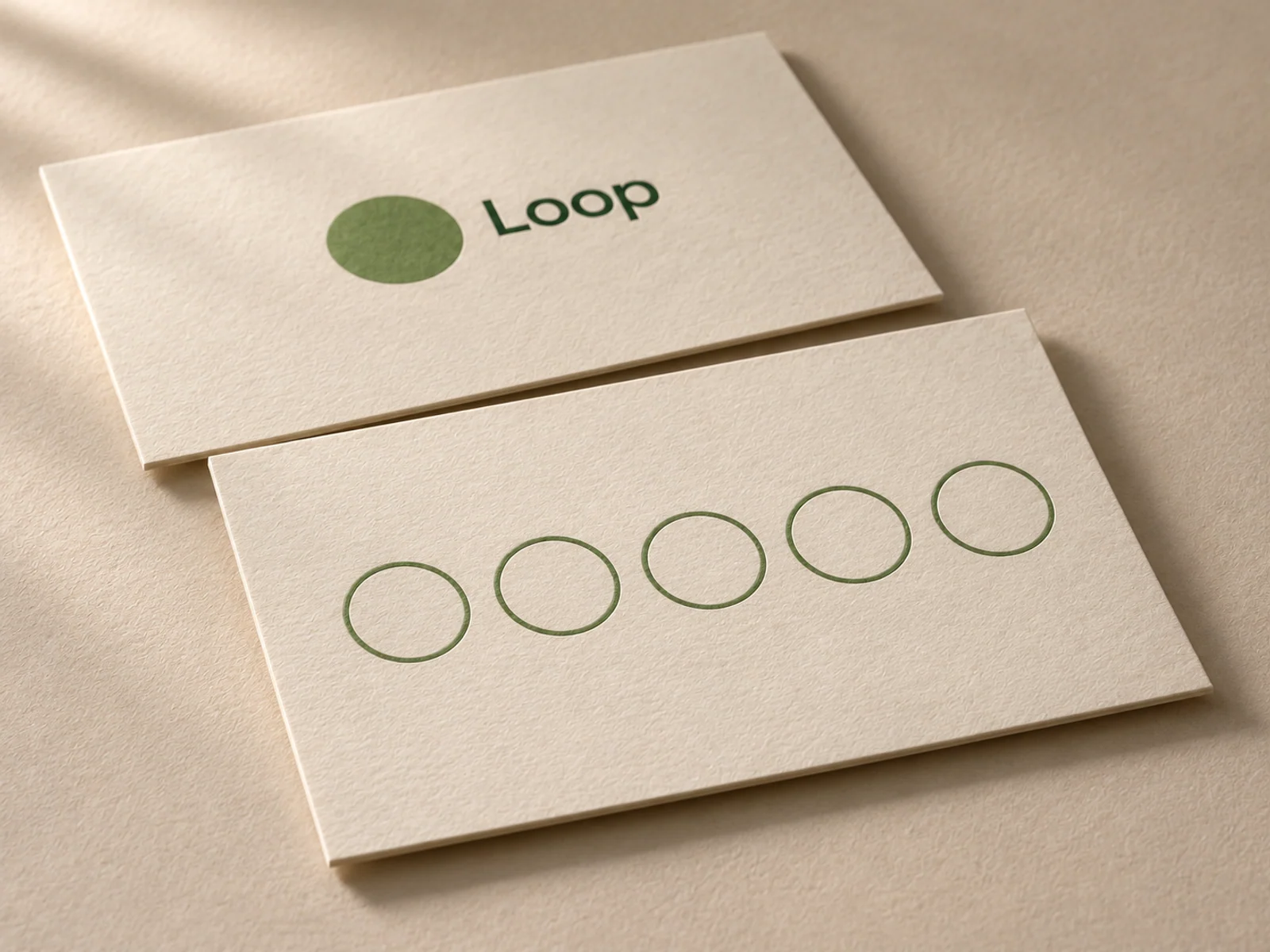
A printed loyalty card records a visit or purchase with a stamp or handwritten mark. Size the reward grid for the stamp staff use and leave the final redemption instructions legible when every space is filled.
Construction
Wallet-size paper card with a printed reward grid.
Stamp face
Stamp the proposed finish and handle it as a customer would. Check drying and legibility before approving that surface.
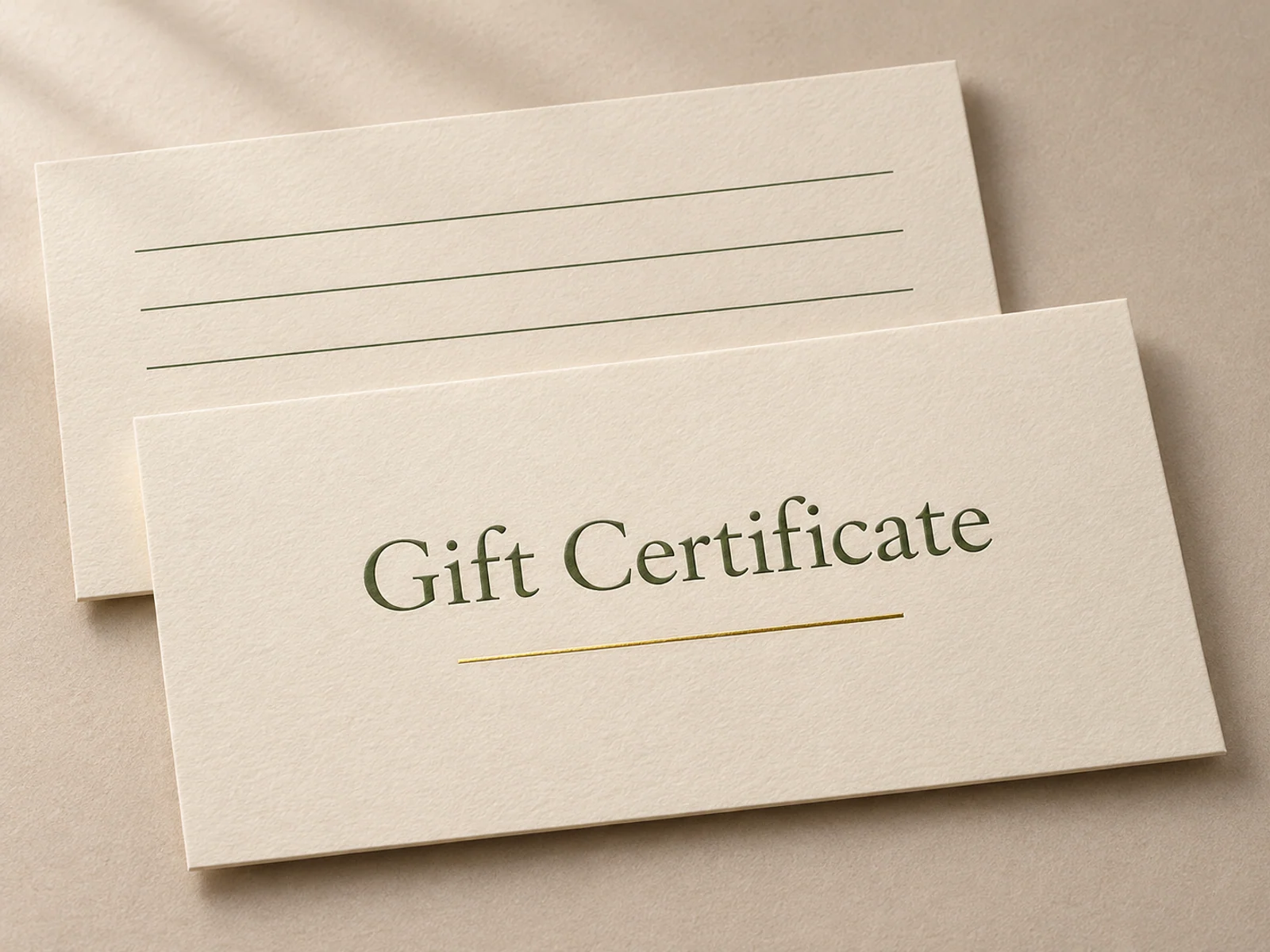
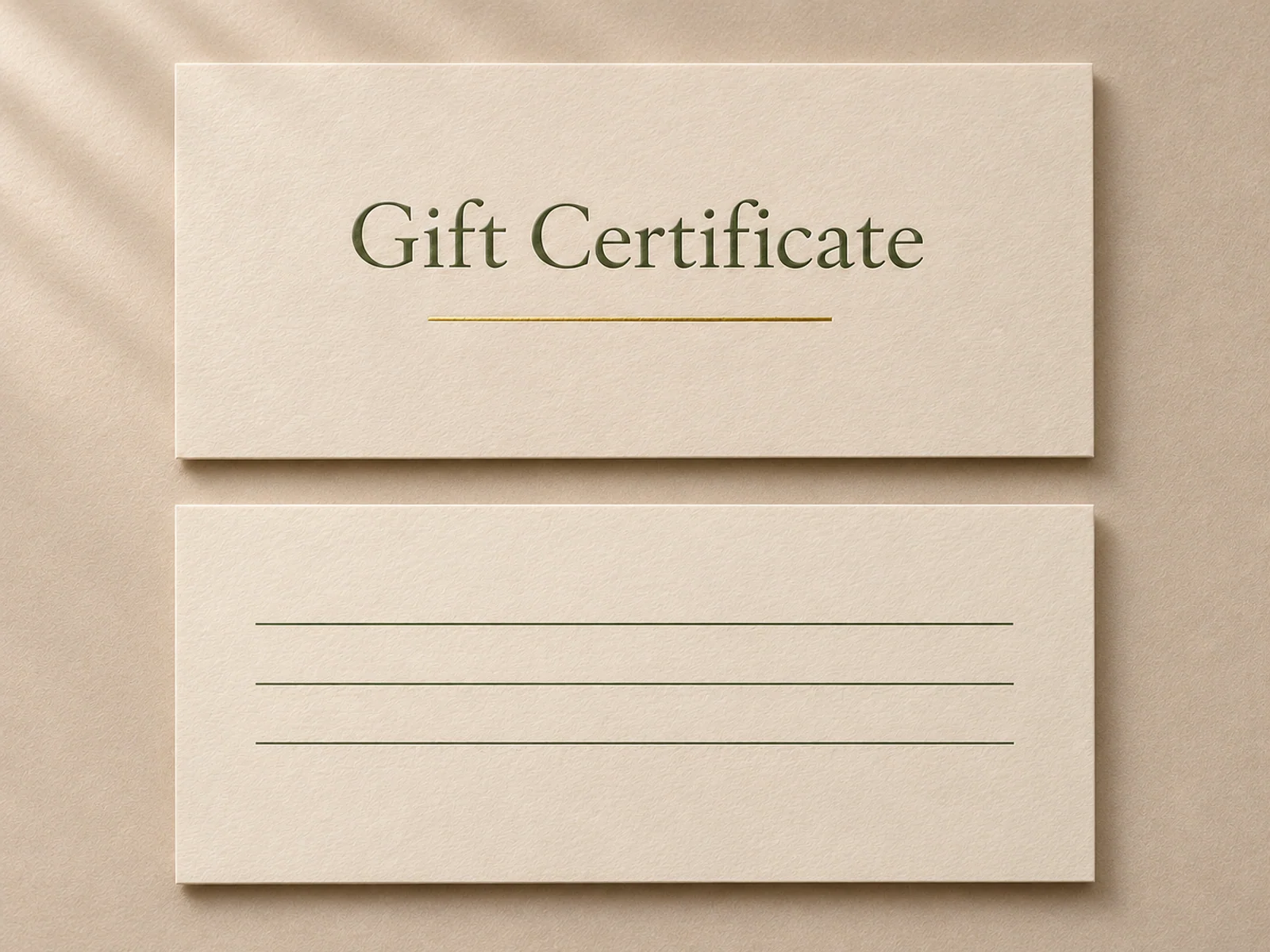
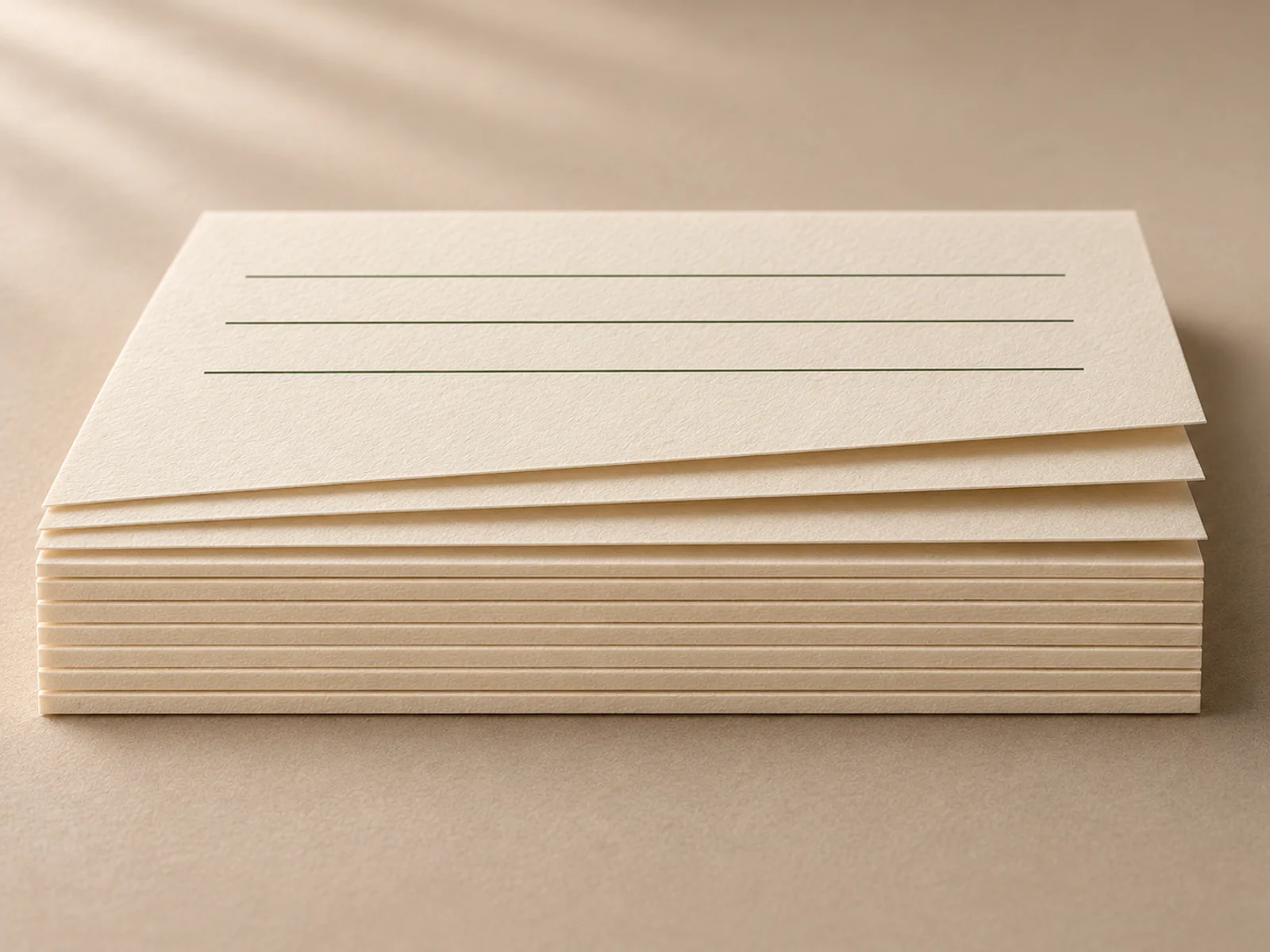
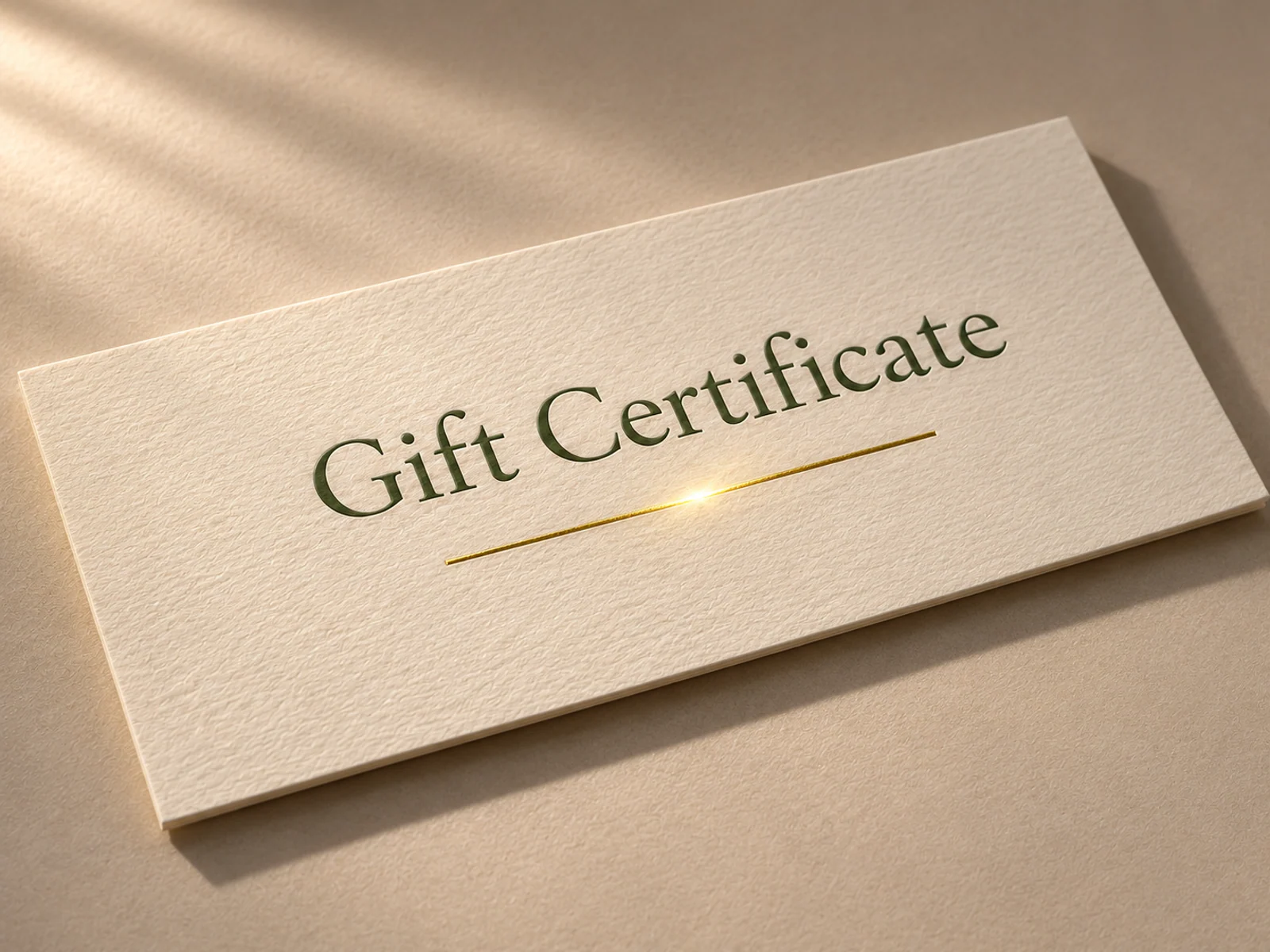
A paper gift certificate pairs a presentation face with a redemption area. Decide which value, date and signature fields staff will complete by hand and which will already be printed.
Construction
Presentation card with a gift face and redemption or write-in fields.
Write-in fields
Try the actual pen on a proof of the writing area. Keep any requested foil or surface coating clear of fields that need a handwritten entry.
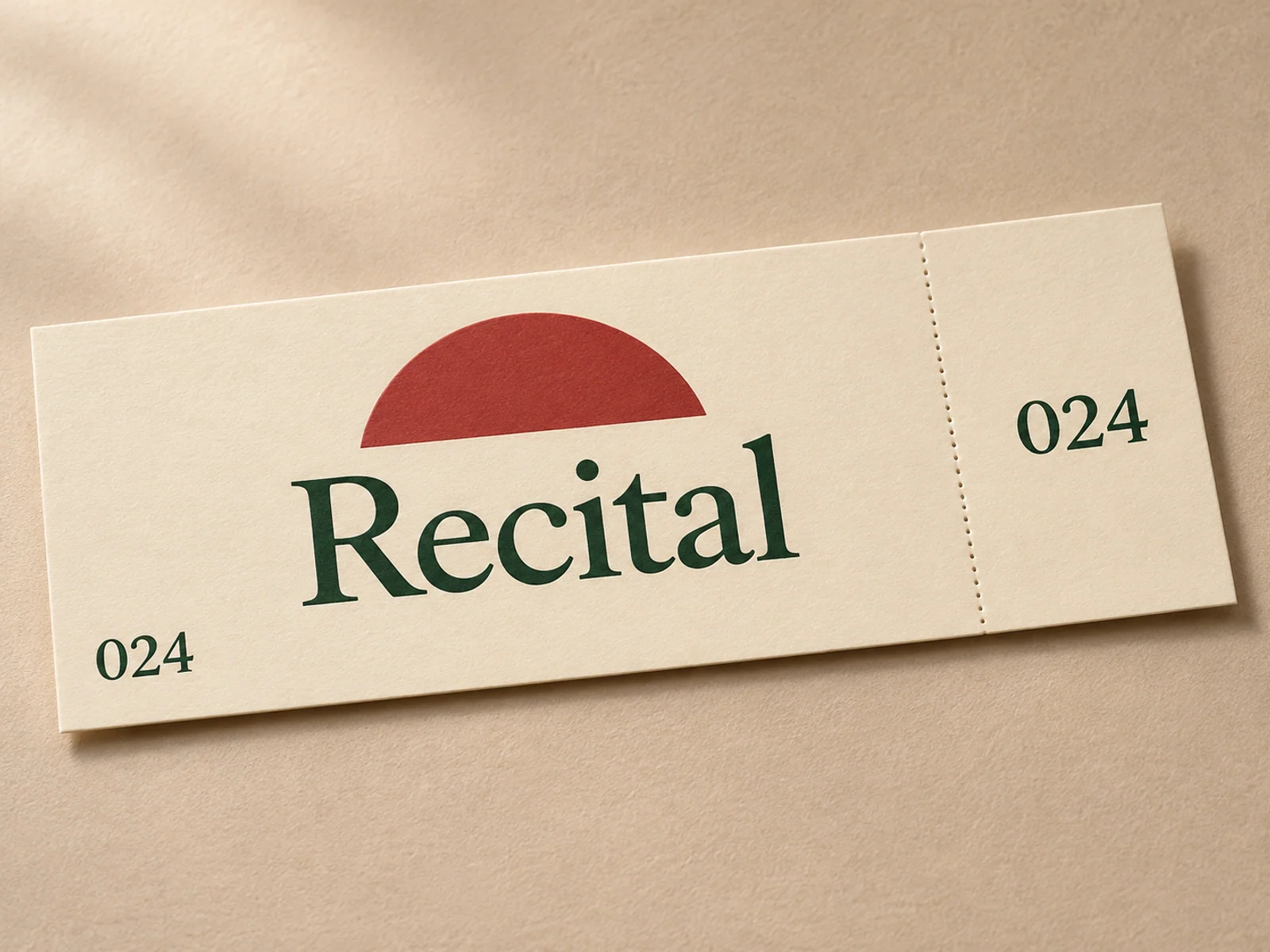
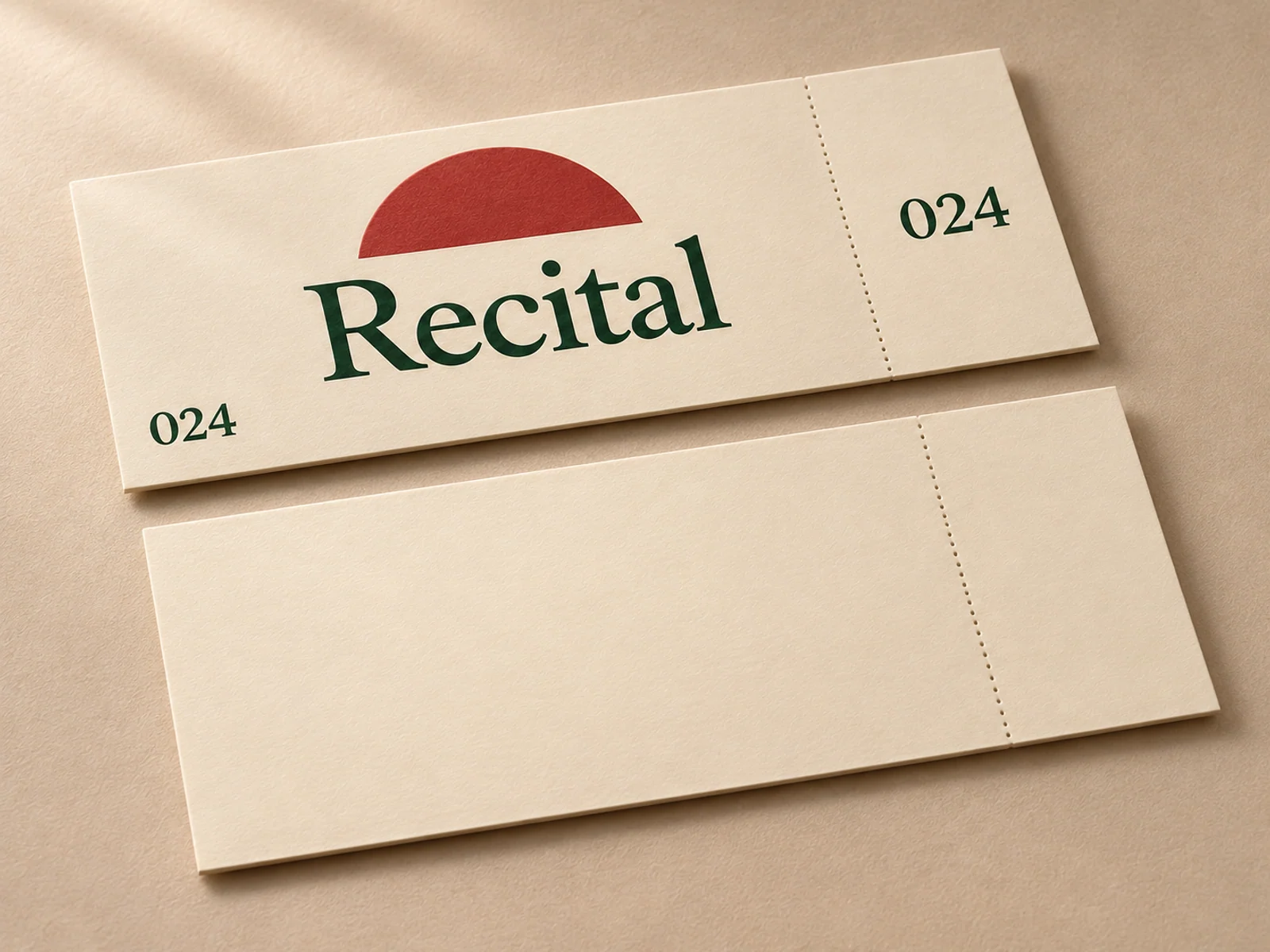
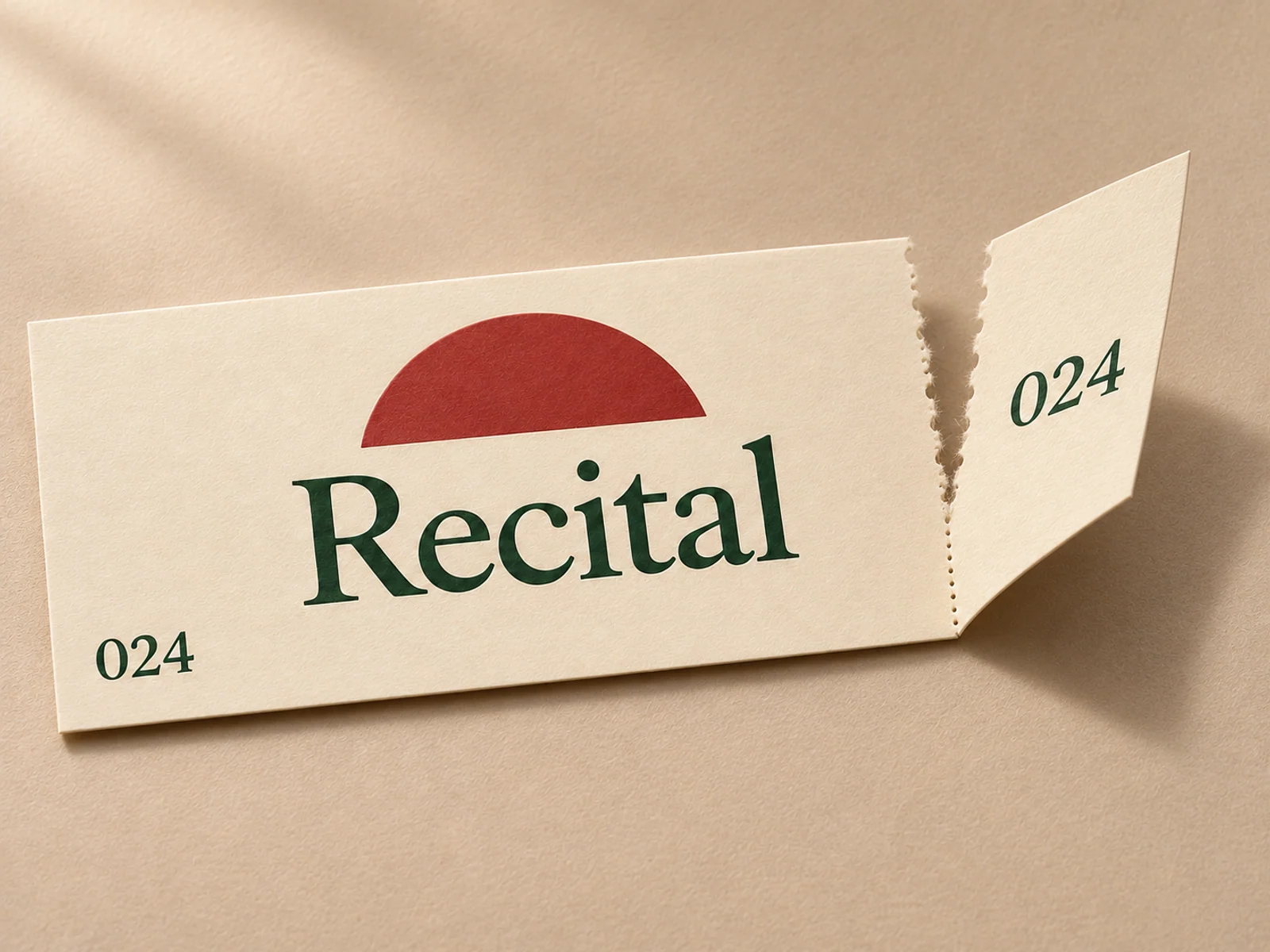
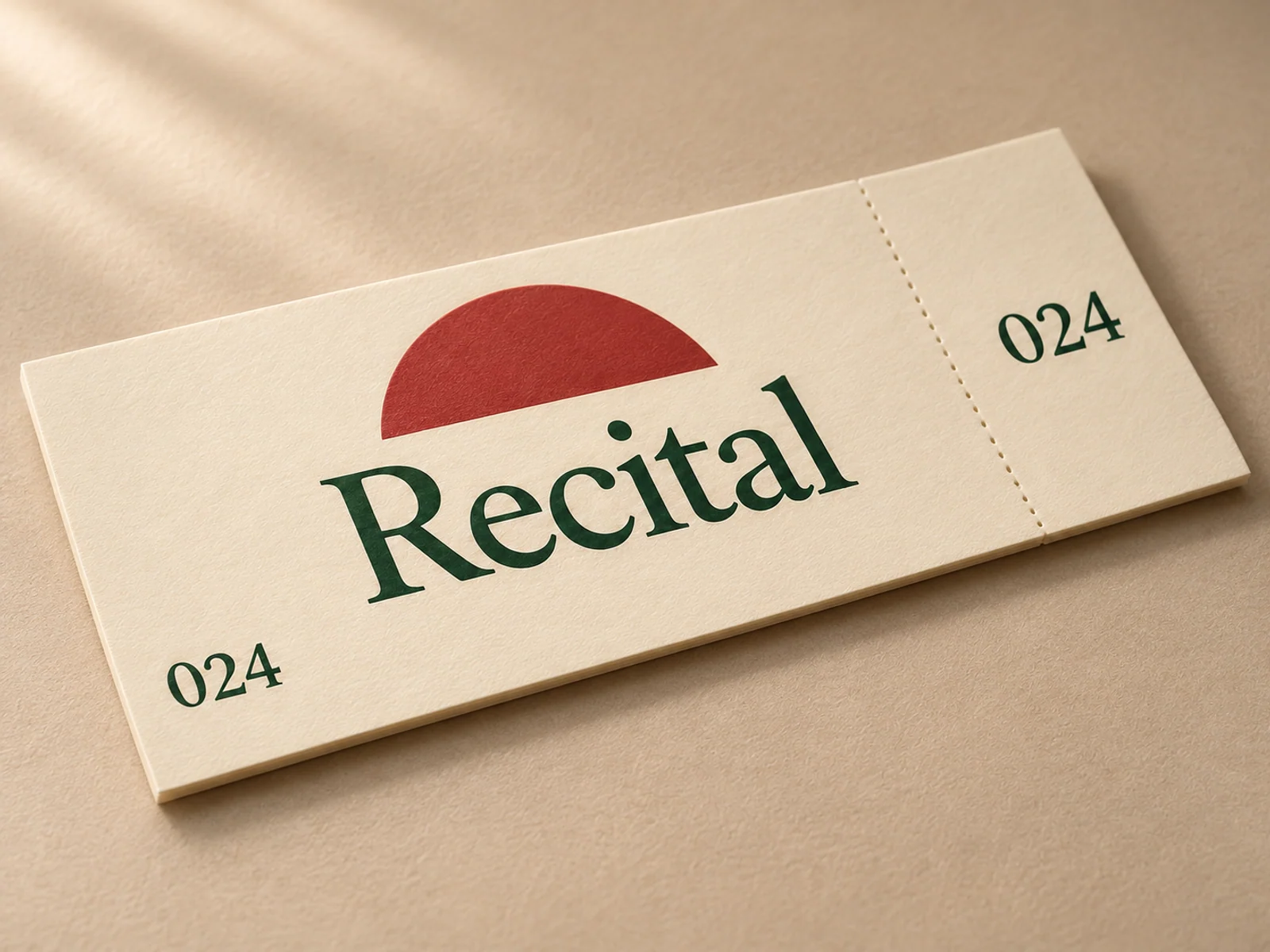
Custom printed event tickets put entry details where staff can read them at the door. A detachable stub is useful only if the retained and take-away portions each carry the information needed after separation.
Construction
Single admission slip or a proposed detachable-stub layout.
At the door
Mark the ticket side that staff retain. If numbers must match, identify both positions and confirm the numbering and perforation requirements before file preparation.
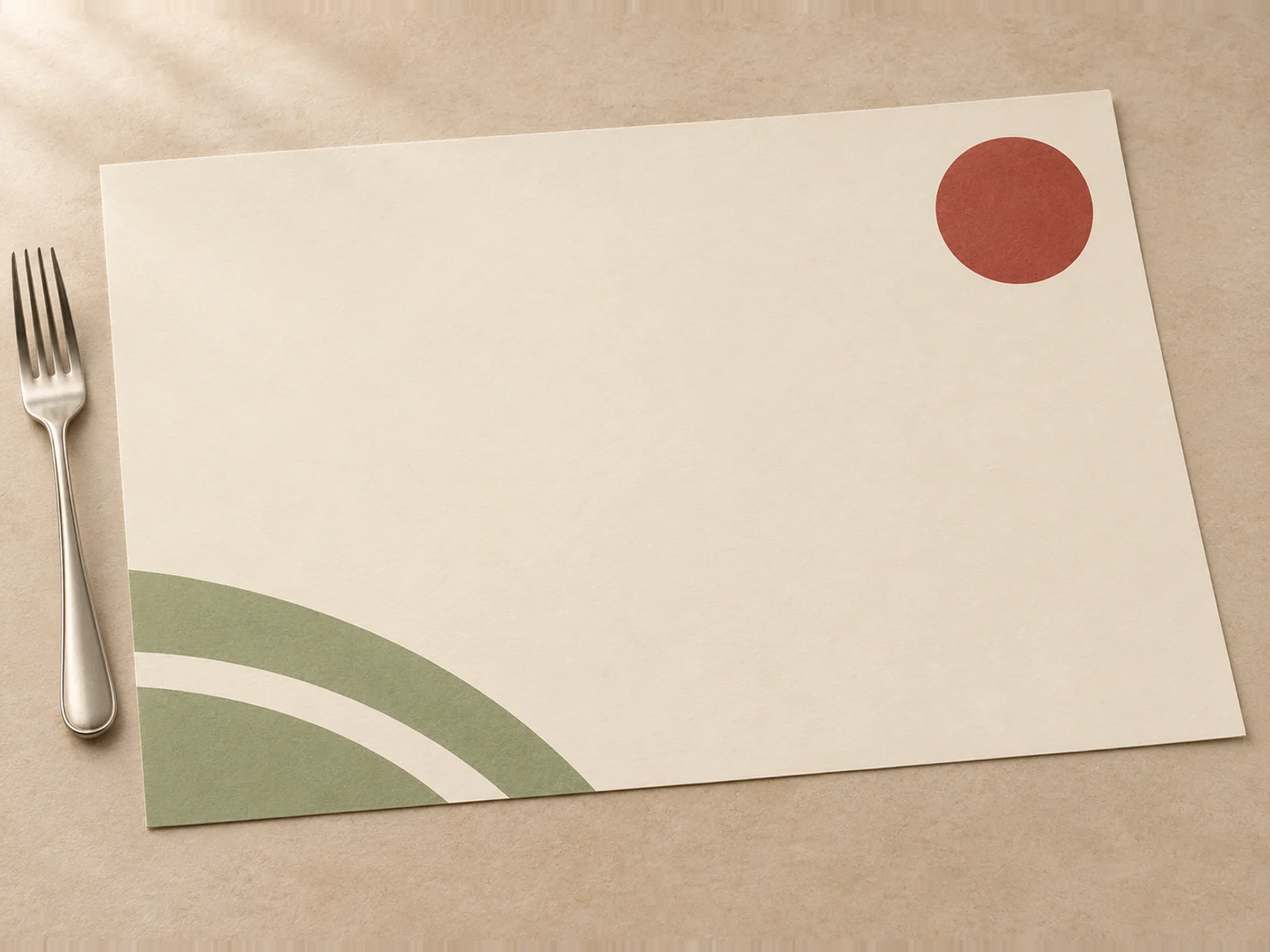
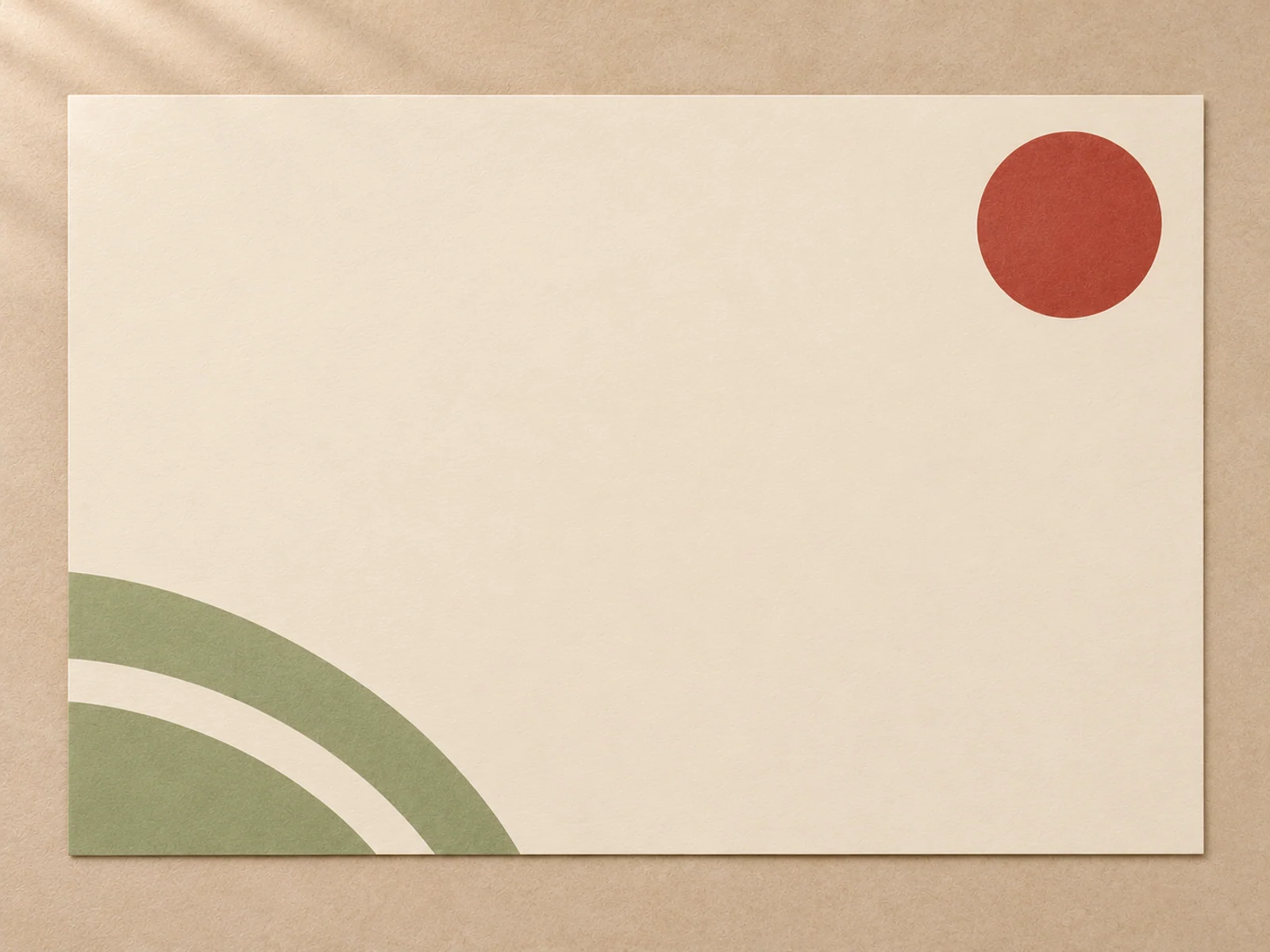
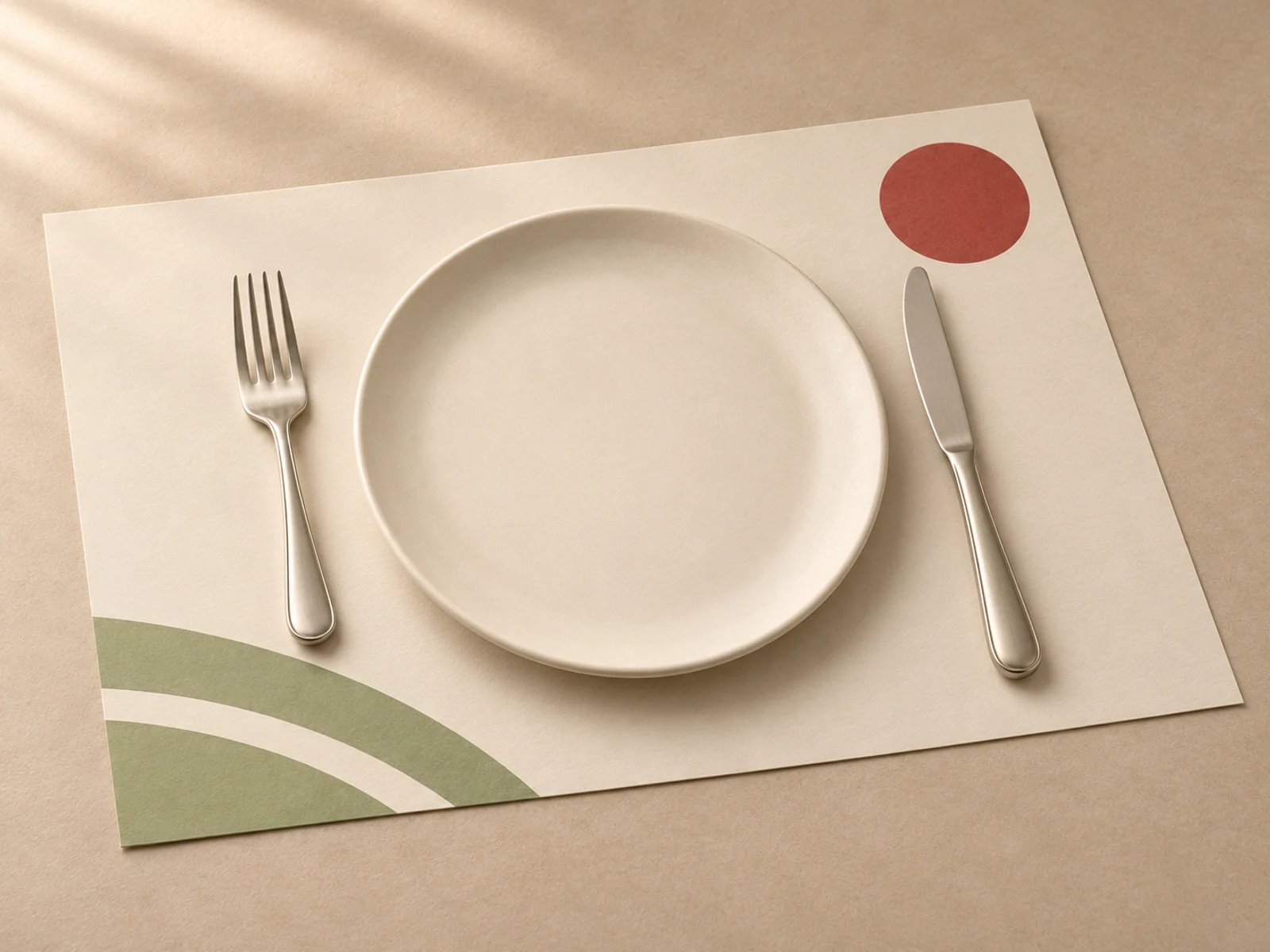
For a wholesale order of printed paper placemats, start with the table setting. Allow for the actual plate, glassware and cutlery so a menu, promotion or illustration stays visible during service.
Construction
Large flat printed sheet laid at an individual dining place.
Service conditions
Specify whether the sheet is replaced between settings and where moisture or direct food contact is expected. Request evidence for any performance or food-contact requirement.
Table Tent Cards · Printing Detail · AI concept visual
Paper & materials
Choose a scoreable board with enough stiffness for the proposed height and footprint.
Flat & standing size
Give the flat width and height, standing height and base depth. Allow space for the bottom return or locking tab.
Artwork & customization
Mark both outward-facing panels on the flat artwork. Specify one or two printed sides and check the reading direction after folding.
Applications
Restaurant table displays · Promotional messaging · Product information · Brand communication
Menu Inserts · Material Detail · AI concept visual
Paper & materials
Compare paper opacity for double-sided lists and the sheet thickness that the holder can accommodate.
Holder clearance
Measure the visible window and retaining corners. Give folded and open sizes for a multi-panel list.
Artwork & customization
Supply item names, prices and language versions in reading order. Proof small type and check that print on the reverse does not show through.
Applications
Restaurant menus · Seasonal menu updates · Hotel dining · Product and beverage lists
Presentation Folders · Spine Detail · AI concept visual
Paper & materials
Select cover board against the weight and thickness of a filled document pack. Discuss crease behavior and scuffing on printed covers.
Pocket & spine fit
Specify the largest sheet, stack thickness, pocket depth and opening direction. Mark business-card slots only if the pocket layout can accommodate them.
Artwork & customization
Supply artwork for the outside cover and visible pocket faces. Mark any requested finish clear of folds and pocket joins.
Choose card stock and a writing surface that take the intended stamp or pen. Review wear from repeated handling.
Stamp spacing
Give the finished dimensions, stamp diameter and number of visits. Leave room for the reward and redemption instructions.
Artwork & customization
Separate the brand face from the reward grid. Identify any variable numbering request and verify file requirements before preparing individual records.
Gift Certificate Cards · Finish Detail · AI concept visual
Paper & materials
Compare card thickness and texture with the intended envelope. Reserve a suitable writing surface where staff enter details.
Presentation & redemption
Specify the trim size and which information is fixed, handwritten or variable. Check the wording at the final printed size.
Artwork & customization
Identify printed faces and mark any proposed foil or embossing separately. Numbering, security features and special finishes require project confirmation.
Applications
Retail gift vouchers · Brand promotions · Gift programs · Hospitality services
Event Tickets · Print Detail · AI concept visual
Paper & materials
Select stock for legibility, handling at the door and the proposed tear behavior. Confirm any perforation on the chosen paper.
Entry layout
Give the ticket and stub dimensions, entrance information and print quantity by session. Mark the tear position on a separate guide.
Artwork & customization
Prepare fixed event artwork and any numbering sequence separately. Indicate the figures that must match on ticket and stub; confirm variable printing before issue.
Applications
Trade shows · Corporate events · Entertainment events · Admission and entry tickets
Printed Placemats · Material Detail · AI concept visual
Paper & materials
Discuss paper feel, opacity and the intended service period. State any required exposure or food-contact conditions for separate review.
Table coverage
Give sheet width and height, table depth and place-setting dimensions. Allow for neighboring settings and any shared table items.
Artwork & customization
Choose a single display face or specify a second design for the reverse. Identify areas that should remain visible when the table is set.
Applications
Restaurants · Cafés · Hotels · Food service branding
Product overview
Tabletop print
A tent stands above the table, a menu insert fits its holder, and a placemat lies beneath a place setting. Measure each in its working position.
Display and document formats
A rack card must clear the display lip. A presentation folder must close around its full set of documents.
Handheld cards
Plan the space a customer or member of staff needs for a stamp, a gift value or entry details.
Print files
Supply artwork at trim size and identify folds, pockets, write-in fields or a proposed tear line on a separate guide.
Construction & Finishing
Check the fit
Test a trimmed sheet in the menu holder or rack. For a standing tent or pocket folder, check a folded mock-up in its working position.
Mark working areas
Keep copy clear of creases and pocket edges. Mark where staff will stamp, write or separate a ticket so these areas can be checked on a proof.
Project Brief
Project workflow
Define the use
Name the format, audience and quantity for each artwork version. Include the delivery destination.
Measure the format
Record the finished dimensions in one unit. For folding work, add the flat outline and the dimensions in use.
Prepare the artwork
Identify front and back, the reading direction and any areas completed by hand. List any variable fields separately.
Review a proof
Check type size, fit and the working surfaces. Agree on a physical mock-up when the fold, pocket or display position affects use.
Confirm the order
Approve the artwork, stock, finishing and packing instructions before scheduling production.
When several pieces share a design, list the quantity and delivery location for each. Mark the versions that need their own proof.
For artwork or proofs for a set of printed cards, review card printing.
FAQ
How can I check that a table tent stands securely?
Test a folded mock-up at the intended height on the actual display surface. The crease positions, base depth and board stiffness work together.
What measurements do you need for my existing menu holder?
Measure the sheet it accepts and the area left visible by clips, corners or sleeves. Mark any text that must line up across facing pages.
How should I specify pocket capacity?
Send the largest insert size and the thickness of a representative stack. Include a business card if you need slots so the pocket can be checked with both items in place.
Will the rack hide part of the design?
Measure the front lip and overlap from any rack in front. Place the title above that line and check one trimmed card in the stand.
Can staff stamp a finished loyalty card?
Test the actual ink or pen on the proposed stock and finish. Identify the writable area before approving any coating.
How do I prepare artwork for fixed and handwritten values?
Identify the amounts and terms that print on every card, then mark fields for the recipient, value or date. Keep decorative finishes off the writing area.
What should appear on a detachable ticket stub?
Identify the event and entry details required on each portion. If both sections need the same number, supply the sequence and check a paired proof before printing.
How do I keep the printed message visible during service?
Lay out the plate, glass and cutlery footprint at actual size. Position important text outside it and identify any moisture, cleaning or contact requirements for review.