Label Printing Services

Custom label printing starts with the surface the label will touch. Send a container sample or its material and shape, then specify how the labels will be applied and how many of each design you need.
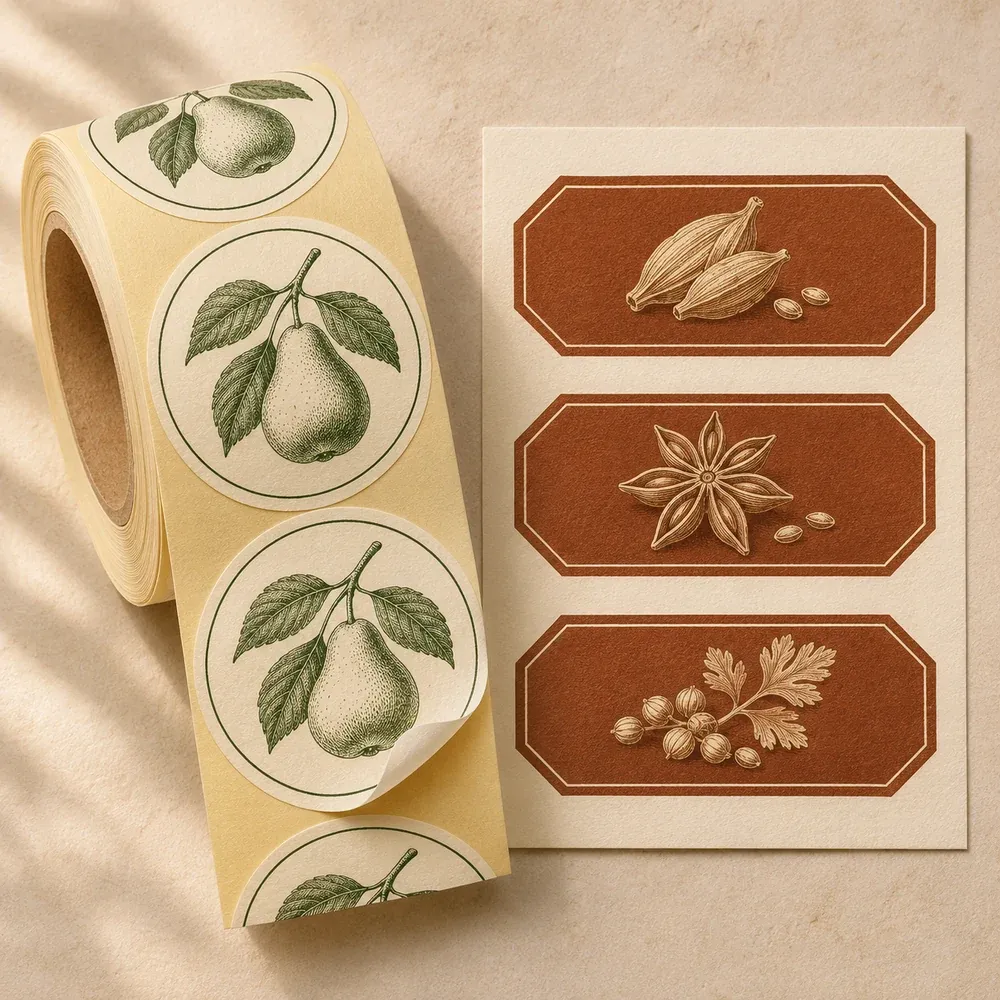
Roll of round green fruit labels beside a sheet of rust-colored spice labels with clipped corners
AI concept visual for illustration.

02 / Related formats

Product Range

Browse all labels →

AI concept visuals · Overall and detail views of each format.

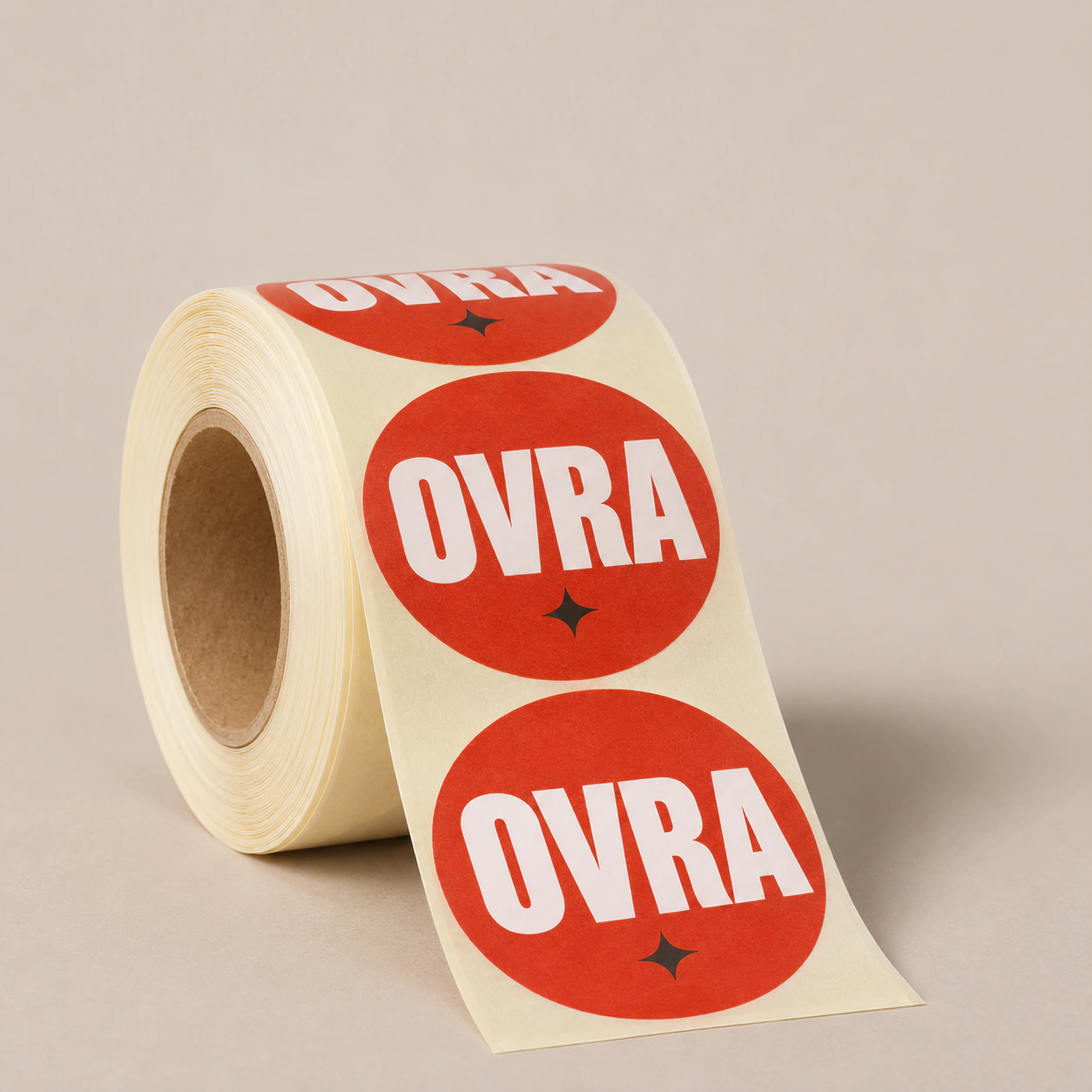
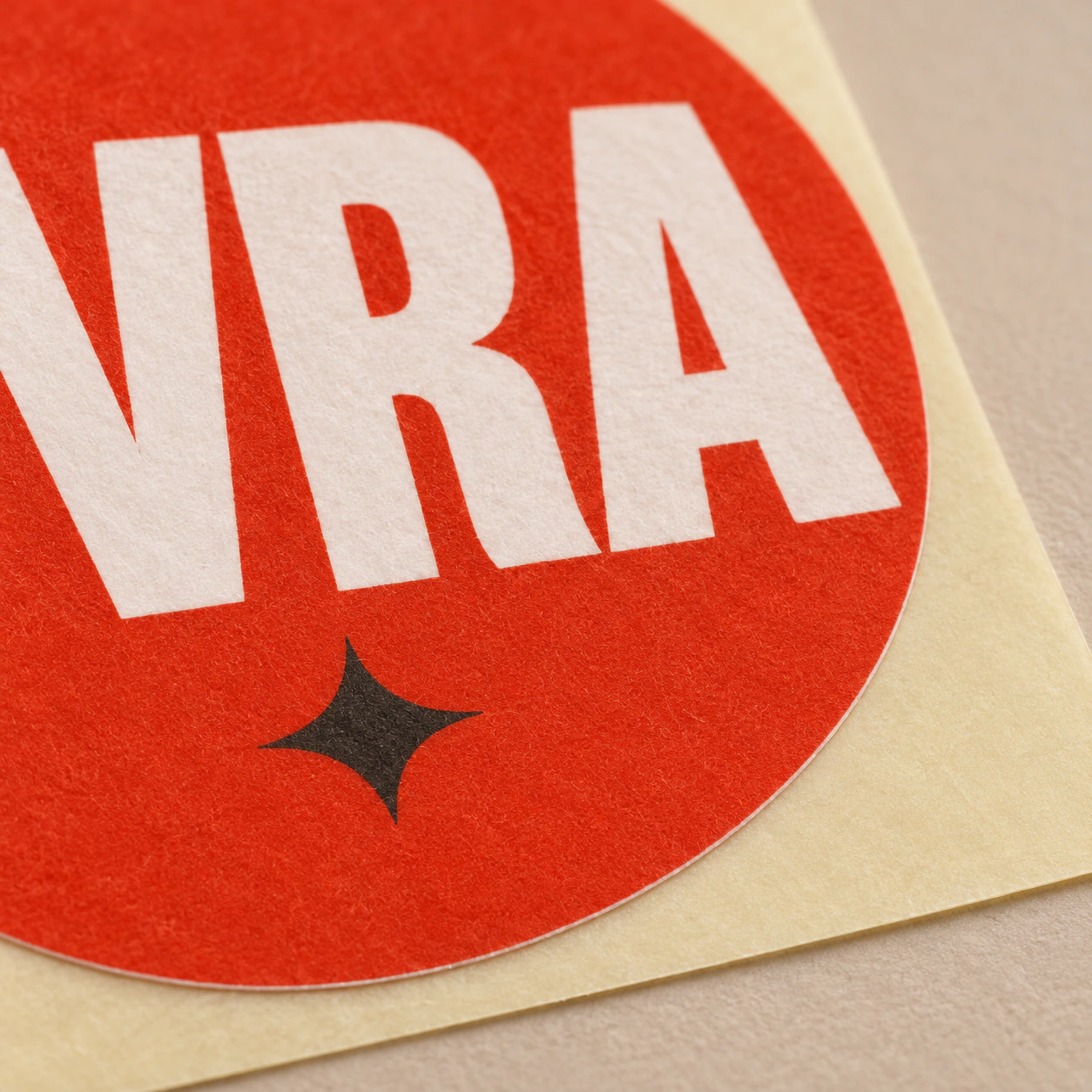
AI concept visual: Roll of round tomato-red OVRA paper labels with white lettering and a charcoal star, on a pale release linerAI concept visual: Close-up of white lettering and a charcoal star on matte red paper, showing the circular die-cut edge against the pale release liner
Round roll format and the printed edge against the release liner.

Round Paper Label

For a small brand mark on a paper pack, choose the diameter around the logo and leave clearance to the circular edge.
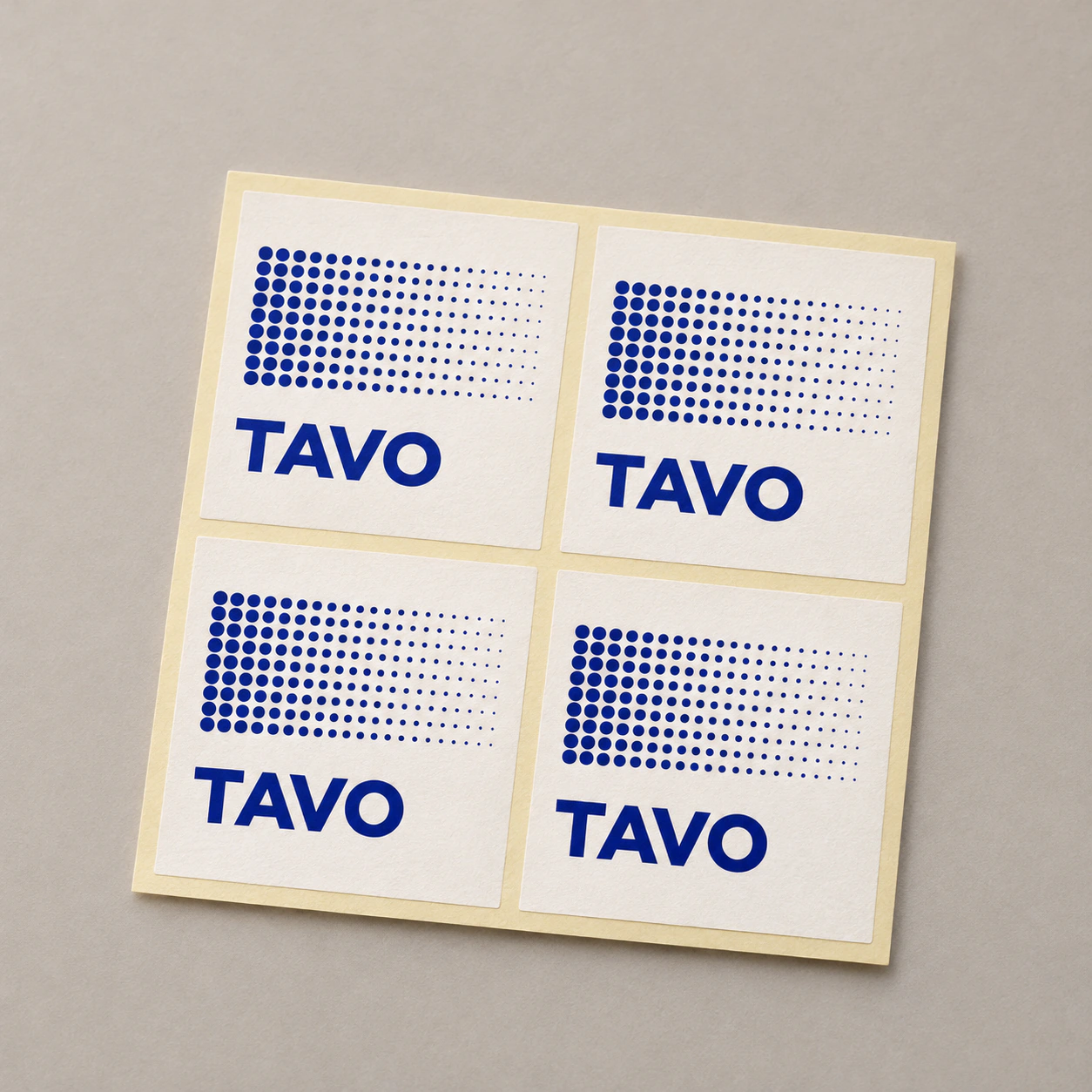
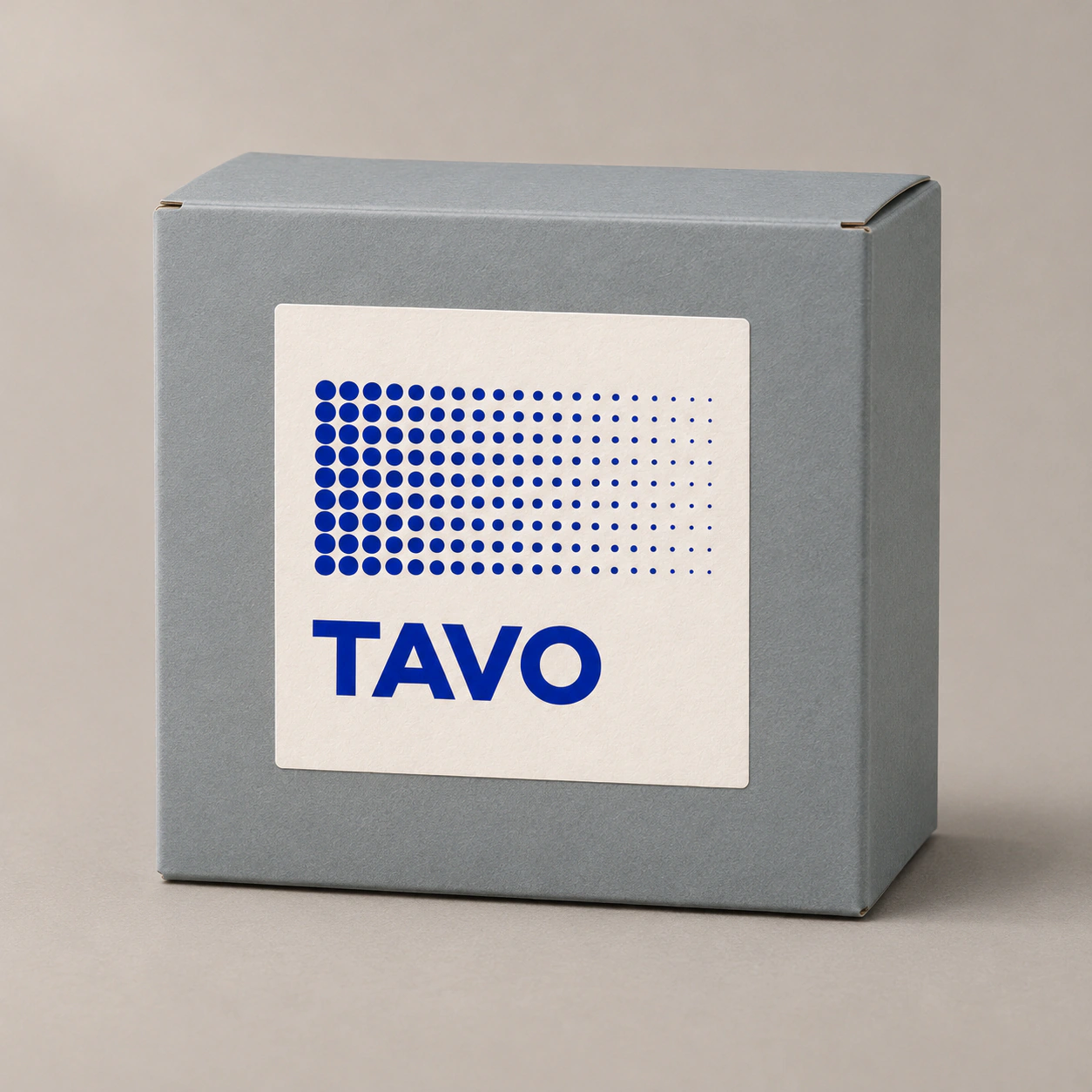
AI concept visual: Sheet of four matte white square TAVO labels, each with a cobalt-blue dot pattern above the nameAI concept visual: Square TAVO label applied to the flat front of a gray folding carton, clear of the edges and folds
Square sheet layout and placement on a flat carton panel.

Square Product Label

Use a square panel for a product name and short copy on a carton. Check the margins at finished size against the available flat area.
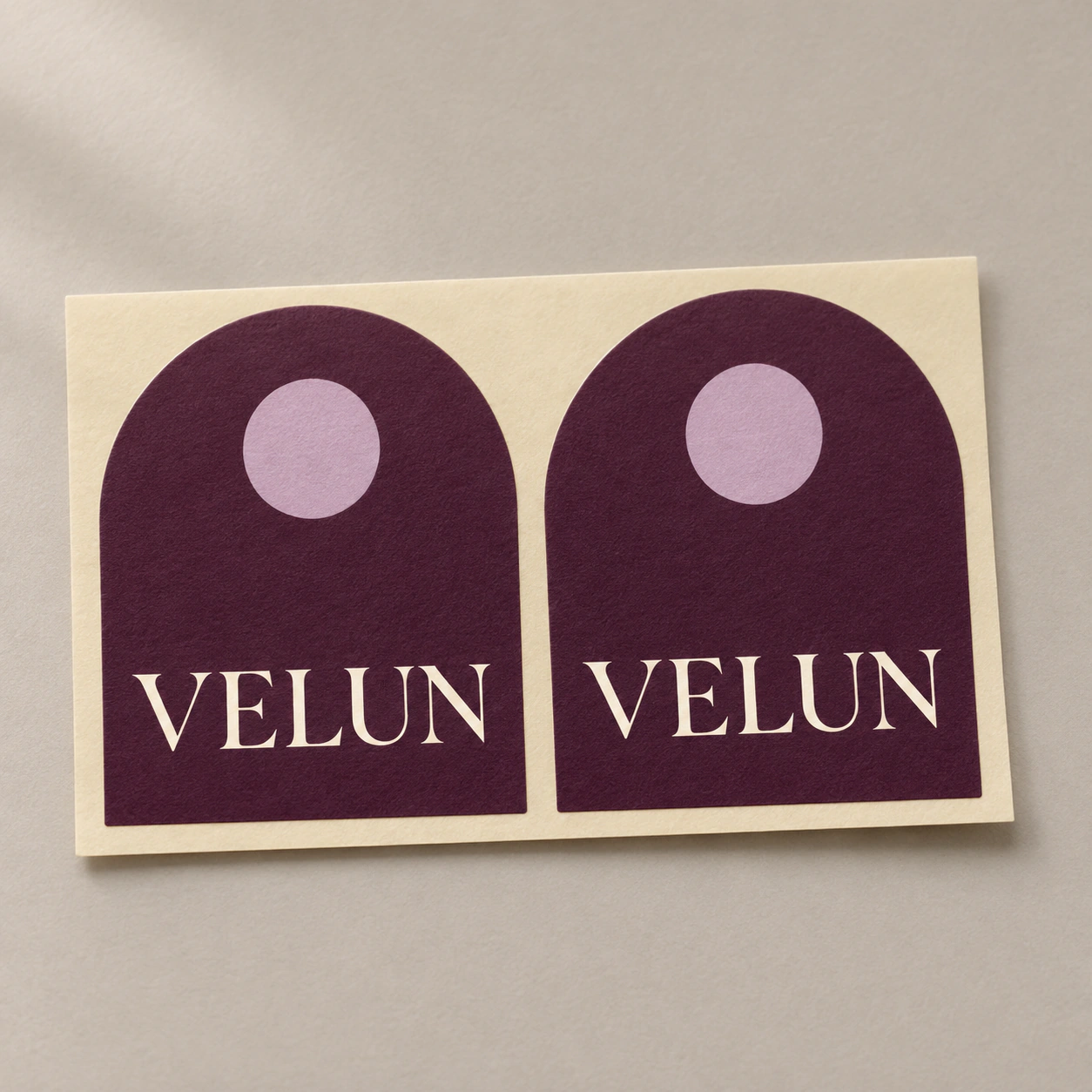
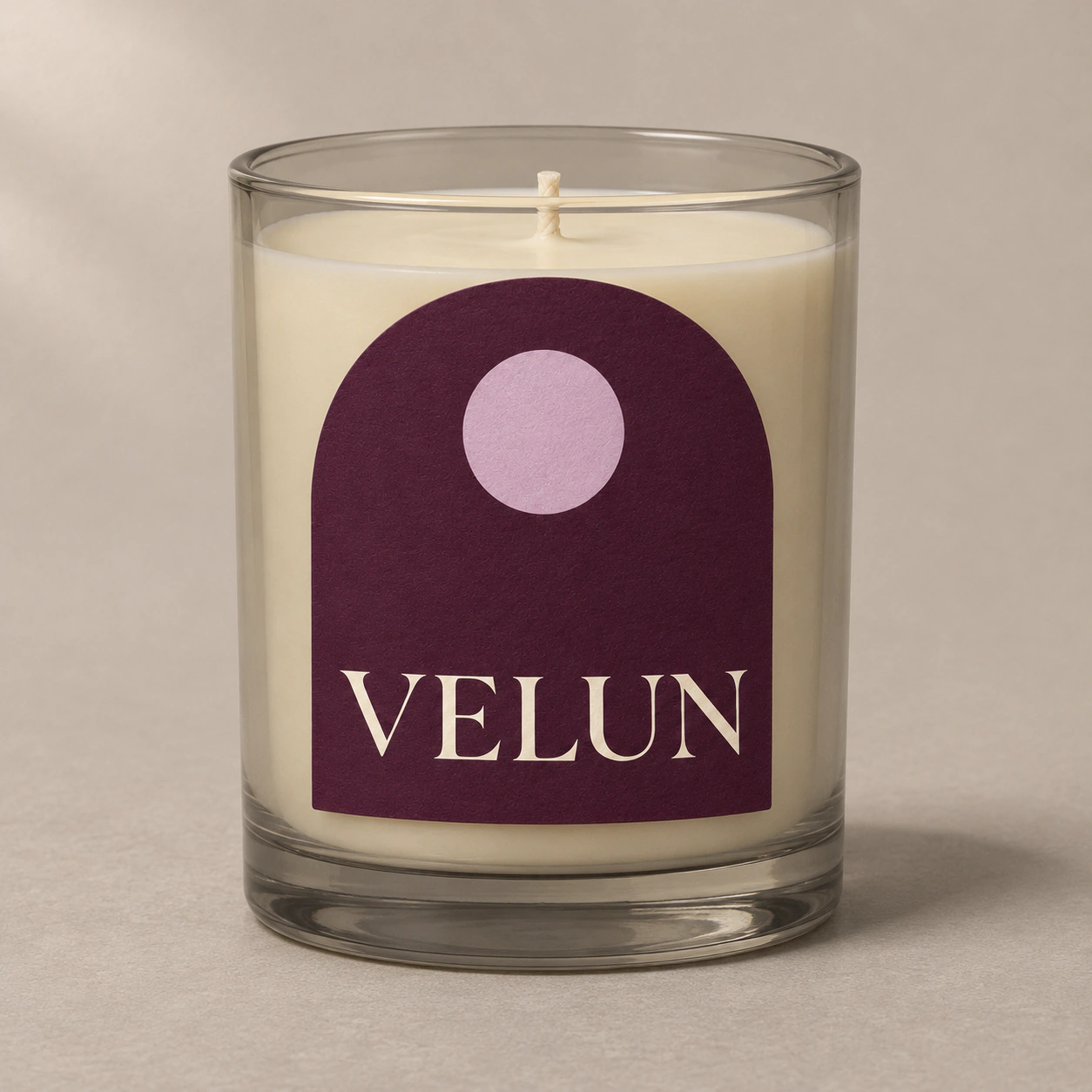
AI concept visual: Two plum VELUN paper labels on a cream liner, each with an arched top, a lilac disc and ivory letteringAI concept visual: Plum VELUN arch label following the side of a straight glass jar filled with ivory candle wax
An arched top on the liner and around a glass container.

Arched Labels

Use the arch to frame a mark on a jar or retail pack. Keep the main copy below the curve and check its position on the container.
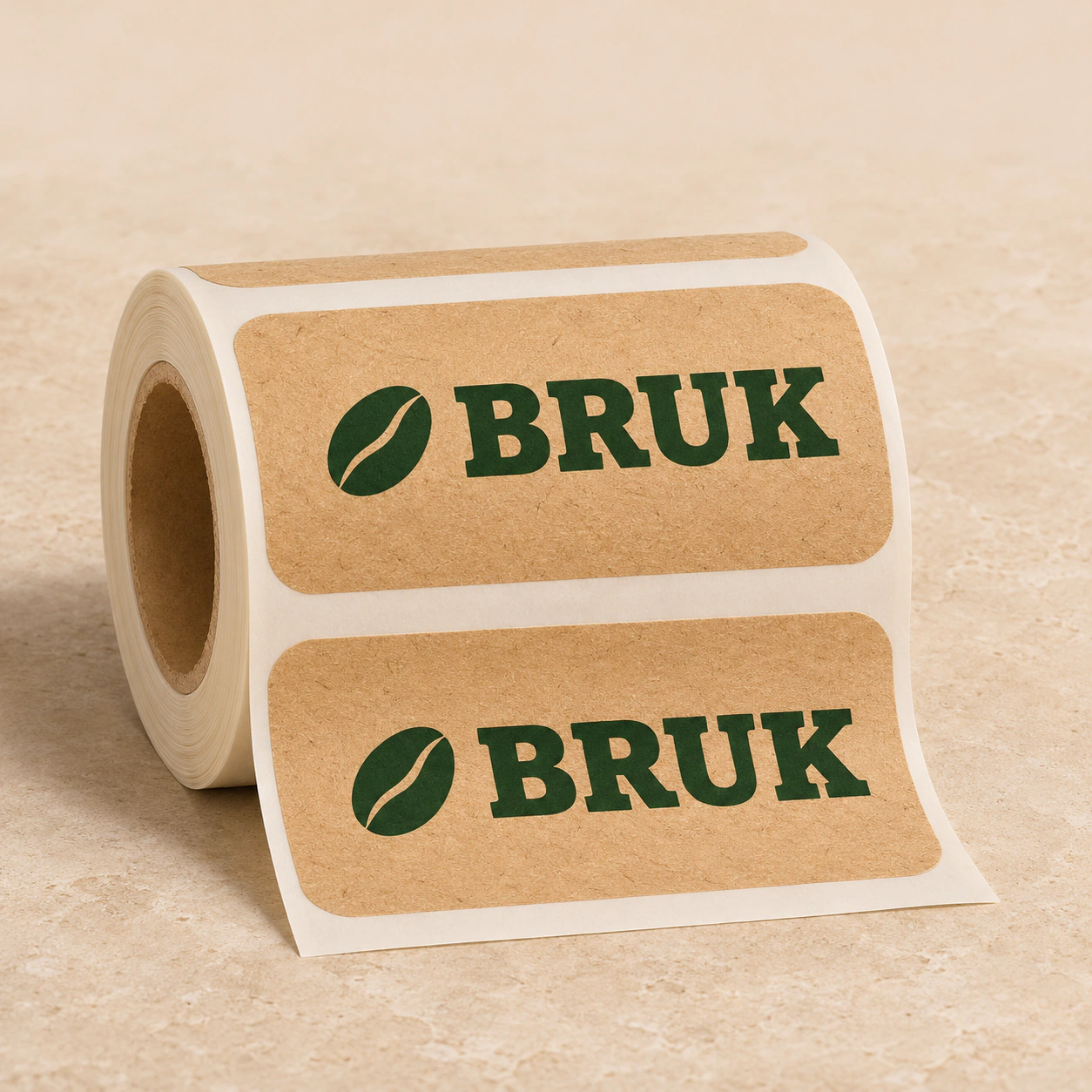
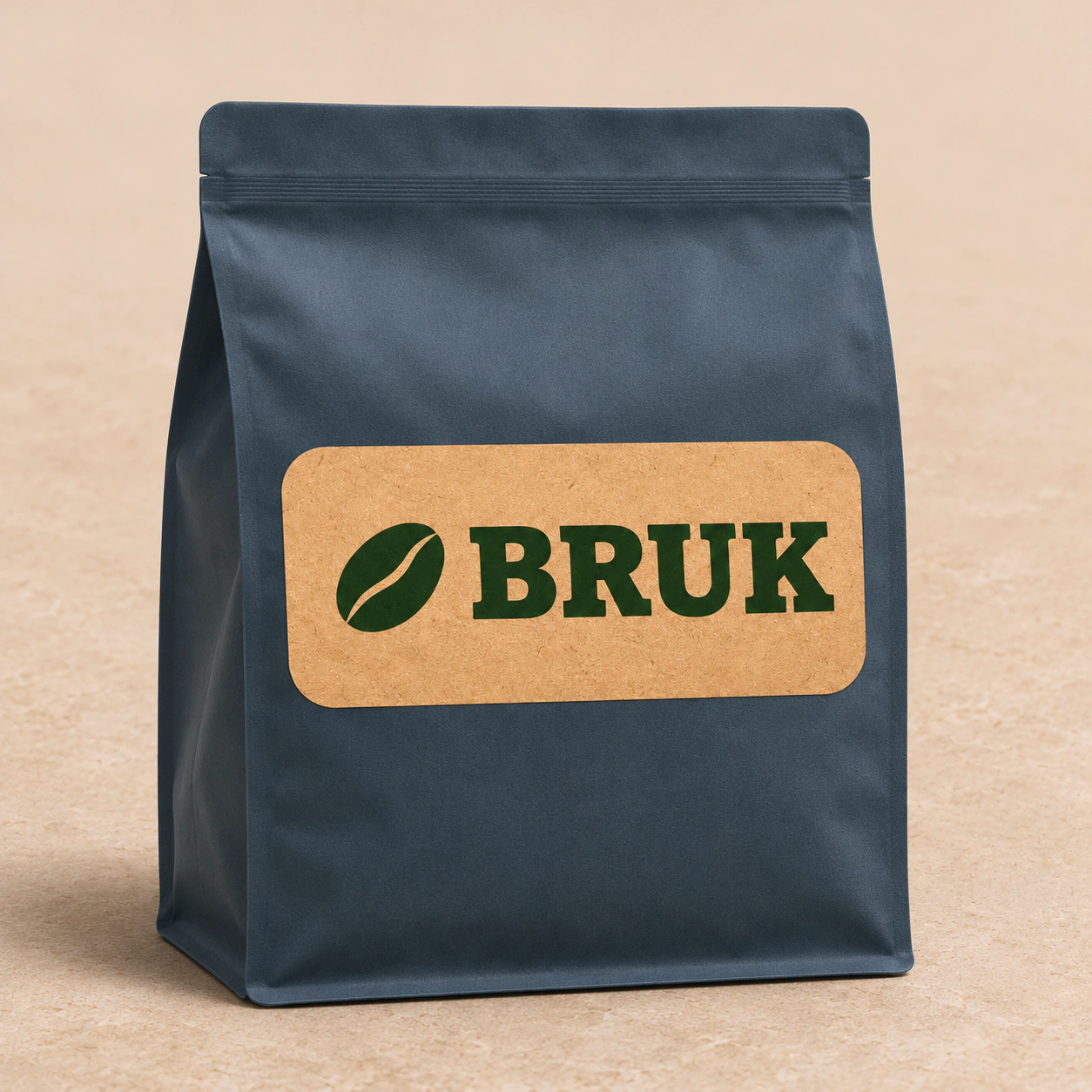
AI concept visual: Roll of rounded kraft paper labels with a dark green coffee bean and BRUK lettering on a white linerAI concept visual: A horizontal kraft BRUK label on the flat front of a slate-blue coffee pouch
A kraft label with rounded corners, shown on a pouch.

Rounded Corner Rectangle Labels

A horizontal label leaves room for a name across the front of a pouch. Locate the corners clear of folds and seams.
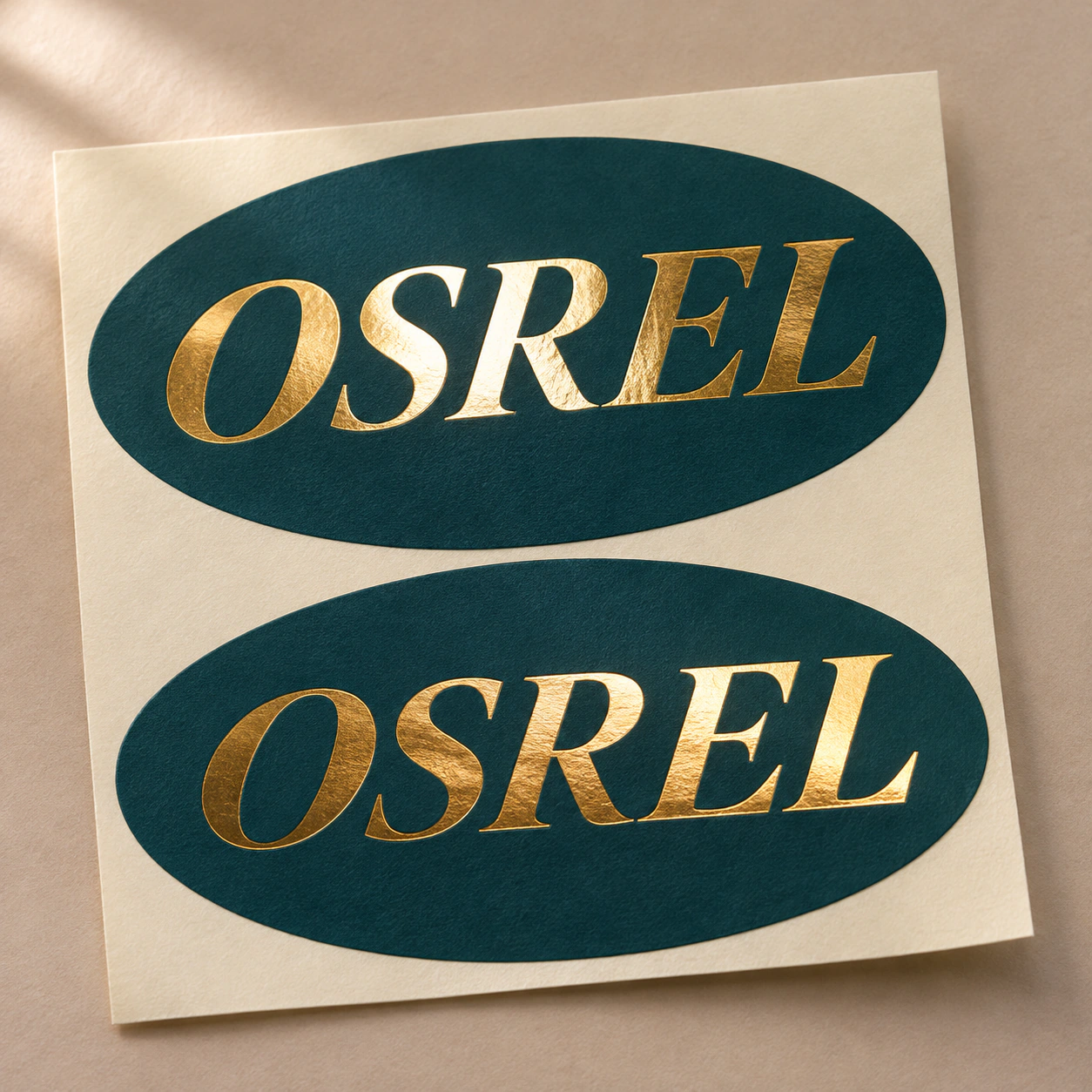
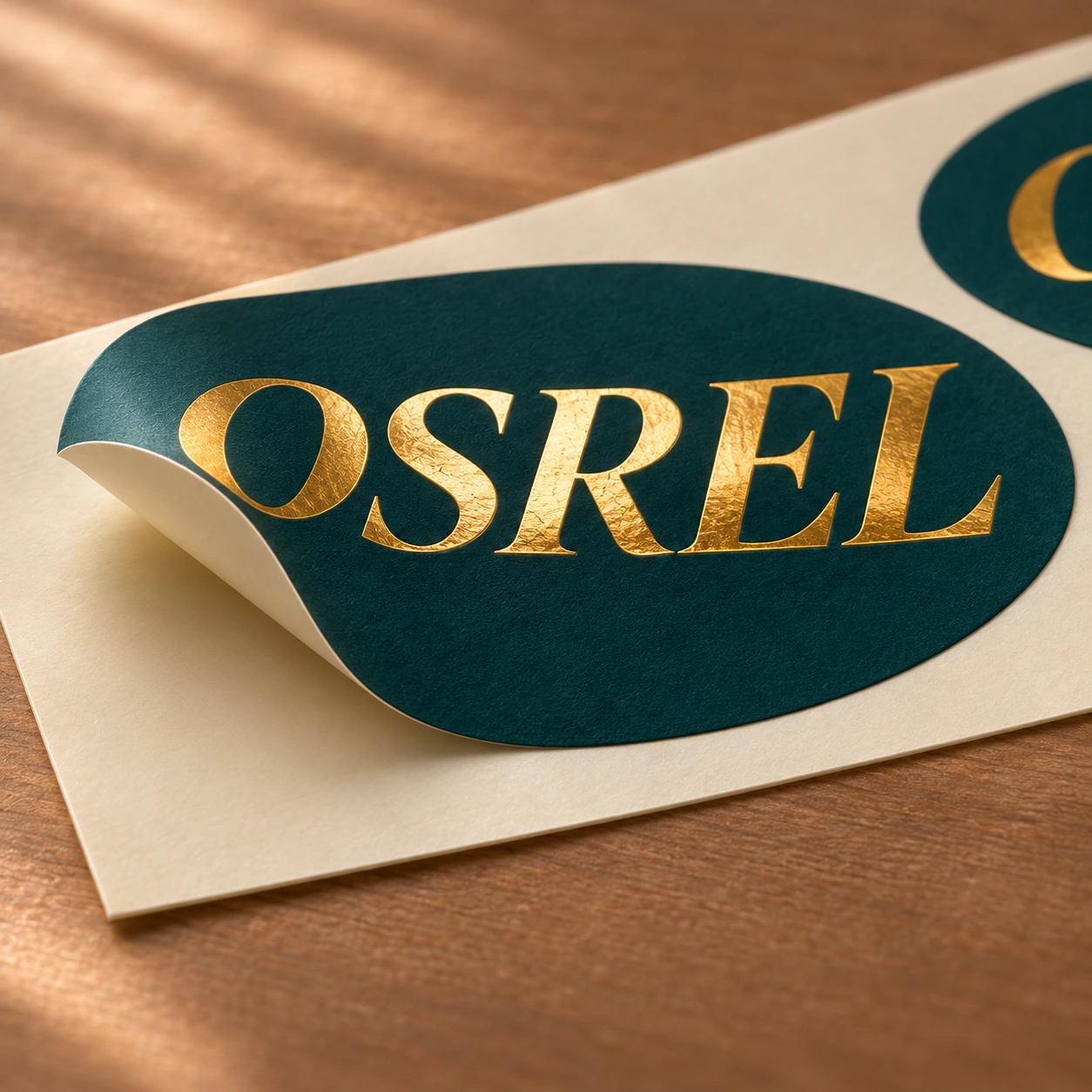
AI concept visual: Two matte teal oval labels with reflective gold OSREL lettering on an ivory release sheetAI concept visual: The left end of an OSREL label lifts from the liner, revealing the unprinted underside of the paper
Metallic lettering on an oval face and the edge lifting from its liner.

Gold Foil Label

Pick out a name or emblem on gift or retail packaging. Mark the foil area separately so its position can be checked against the print.
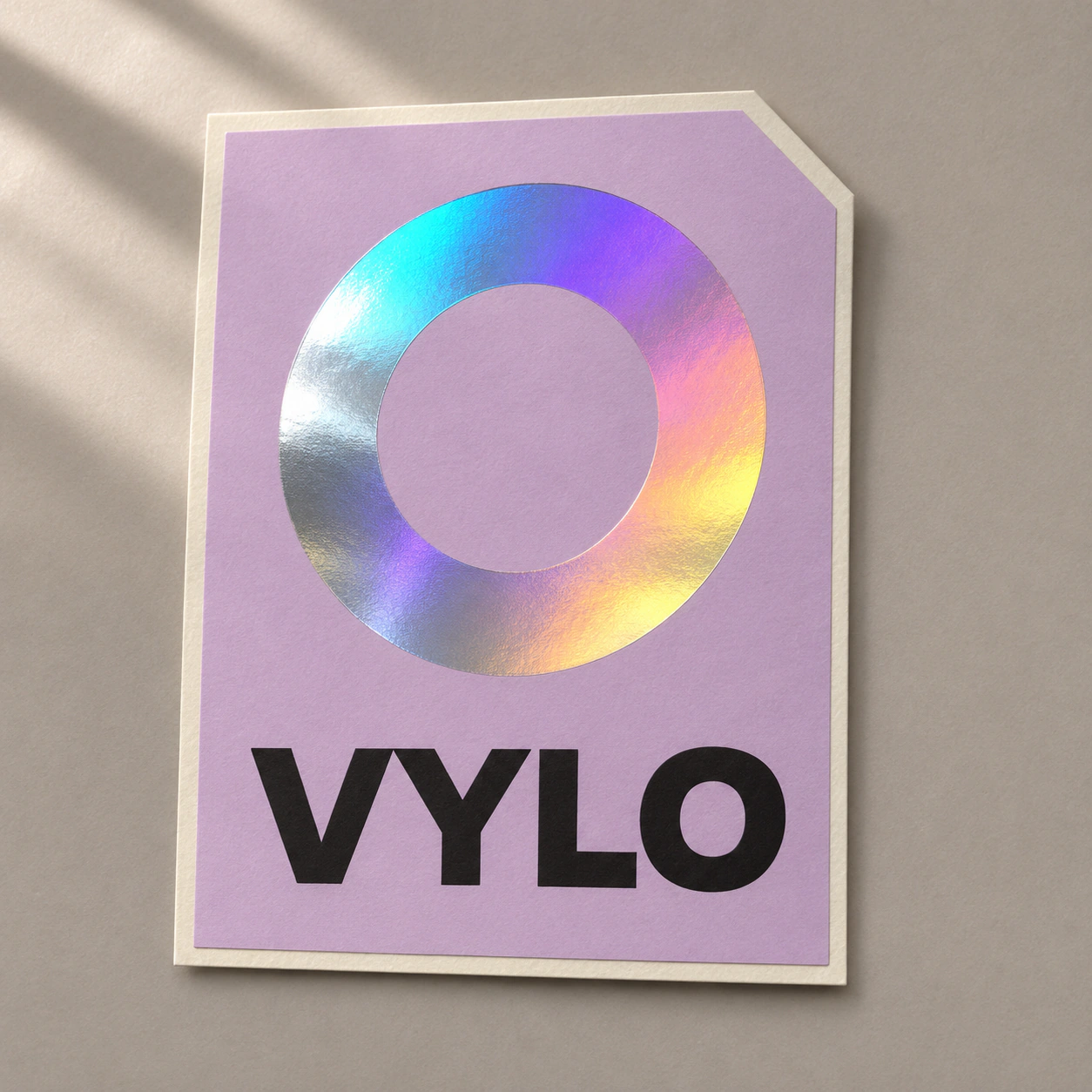
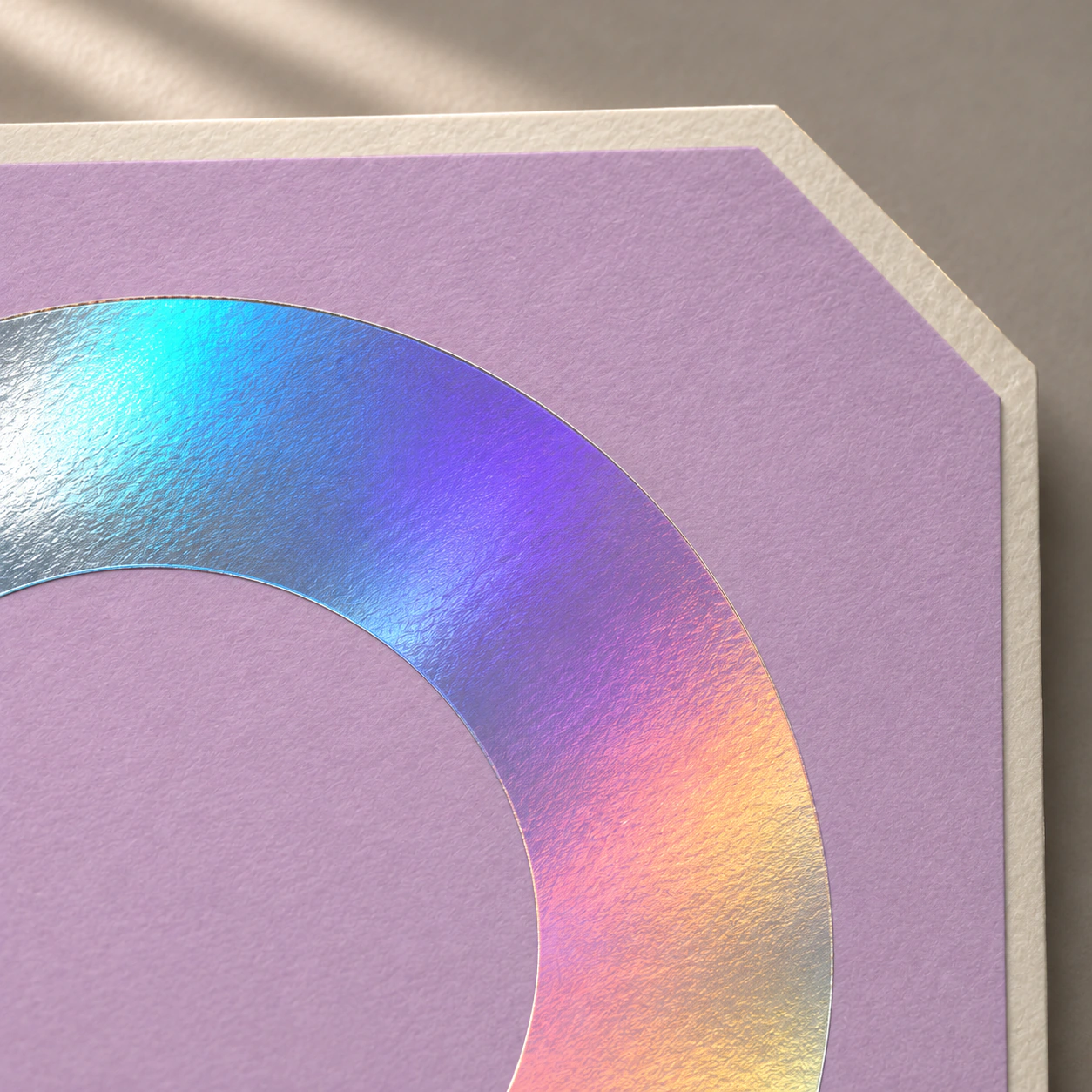
AI concept visual: Lilac VYLO paper label with a clipped upper corner and a holographic foil ring reflecting blue, violet and peachAI concept visual: Close-up of the foil ring meeting the matte lilac paper beside the clipped upper right corner of the label
The printed face and the changing color of its reflective ring.

Holographic Label

A reflective accent can distinguish a retail edition. Preview its position as the pack turns and keep essential text easy to read.
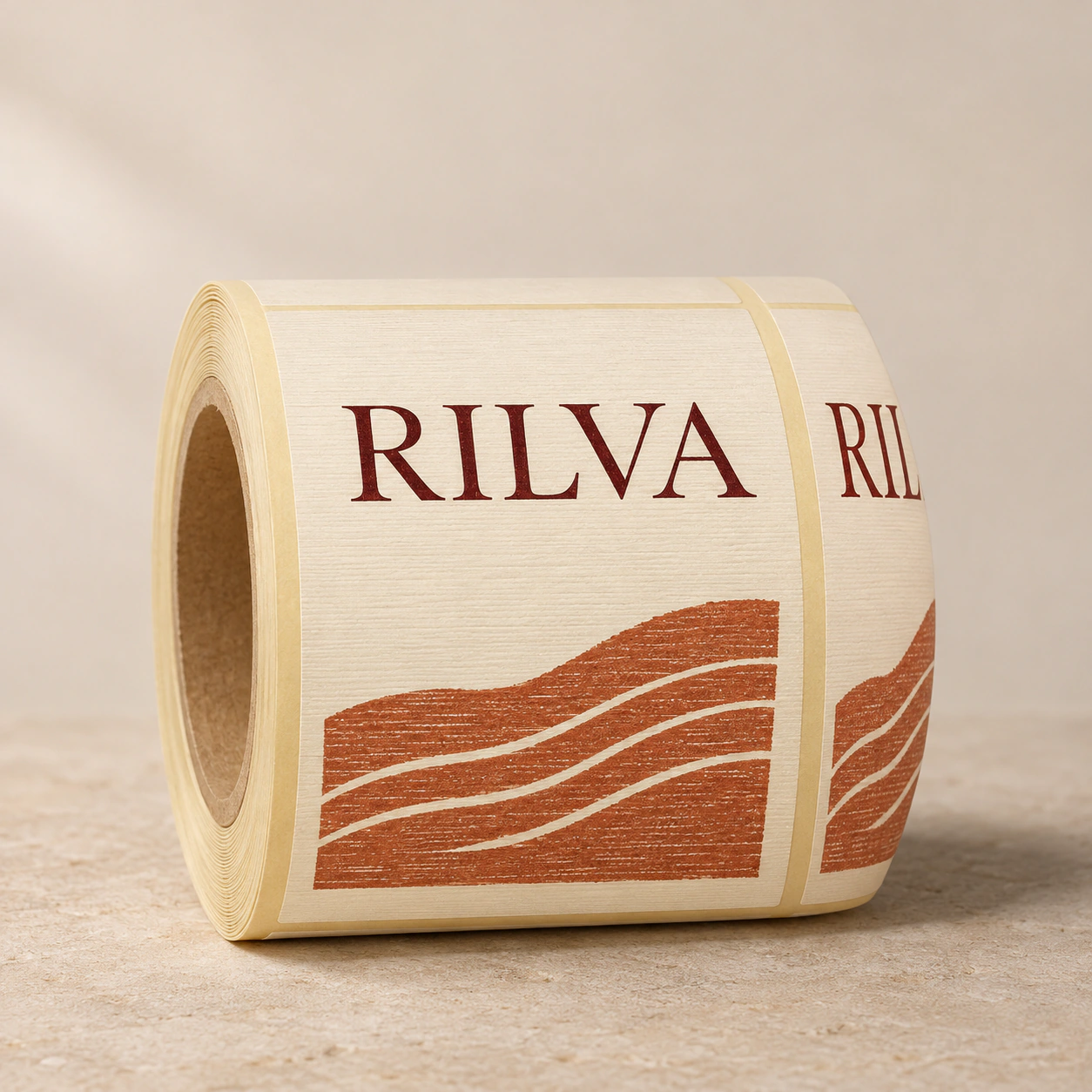
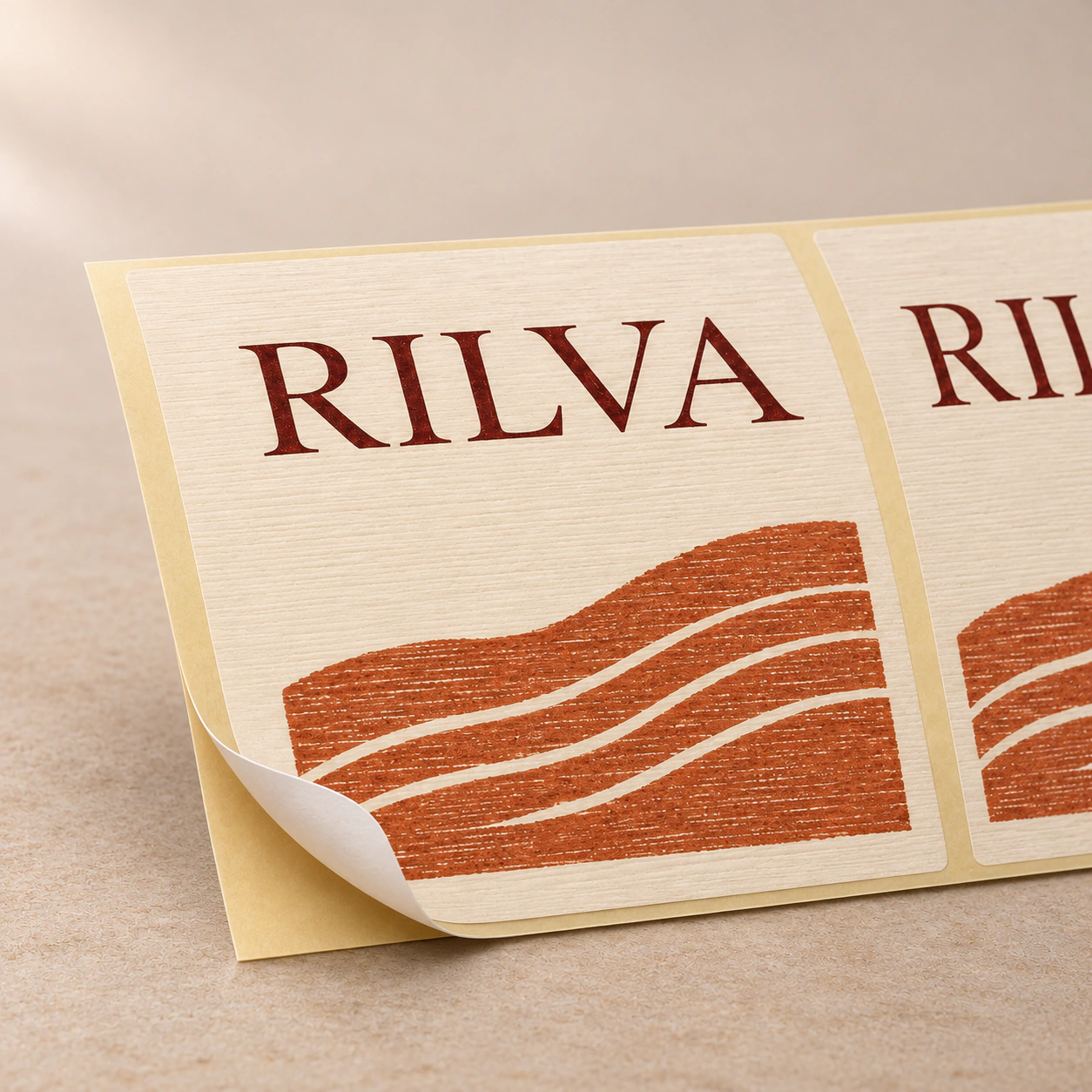
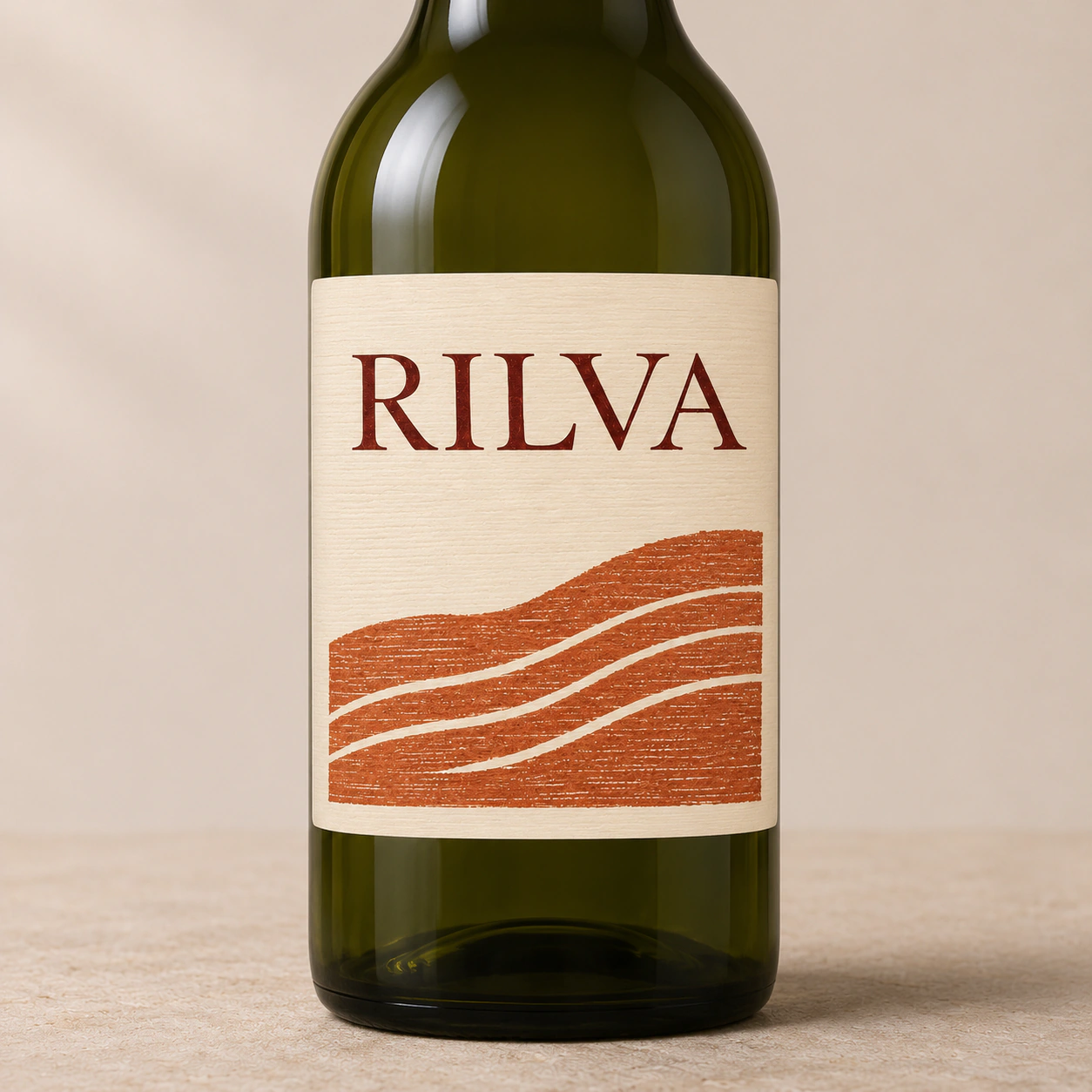
AI concept visual: Roll of cream RILVA wine labels with burgundy lettering above a terracotta hillsideAI concept visual: The lower left corner of a RILVA paper label lifts from its pale honey-colored release liner
A beverage label on the roll and the paper lifting from the backing.

Wine & Beverage Label

Plan the brand-facing panel and supporting copy around the bottle. Confirm curvature, handling and any exposure to moisture on the intended container.
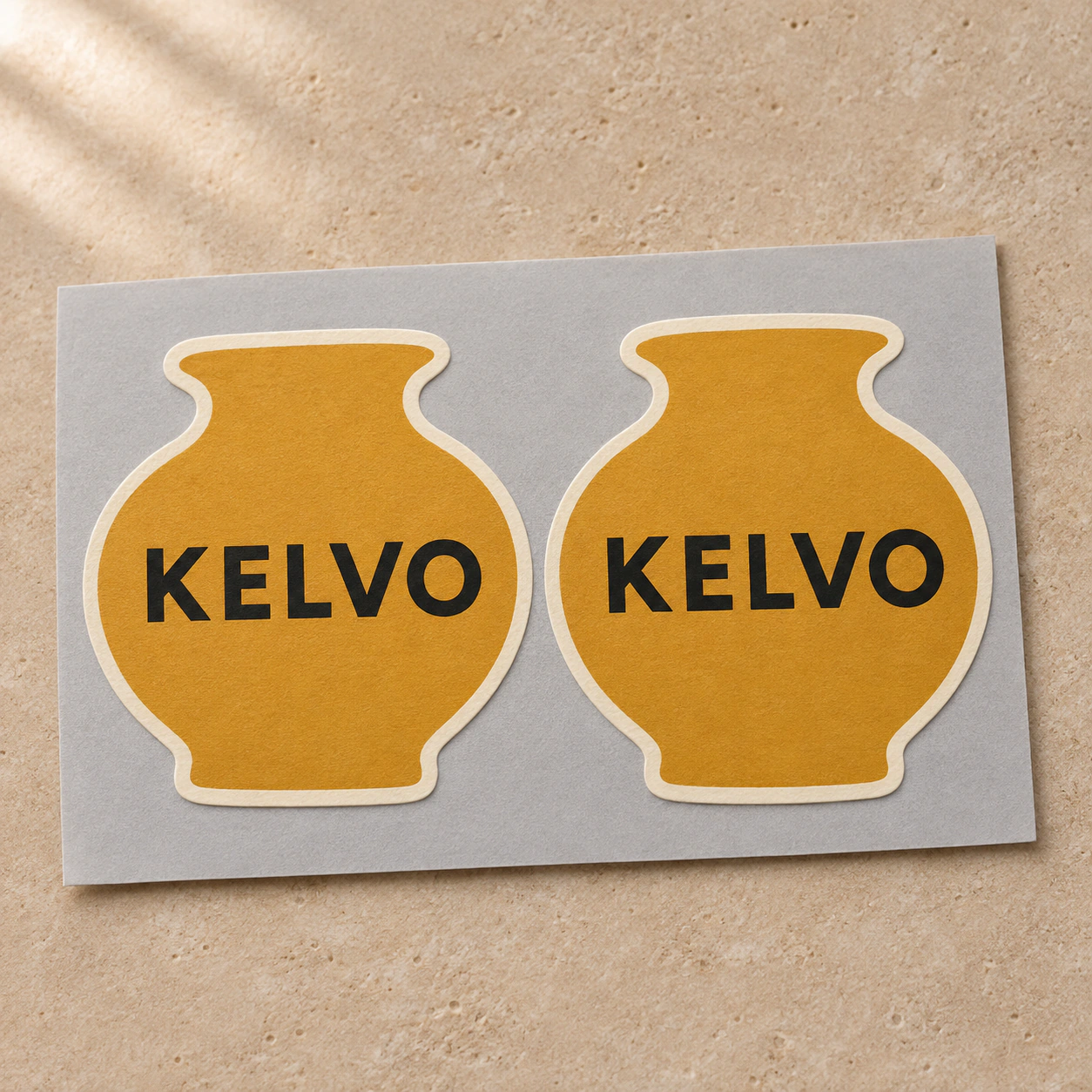
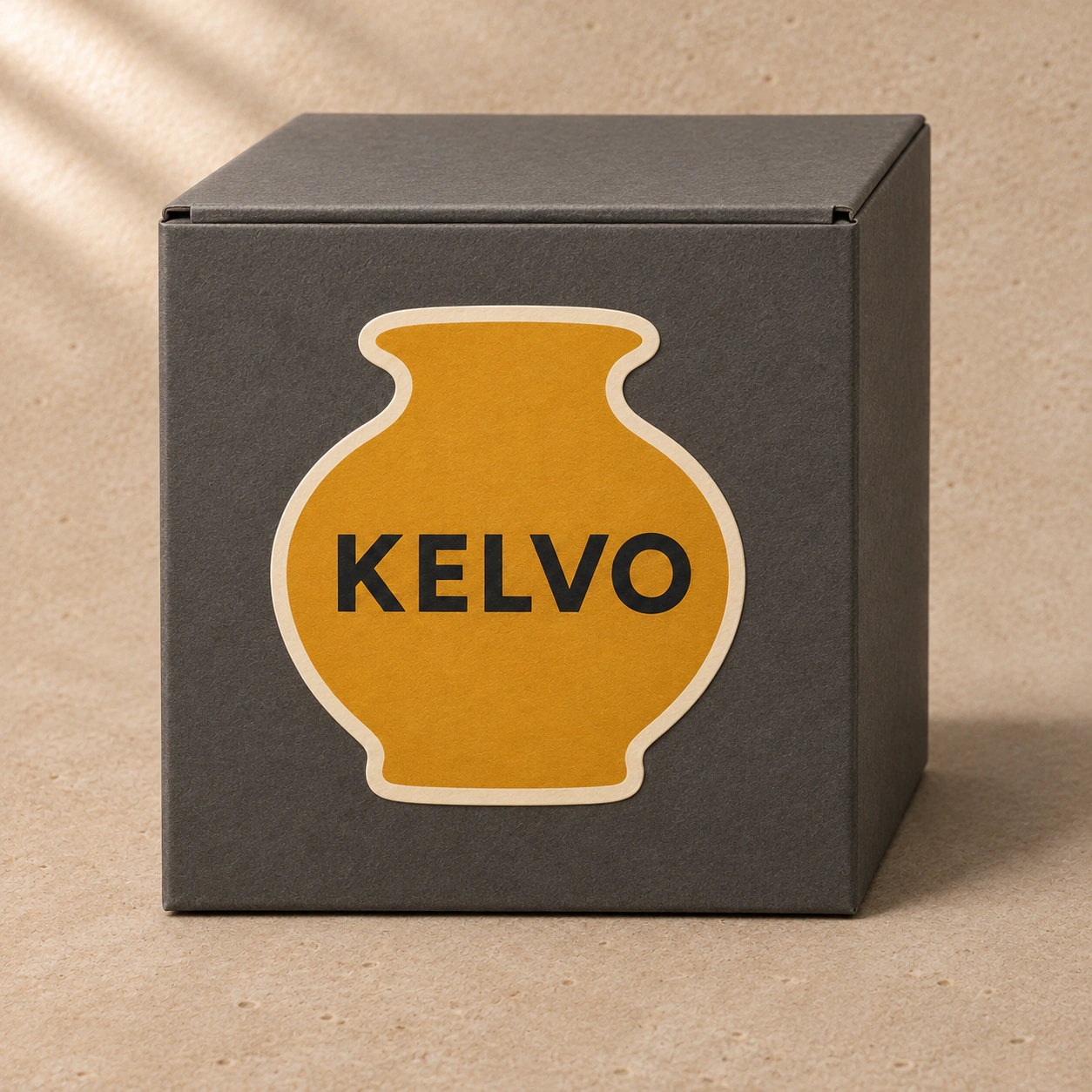
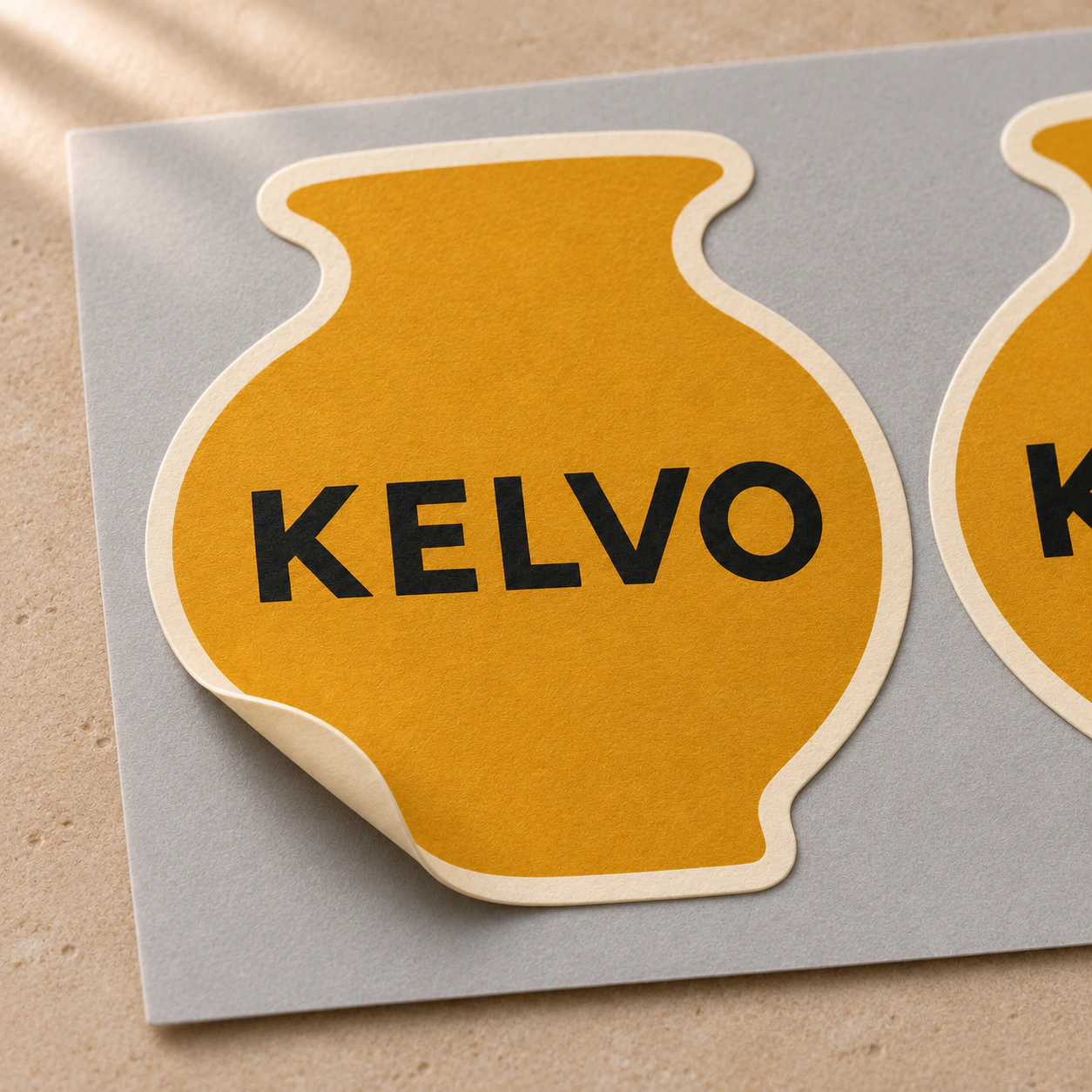
AI concept visual: Two ochre KELVO labels cut in the shape of a short-necked vase, each with an ivory margin on a gray linerAI concept visual: One ochre KELVO label on the flat front of a charcoal carton, with the ivory vase silhouette visible around the print
A cut-to-shape label on its sheet and against a carton.

Custom Die-Cut Label

Turn a product silhouette into a pack identifier. Review narrow points and the printed margin against the cut path before approving the outline.

03 / Printing options

Customization & Technical Details

Label Materials

The label face carries the ink. Its shade and texture change how fine type and printed colors look.
Face stock
Compare the desired surface against a swatch, particularly for pale colors or fine lines. Confirm the actual paper grade before proofing.
Color reference
Supply the smallest text at finished size and a color reference for the intended stock. Agree acceptable variation across versions.
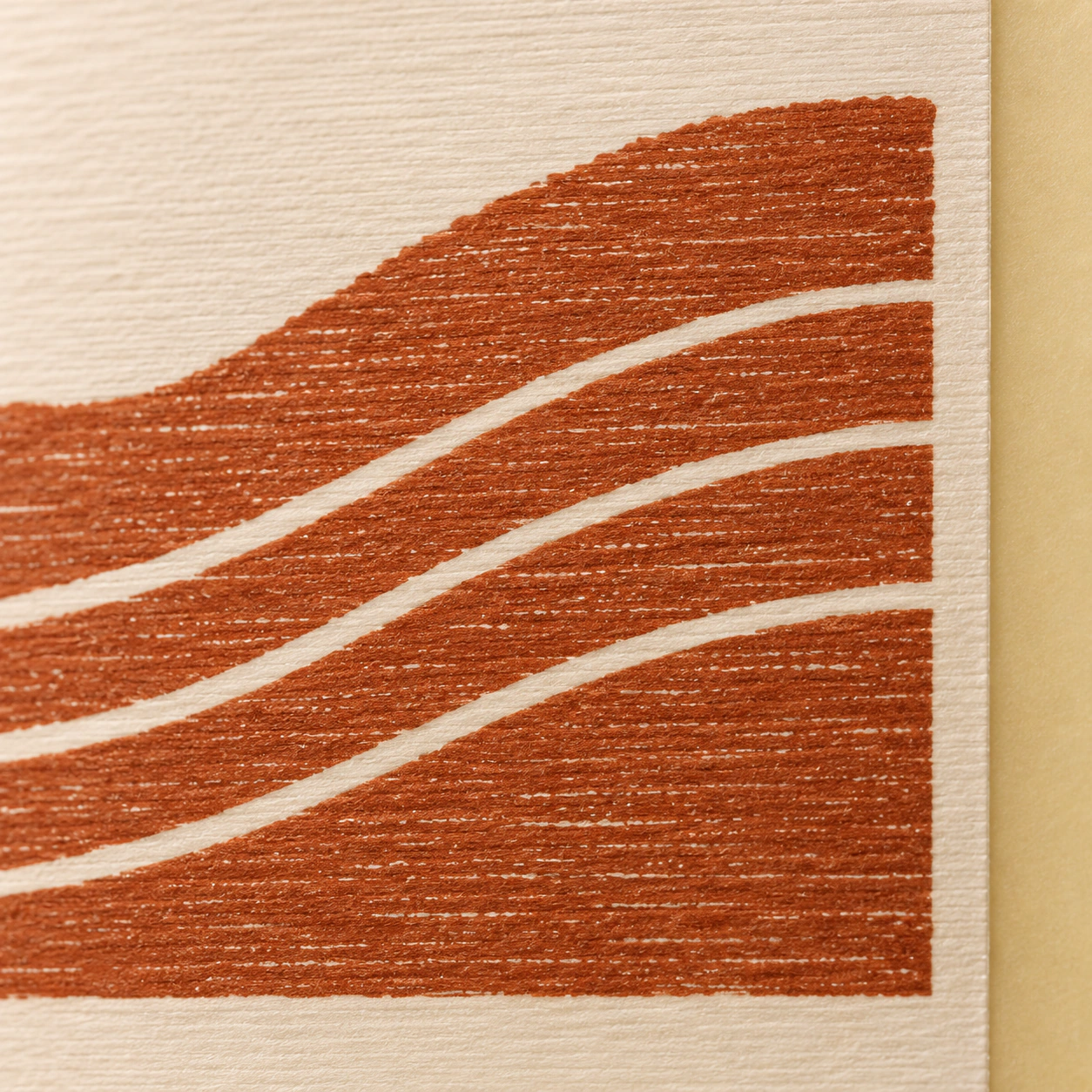
AI concept visual: Close-up of terracotta ink and three unprinted terrace lines on cream laid paper, beside the cut edge and liner
Terracotta ink and unprinted lines on textured cream paper · AI concept

Adhesive & Application

The liner supports the label until it is applied. The adhesive must suit the actual pack and how it will be used.
Surface & handling
Identify the surface, curvature, temperature at application and later conditions. State whether clean removal is needed.
Trial on the pack
Agree the face, adhesive and liner combination against a representative container. Chilling, moisture or repeated handling need a specific trial.
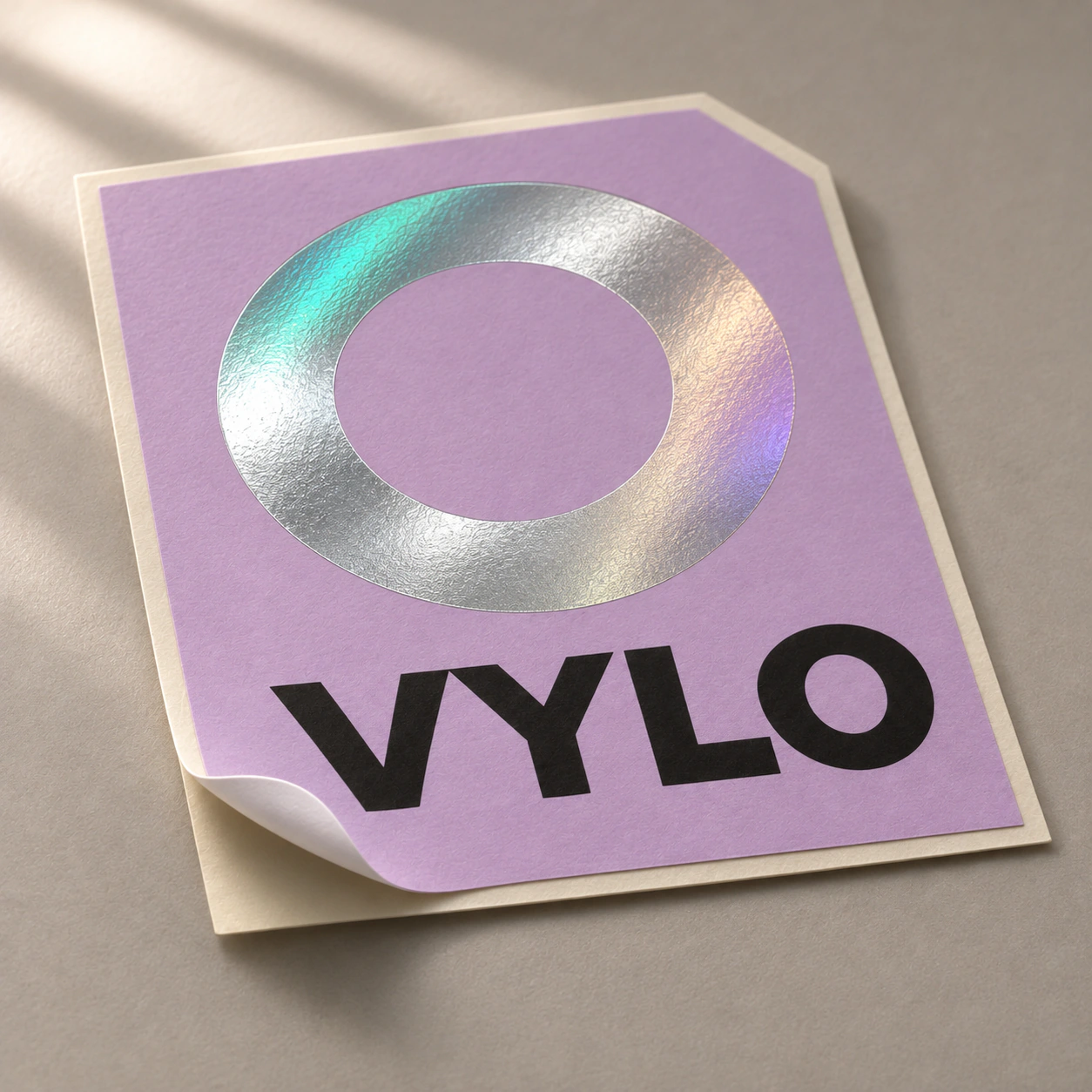
AI concept visual: The lower left corner of the VYLO label lifts off its ivory liner as the foil ring catches a silver reflection
A lifted corner separates the printed face from its backing · AI concept

Printing & Finishing

A surface accent needs its own artwork reference. Its position matters as much as the effect itself.

Print & proof
Provide the artwork revision, color target and proof reference. Confirm the print method for the chosen face and quantity.
Foil & reflective areas
Mark special areas on a separate layer. Check placement near type, the cut edge and any code. Agree the appearance on a physical sample where reflectivity matters.
AI concept visual: Gold foil on the O and part of the S catches the light beside the matte teal paper and curved die-cut edge
Reflective gold lettering on a matte teal face · AI concept

Shape, Format & Identification

Define the finished outline, how the label will be dispensed and the space any identifier needs.
Dimensions & cut line
Give width and height, or a circle diameter. Mark bleed, corner shapes and narrow points separately from the print.
Rolls or sheets
For machine application specify unwind direction, core and maximum roll diameter. For labels supplied on sheets, agree on the layout and how the labels will be peeled.
Variable content
Provide approved data, intended reader and clear margins. For changing serials or Data Matrix, agree file ownership, print compatibility and acceptance checks separately.
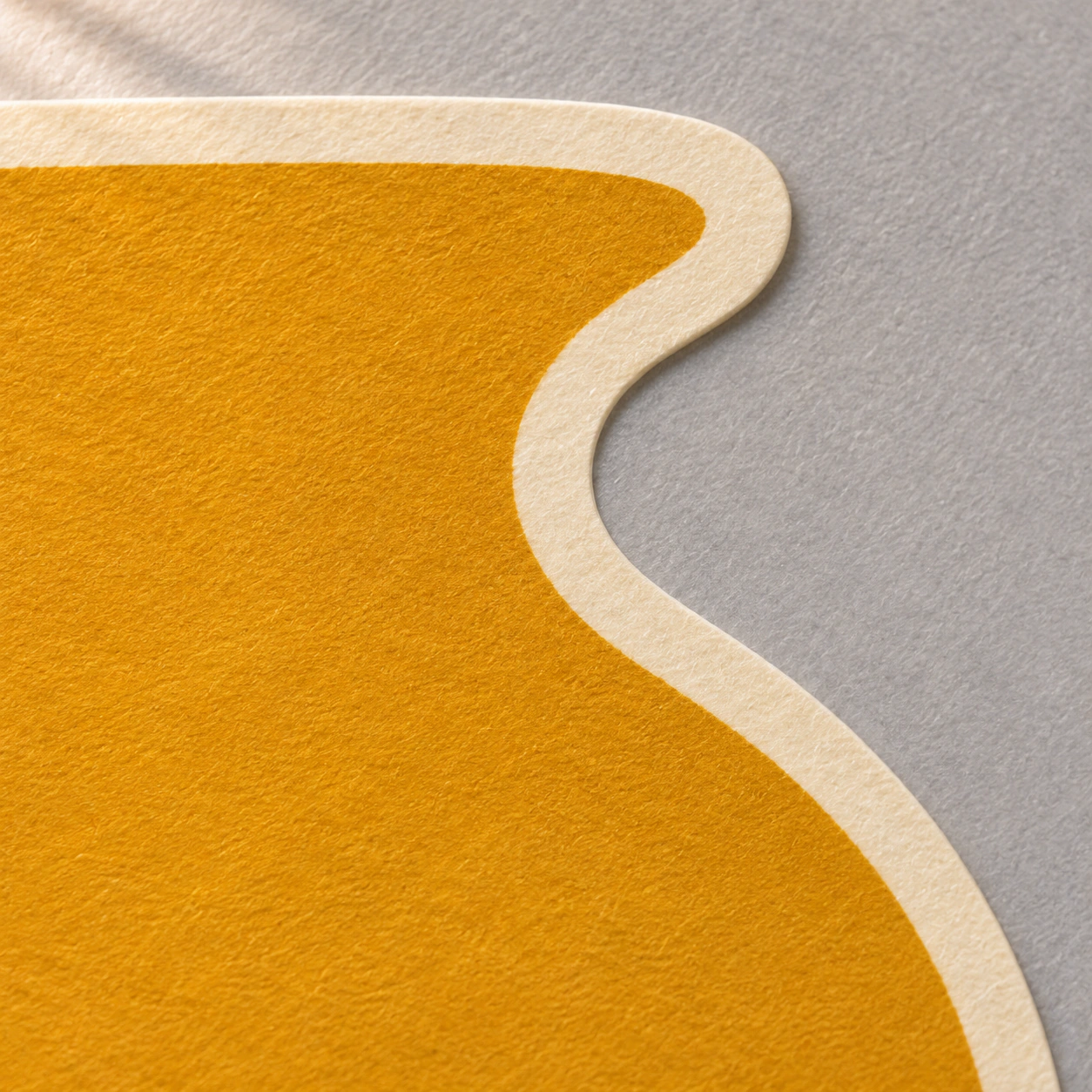
AI concept visual: Close-up of the inward curve below the vase lip, showing ochre ink, an unprinted ivory margin and the physical cut edge on the gray liner
The cut edge follows the narrow neck of a custom outline · AI concept

04 / Project process

From Brief to Finished Labels

  1. Requirement Assessment

    Provide the pack, usable area, quantity by design, destination and application method. Choose an outline that leaves mandatory copy readable.

  2. Material & Adhesive Selection

    Compare paper and adhesive on the actual surface. Agree the handling conditions and the purpose of any material trial.

  3. Artwork & Prepress

    Supply approved copy, cut path, color reference and finish layers. Check small type, code margins and version data before signing off the proof.

  4. Printing & Finishing

    Use the approved revision to review color, register and any foil mask against the agreed appearance.

  5. Die Cutting & Conversion

    Compare the cut edge with the approved path. Confirm release from the liner, roll direction or sheet layout.

  6. Quality Inspection & Delivery

    Agree the acceptance reference and any reading checks. Separate versions and confirm counts, protective packing and destination.
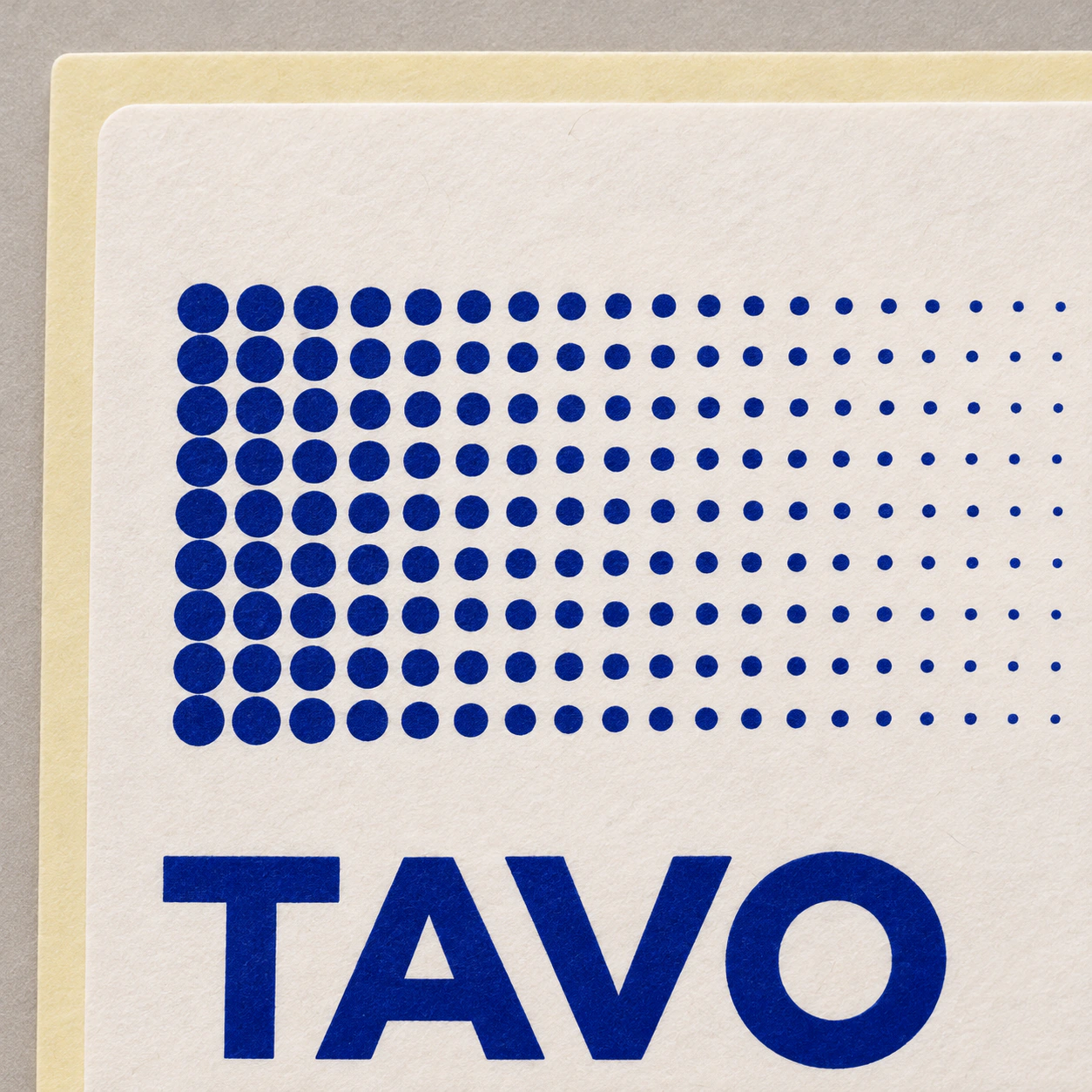
AI concept visual: Close-up of the cobalt dots decreasing in size across the paper face, with the cut edge and pale liner visible
Artwork at print sizeCompare the smallest dots and letter edges with the signed-off proof.AI concept visual
AI concept visual: The lower left edge of a vase-shaped KELVO label lifts to reveal its ivory underside and the flat gray liner
Cut and releaseFollow the liner around the narrow neck of the label when approving its outline.AI concept visual

05 / Quality control

Quality Control

AI concept visual: Cream RILVA label following the curve of a dark olive glass wine bottle below the shoulder
Check the printed area where the label curves around the bottle. AI concept visual.

Use the agreed proof, cut path and a representative pack as the references. Specify the acceptance criteria with the order.

Color consistency
Compare the print with the approved color reference on the agreed label face.
Print registration
Check that printed colors and finish areas align with one another and with the cut path.
Artwork accuracy
Match text, graphics and version identifiers to the signed-off proof.
Die-cut accuracy
Inspect borders, narrow corners and release from the liner against the approved outline.
Adhesive performance
Agree the surface, trial conditions and acceptance criteria for edge lift or removal.
Code readability
For coded jobs, check the approved data, clear margin and contrast on the finished pack with the intended reader. Agree formal grading separately if required.

06 / Buyer questions

FAQ

What matters for cosmetic label printing on curved jars?

Measure the area where the label will sit, including any taper. Describe exposure to water or oil and whether the jar is dry when labeled. Try the proposed paper and adhesive on a filled container before approving the run.

What changes the estimate for bulk label printing?

List the quantity per design and note which versions share a cut shape, paper and finish. Changing one color or copy block can require a separate setup. Specify how each SKU should be labeled and packed.

How should I prepare barcode artwork for packaging label printing?

Provide the approved symbol at its intended size with its clear margins intact. Mark the position on the container so the reviewer can check contrast, curvature and nearby seams. Agree on any verification method with the buyer receiving the labels.

What files should I prepare for artwork review?

Provide a finished-size layout, approved text and a separate cut path. Identify foil or other special areas and supply the color reference. Agree the file format and bleed with the artwork reviewer before exporting final files.

What should I include when requesting a roll or sheet quote?

Give the finished size, quantity per design, pack surface, artwork status and destination. For hand application, explain how the labels will be picked. For a labeling line, include the unwind direction, core size and maximum roll diameter.

How can I check the adhesive before ordering?

Describe the pack surface and conditions both at application and in use. If adhesion or clean removal matters, agree a trial on a representative container. Sample type, cost, timing and acceptance criteria need confirmation for the order.

Discuss Your Label Printing Project

Share the size, quantity per design, pack surface and artwork status. Include your application method and delivery destination.

Find contact information →
Request a Quote
Chat on WhatsApp