Catalog & Brochure
Give dealers a consistent way to compare models. Start with one representative product family, then estimate the number of panels or pages the full range needs.
One folded sheet can introduce a range at a trade show. A catalog gives distributors room to compare models and order codes. For brochure or catalog printing, send the finished size, a rough page plan and a copy count for each edition.

01 / Project scope
02 / Related formats
For a multi-page sales booklet, start with Catalog & Brochure and specify the page count and binding in your brief.
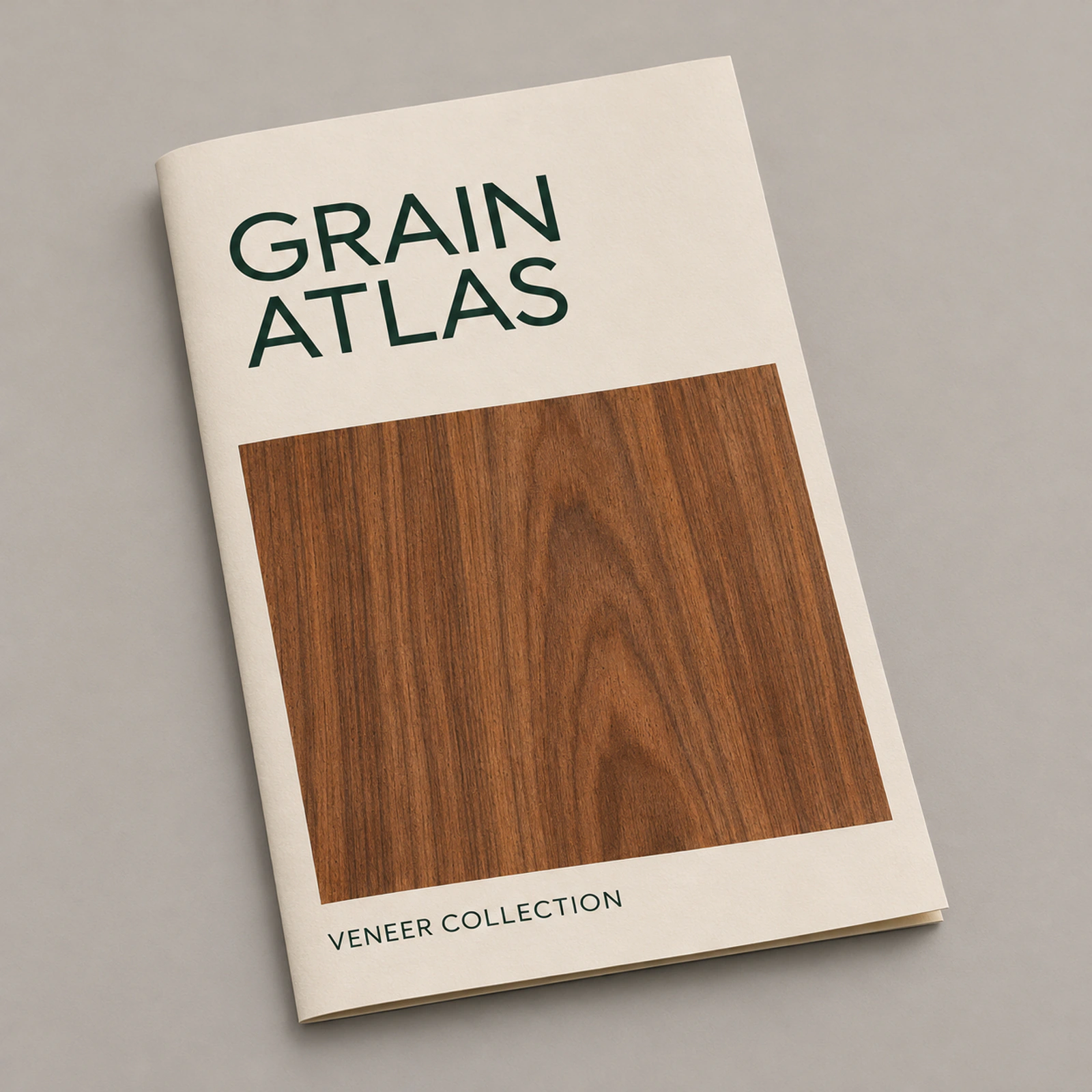
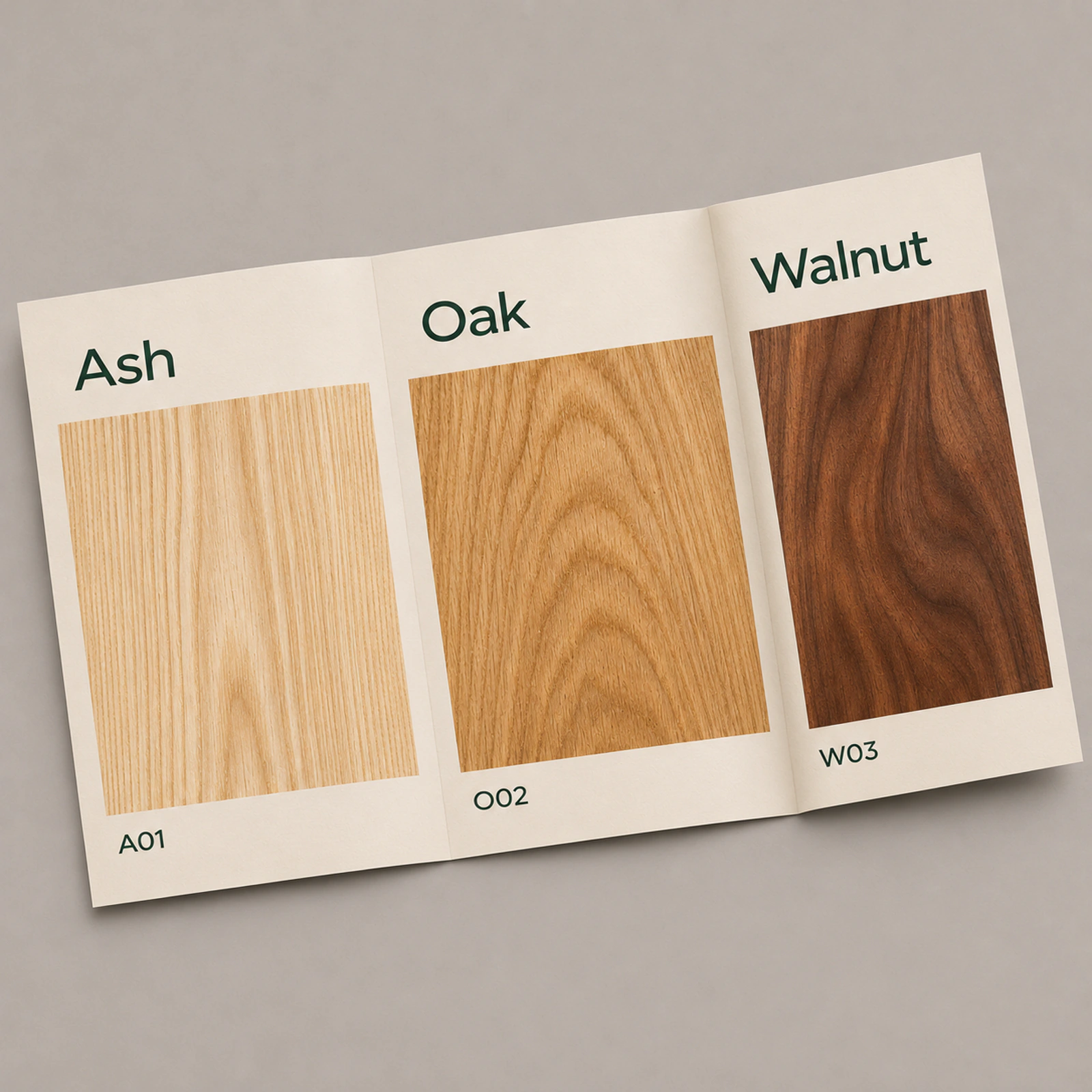
AI concept visuals · overall and inside views.
Give dealers a consistent way to compare models. Start with one representative product family, then estimate the number of panels or pages the full range needs.
{kind=ai-study}

If dealers change price sheets between catalog editions, quote a separate folder for those loose updates. Check the full stack in the pocket before approving the fold.


Choose an image-led issue for a seasonal collection or brand story. Plan photographs across facing pages and keep garment details clear of the fold.
03 / Printing options
Select the cover for handling and the inside pages for reading. A paper sample tells you more about glare and opacity than its weight alone.

A folded sheet opens in panels. A booklet turns in leaves. A catalog may use either construction, depending on the amount of information.

A distributor comparing finishes or fabric shades needs a stable color reference across copies and later editions.
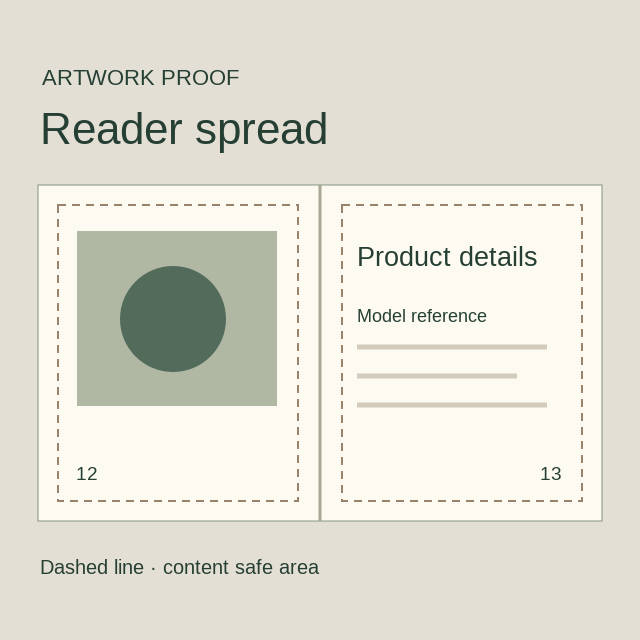
Supply a reading-order PDF and a revision reference. For a folded piece, include both sides of the flat sheet and a folding guide.
04 / Project process
Identify the reader, market, closed and open size, extent and copies per version. List the delivery points.
Compare swatches and a folded or bound dummy. Check panel order, opening and the thickness of the whole piece.
Preflight the files and fonts. Cross-check photos, order codes, units and references against the buyer’s approved product list.
Have the product owner sign off names, units and specifications against the edition list. Use a folded dummy for opening order and agree a physical reference for critical colors.
Use the approved revision and color reference. Confirm the sequence for printing, finishing, folding or binding and trimming.
Check finished copies against the proof. Protect corners and spines, separate editions, and confirm counts and destination labels.
05 / Quality control

Check a finished copy against the approved content file, color reference and construction sample for that edition.
06 / Buyer questions
Give the open and folded sizes, identify the cover panel and show the order in which the reader opens the sheet. Ask for the panel template before setting narrow columns or placing artwork across a fold.
Give each printer the same trim size, page count, cover and text papers, binding, quantities and destinations. For a multilingual catalog, show which pages change and how many copies belong to each language.
For a booklet stapled through the fold, each sheet folded once contributes four pages. Include blank pages and state whether your count includes the cover. The paper thickness and total page count determine whether the booklet will close and trim cleanly. Review a folded dummy.
Fold a blank sheet to the intended pocket size and lay out the key message. If the remaining panels cannot hold the instructions legibly, move to a paginated booklet. For a catalog, also allow space for finding and comparing items.
Send the master revision, a list of changed pages and quantities by language. Mark any translated text that reflows, then recheck the table of contents and the links between product codes and images.
A PDF is useful for type, page order and content. For color-critical images agree a physical reference. For fold direction, spine width or how a spread opens, request a structural dummy and confirm sample terms for the project.
Share the print format, quantities by version, finished size and page count. Include stock preferences, fold or binding, artwork status and delivery market.
Find contact information →WhatsApp contact details are not configured yet.
View contact information