Catalog & Brochure
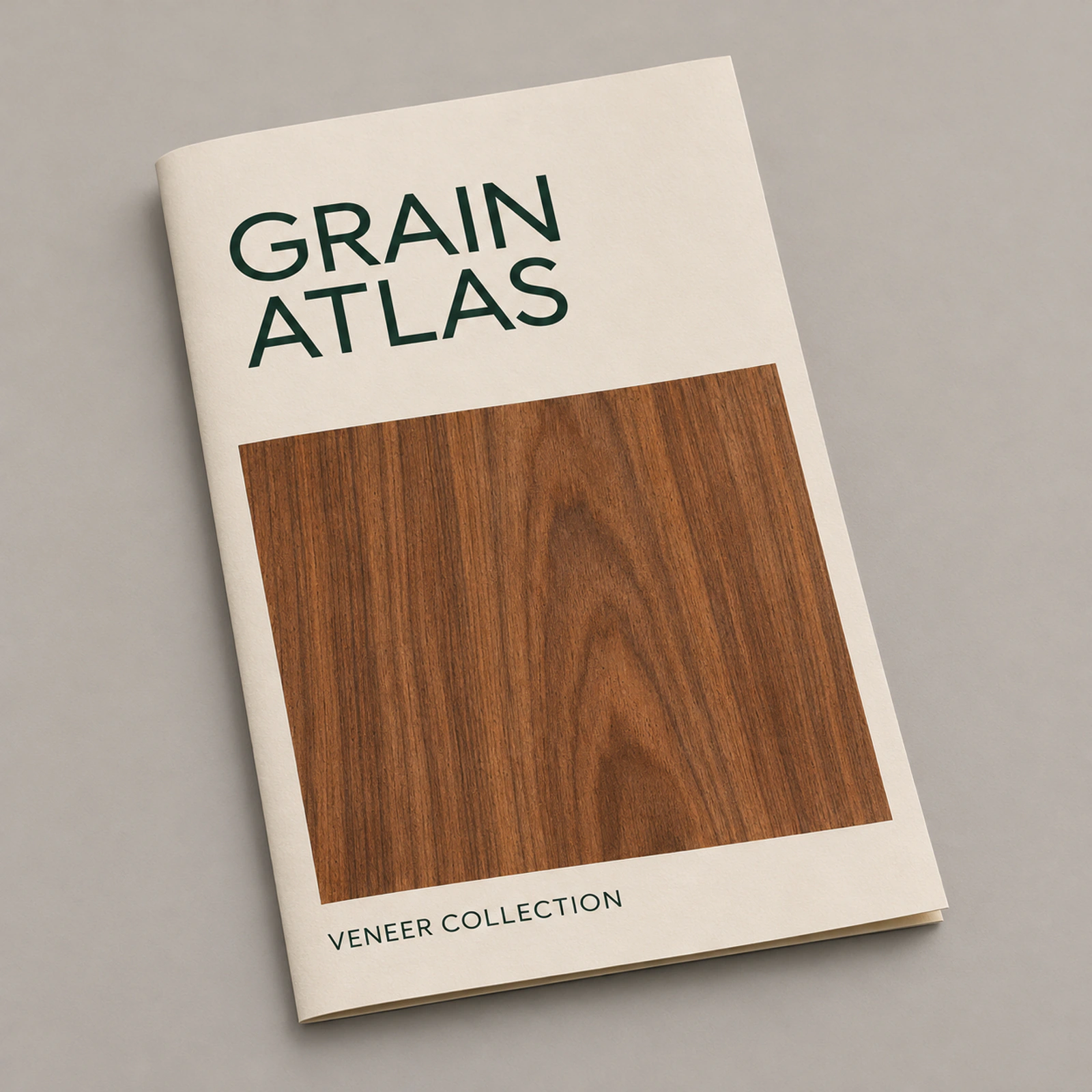
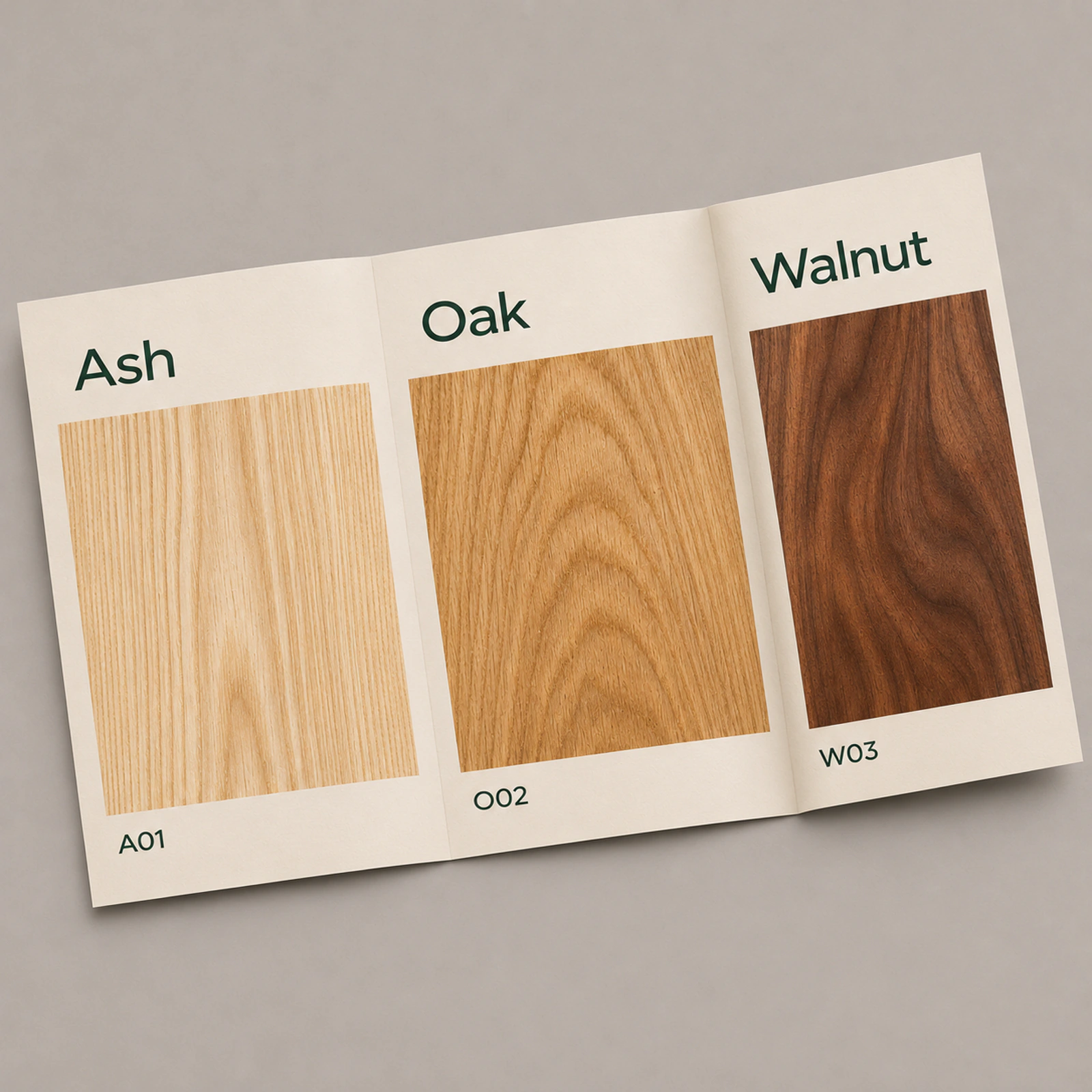
For region-specific price lists, identify the common pages and the pages that change. Review page count, coverage and binding before choosing the print route.
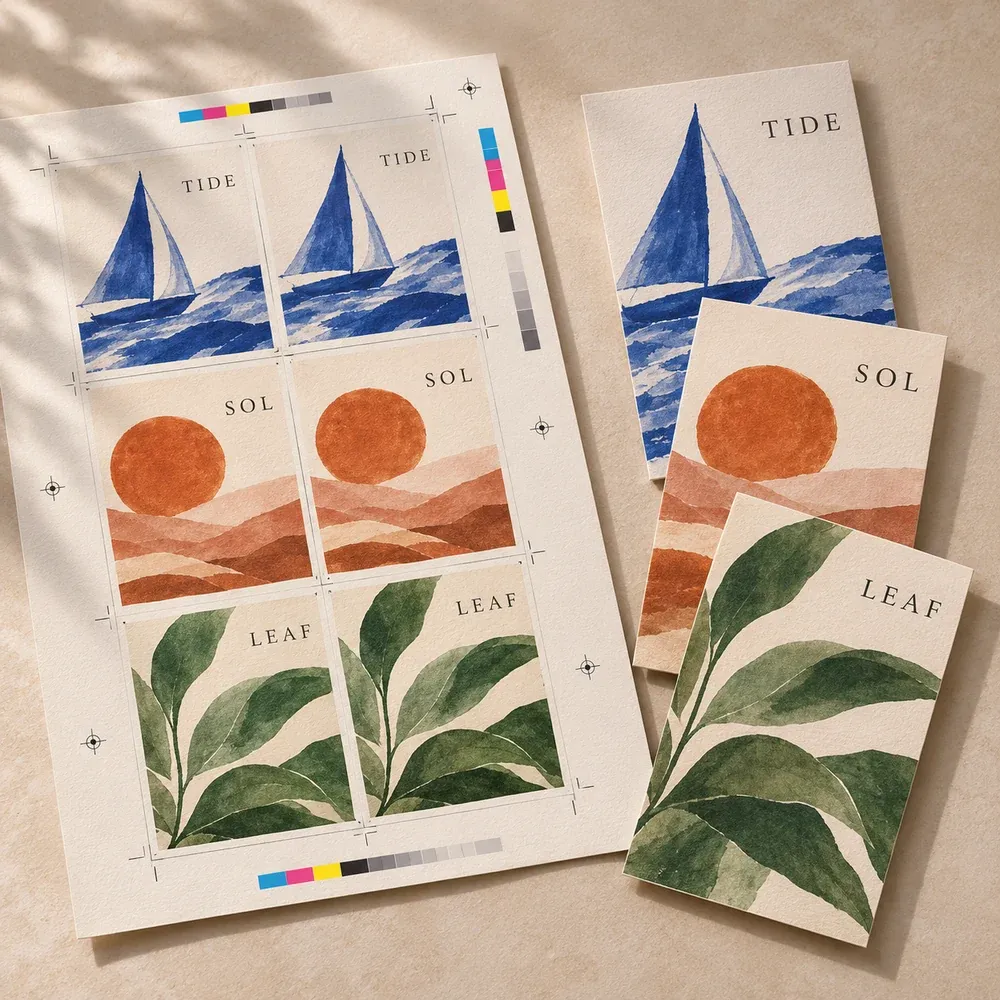
Commercial digital printing can suit dealer sheets, rack cards and catalogs with several versions. Break the order down by file before comparing print routes. A thousand identical sheets and ten editions of a hundred have different setup requirements.
01 / Project scope
02 / Related formats
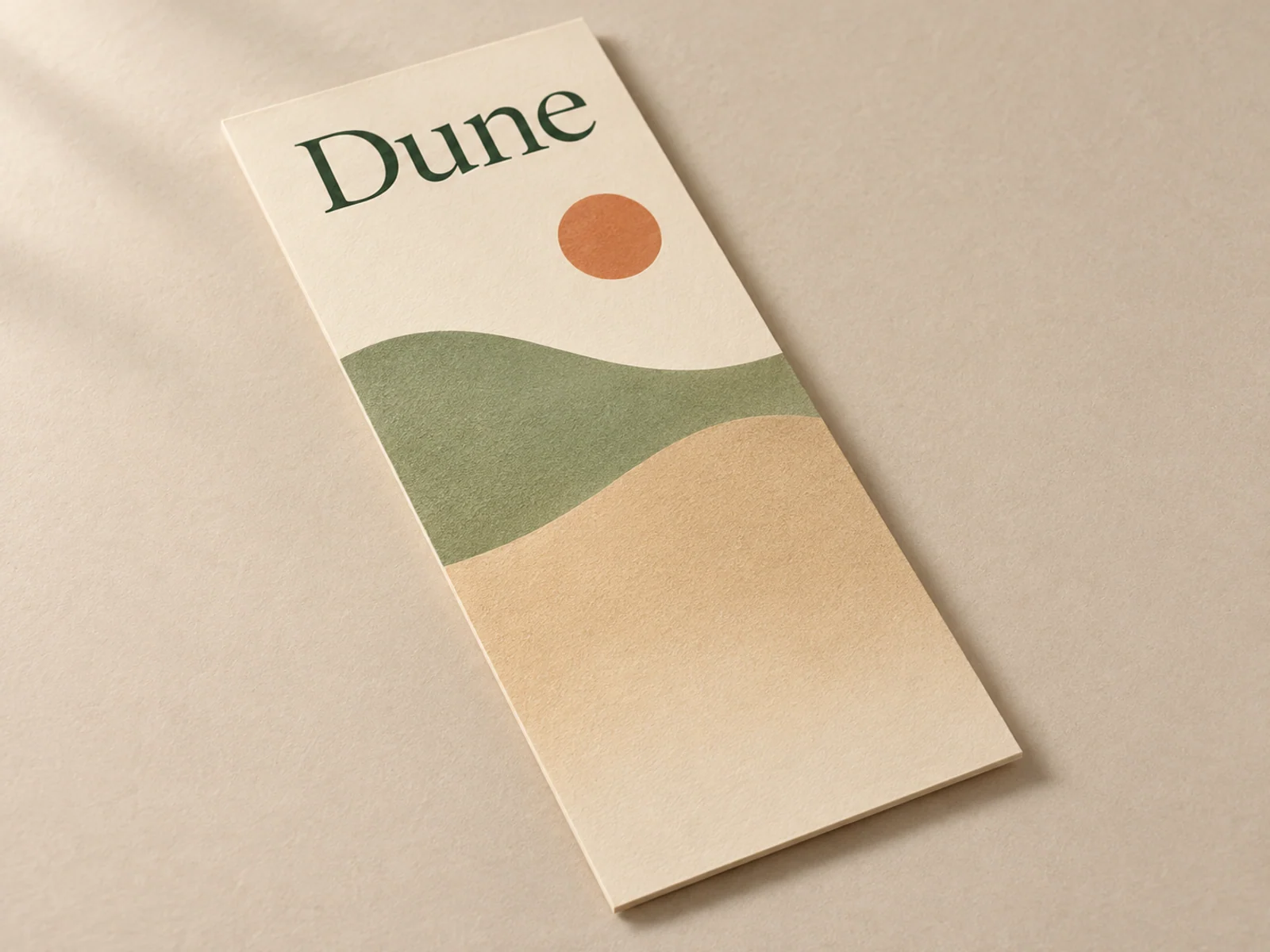
These catalog formats are starting points for a print review. The paper, printed area and finishing determine which parts can run digitally.
AI concepts showing the cover, interior or layout of each format.
For region-specific price lists, identify the common pages and the pages that change. Review page count, coverage and binding before choosing the print route.
{kind=ai-study}
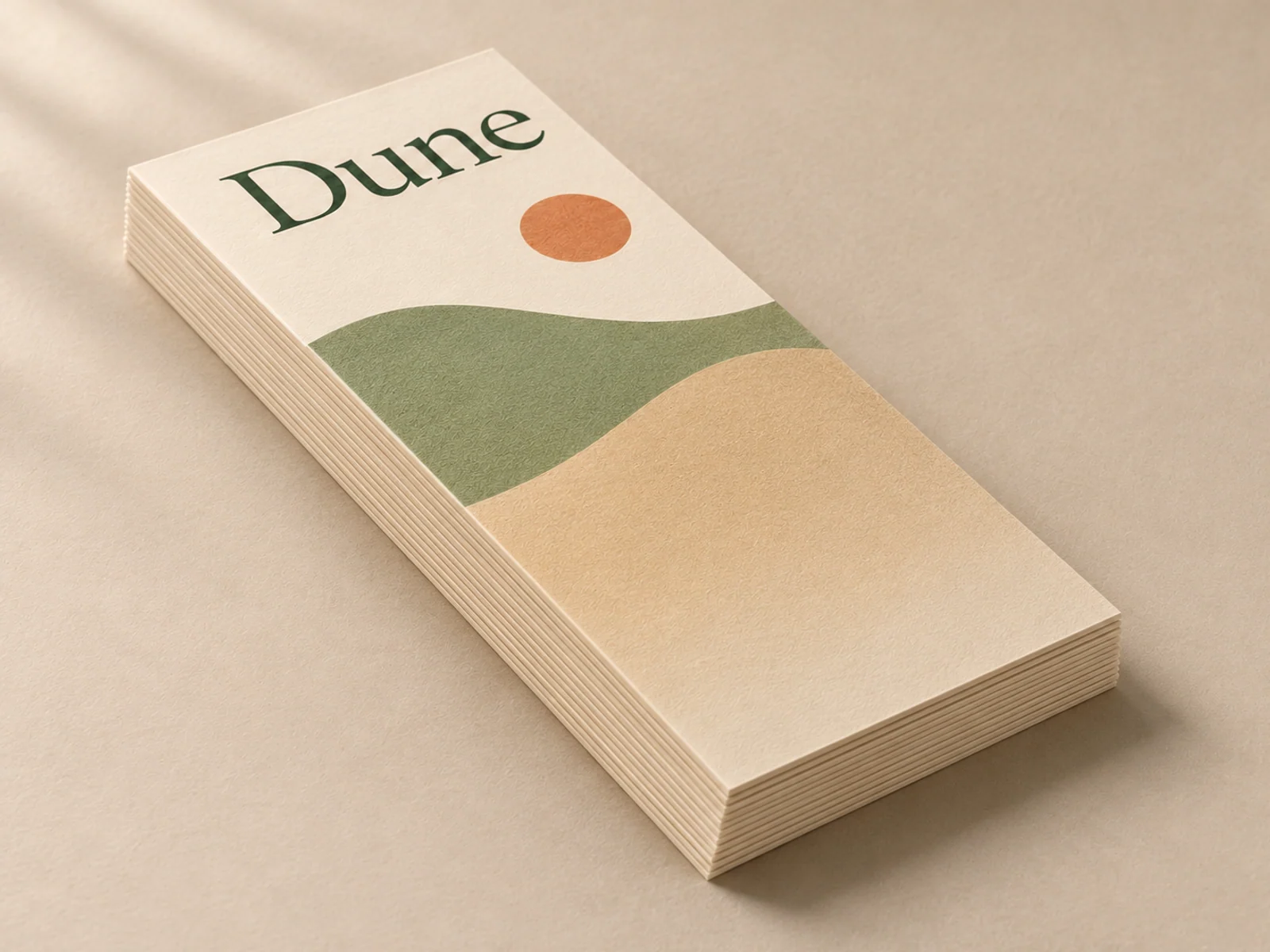
Send the copy count for each dealer address and identify any shared backs. Check the text at finished size in the rack pocket.


A shared notebook cover can accompany different training pages. Specify the printed page block separately from the cover wrap and any cover decoration.
03 / Printing options
Compare digital printing services by run size per design and by total order size. The cost of changing artwork can matter as much as the number of sheets.
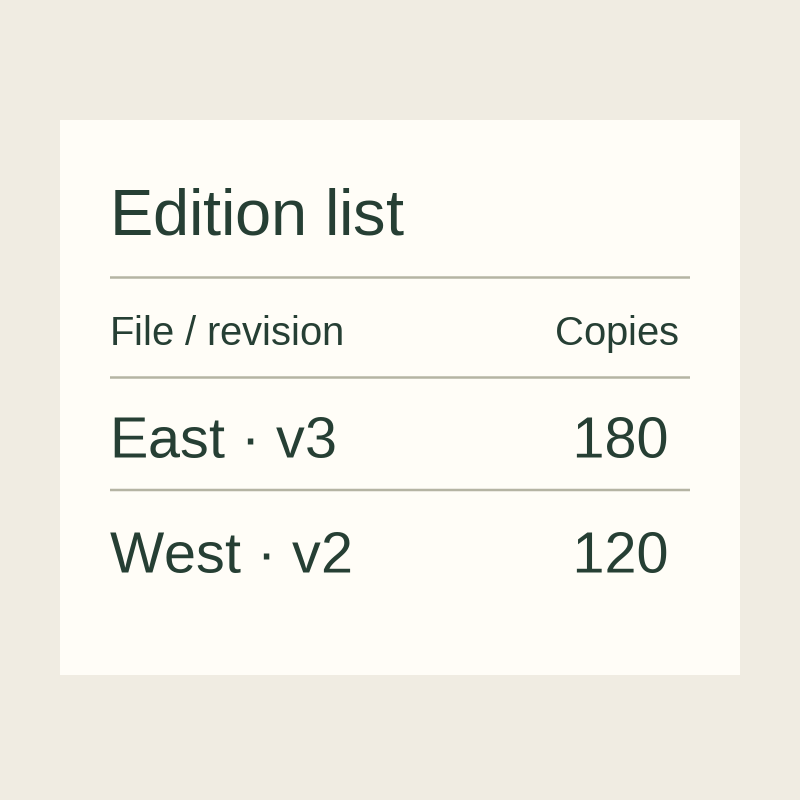
Start with a named stock or a physical sample. A sheet that looks right can still feed, fold or take color differently.
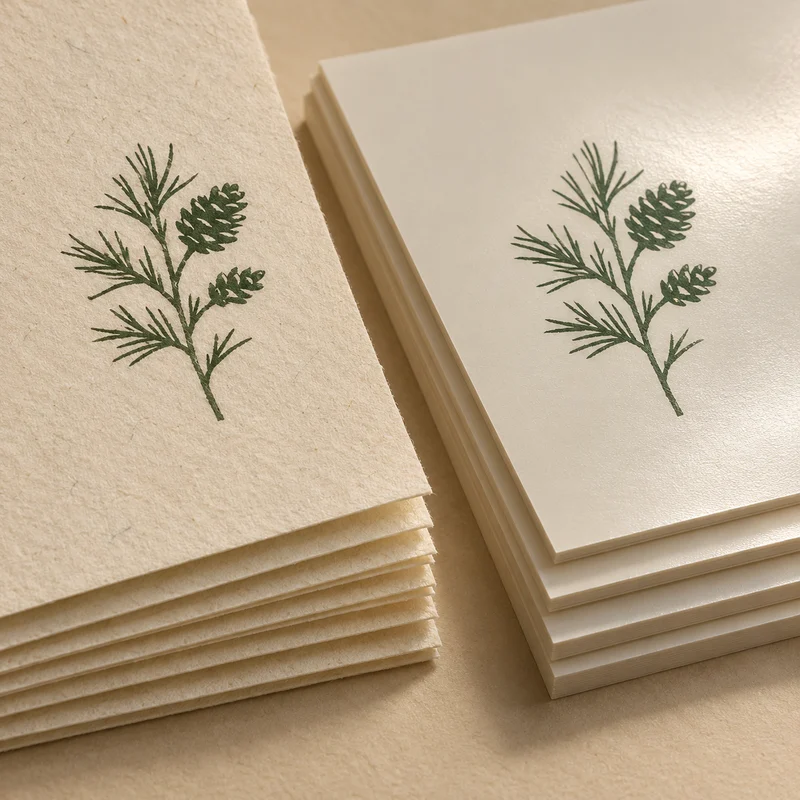
Give the printer a physical reference for a critical brand color and identify the artwork elements that need the closest match.
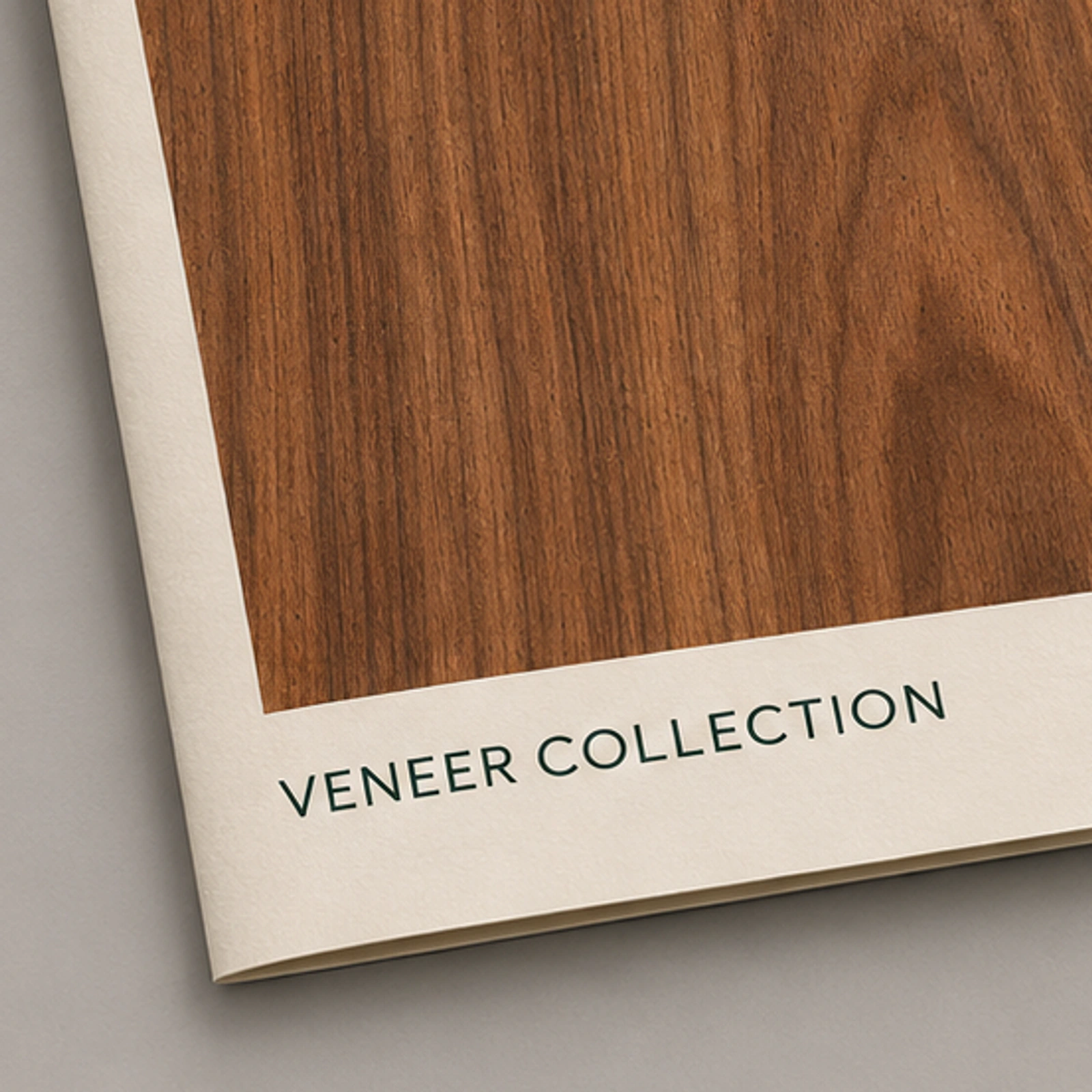
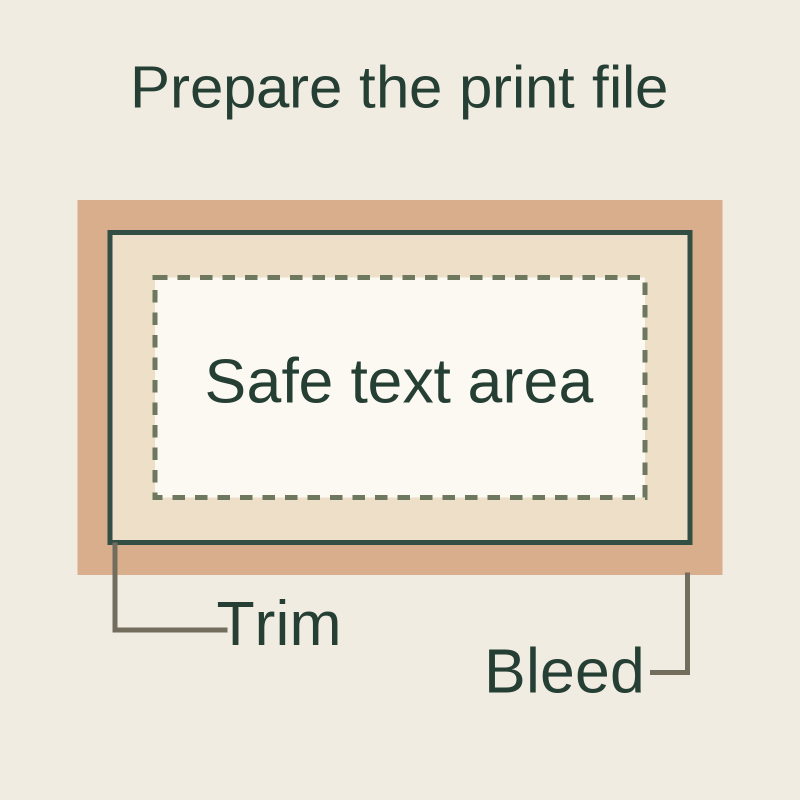
Supply a print-ready PDF for each edition and match its filename to the order list. Mark replacements clearly so an older file cannot enter a rerun.
04 / Project process
List the product, dimensions, use, destination and quantity for each design. Flag expected reorders.
Check whether the stock, printable area, coverage and finishing suit the proposed process. Confirm the quotation on that basis.
Match each PDF to the order list. Check fonts, linked images, page sequence and artwork scale.
Record the filename and revision on the proof. Separate content approval from any physical color or finishing approval.
Release approved versions only. Trim inserts, fold brochures or bind page blocks as specified in the order.
Reconcile finished quantities against each edition. Separate and label packs for the correct recipient.
05 / Quality control
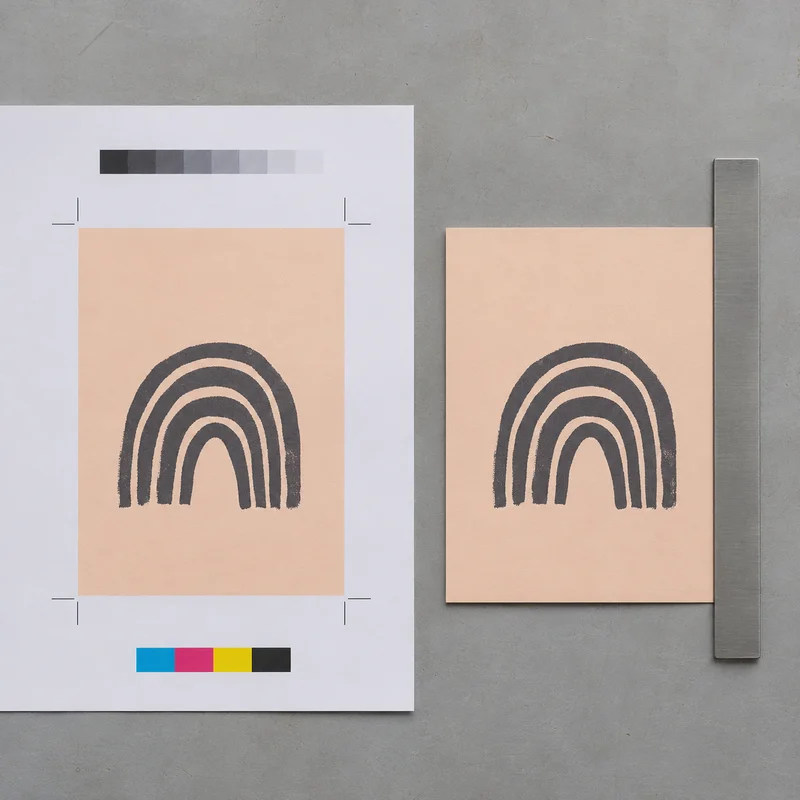
Keep an approved reference for each edition. At inspection, match the physical print and its pack label to the same line of the order.
06 / Buyer questions
Ask for the same finished size, paper, ink coverage, finishing and packing on both quotes. Separate setup costs from the run cost and show the quantity per design. A change in paper or edition count can change the comparison.
Name the sheet if known, or send a sample with its weight, surface and finished use. Identify heavy solids, small reversed type and folds. Confirm compatibility and check those areas on an agreed print sample.
Send a small dummy data file with fictional values, a field map and examples of the longest entries. Agree who prepares the records, how the proof will be checked and how finished versions will be kept in order before quoting personalization.
Start with the part you need printed. A catalog interior, a two-sided insert and notebook pages have different stocks and finishing steps. Send the dimensions, artwork and intended construction so compatibility can be checked.
Provide one clearly named print PDF per version and a matching order list. Include the trim size, agreed bleed, embedded fonts and a reference for critical colors. Flag artwork still awaiting approval.
Include the product, finished size, stock preference and quantity for each file. Add finishing, color references and packing or delivery notes, even if some choices are still open.
Find contact information →WhatsApp contact details are not configured yet.
View contact information