Custom Die-Cut Label
A custom die-cut label follows a supplied outline rather than a standard circle or rectangle. The artwork, cut path and usable application area are separate decisions. Set the shape first, then test how the finished label peels and applies.
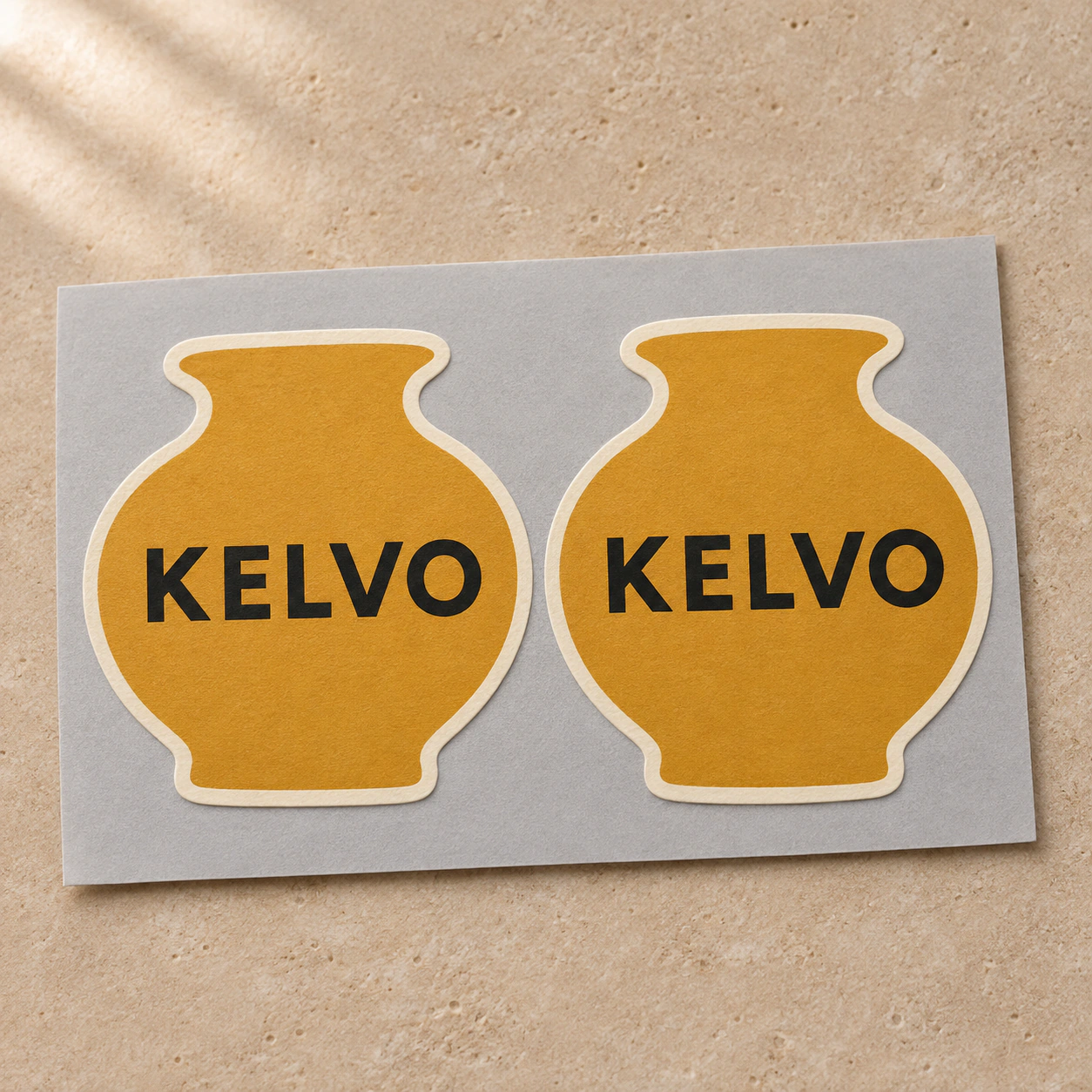
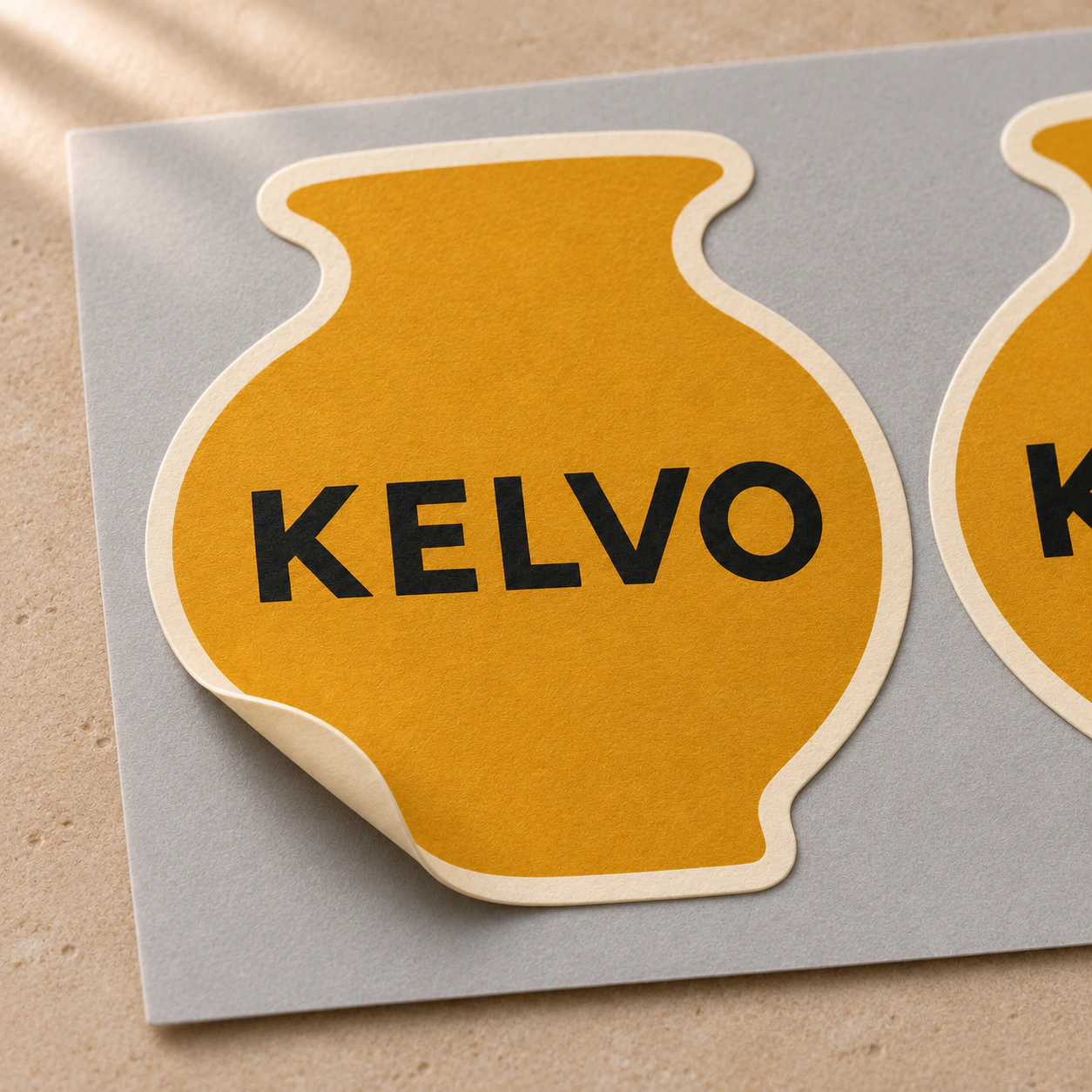
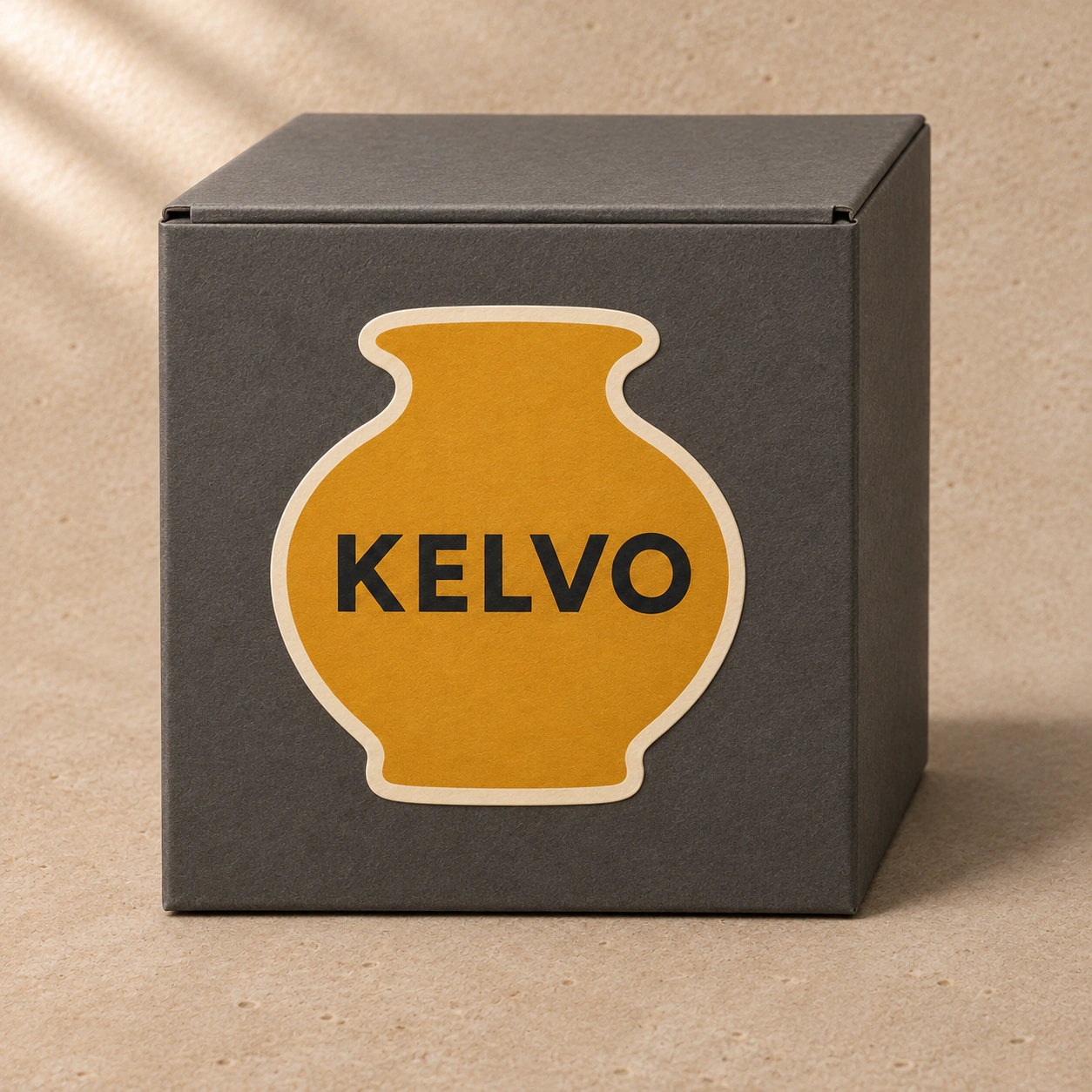
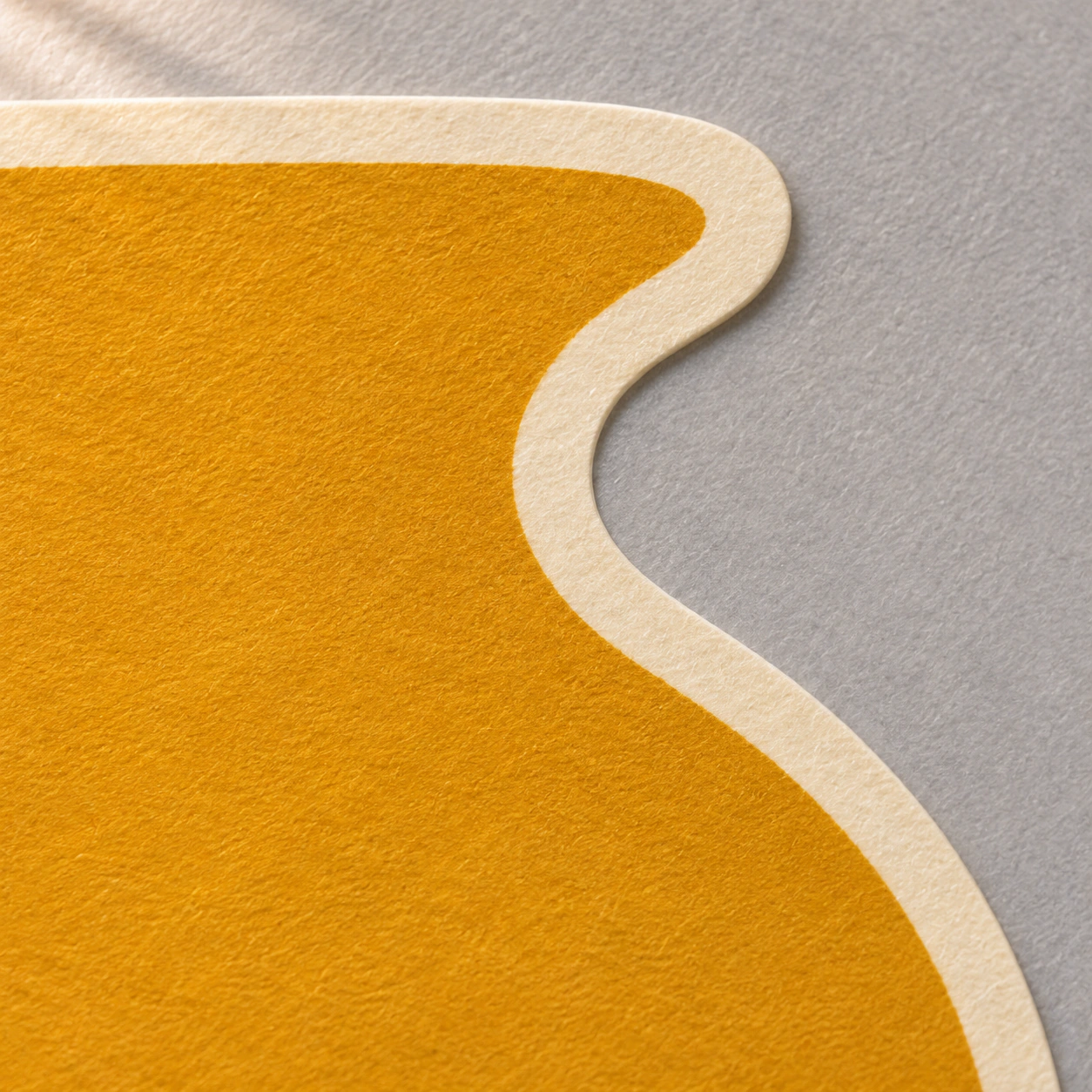
AI concept visuals. Final materials and finishes depend on project confirmation.
Product specifications
- Outline
- Supply a vector cut path and the finished width and height of the shape.
- Handling
- Identify narrow tips, inside corners and the edge the user or machine will lift first.
Materials & customization
Materials & construction
- Material selection
- Choose face stock and adhesive for the intended surface. A successful cut on one stock does not establish suitability on another.
Artwork & print
- Design review
- Allow printed background to extend beyond the cut if the design needs edge-to-edge color. Agree bleed and clearance with the approved drawing.
Selection notes for Custom Die-Cut Label
Distinguish the Cut Line From the Printed Border
The cut line defines the finished edge; a printed border is part of the artwork. If a narrow border follows the contour, variation between print and cut positions can become conspicuous. Essential text and small details need appropriate clearance from the edge. The production setup and allowable variation must be agreed for the design, not guessed from its name.
Review Fine Shapes for Handling as Well as Appearance
Narrow sections and intricate curves can make a label more difficult to handle during removal and application. A shape that looks appealing as a drawing may be awkward in use. Consider a simpler outline where the detail does not contribute to recognition, and assess representative samples before treating a complex contour as production-ready.
Keep Material Suitability Separate From Shape
A custom outline does not establish adhesive behavior, surface compatibility, or durability. The face material and bond requirements still depend on the actual object and environment. The shape also does not establish security or traceability functionality; printing an identifier and operating a data or authentication system are separate scopes.
Applications
- Shaped product marks
- A contour can follow a brand symbol or fit an irregular panel when essential text remains legible at size.
Artwork & order preparation
- For your quote
- Give the cut path, pack surface, hand or machine application and quantities per design. For rolls, include liner width and unwind requirements.
FAQ
Do die-cut roll labels need a different artwork outline from sheets?
The finished outline can be the same. Roll layout also has to account for repeat, direction and how the label releases. Share the applicator requirements before the layout is approved.
What if I only have a logo image and no cutting outline?
Identify which parts should define the outer edge and provide the desired finished size. A logo file alone may not distinguish printing from cutting; agree any outline-preparation work separately.
How do I approve a complex outline?
Check representative cutting and handling, including peeling and placement, as well as the graphic appearance. Keep the approved outline revision matched to the artwork and material specification.
Related products
Other formats in this collection
Related service · Label Printing
Request a quote
Add the preferences you know. You can discuss undecided specifications later.
